当前位置:网站首页>wangEditor富文本编辑器使用、编辑器内容转json格式
wangEditor富文本编辑器使用、编辑器内容转json格式
2022-04-22 03:15:00 【SUPER_童】
wangEditor富文本编辑器好处:可以吧文本编辑器中的内容转成json格式,方便app、小程序使用
wangEditor官网
wangEditor官方文档
wangEditor官方下载
下载好之后找到wangEditor.js文件。然后引入进去。以下是我使用的一些功能
<!DOCTYPE html>
<html>
<head>
    <meta charset="UTF-8">
    <title>wangEditor demo</title>
</head>
<body>
<button id="btn1">BOTTON</button>
<div id="editor">
    <p>欢迎使用 <b>wangEditor</b> 富文本编辑器</p>
</div>

<!-- 注意, 只需要引用 JS,无需引用任何 CSS !!!-->
<script type="text/javascript" src="/wangEditor.min.js"></script>
<script type="text/javascript">
    var E = window.wangEditor
    var editor = new E('#editor')
    // 或者 var editor = new E( document.getElementById('editor') )
    // 自定义菜单配置
    editor.customConfig.menus = [
        'head',  // 标题
        'bold',  // 粗体
        'fontSize',  // 字号
        'fontName',  // 字体
        'italic',  // 斜体
        'underline',  // 下划线
        'strikeThrough',  // 删除线
        'foreColor',  // 文字颜色
        'backColor',  // 背景颜色
        'list',  // 列表
        'justify',  // 对齐方式
        'quote',  // 引用
        'image',  // 插入图片
        'undo',  // 撤销
        'redo'  // 重复
    ];
    //上传图片接口
    editor.customConfig.uploadImgServer = '/api/upload/upload_images_desc.html';
    editor.create();
    editor.txt.html('<p>用 JS 设置的内容</p>');
    //点击按钮获取对应内容
    document.getElementById('btn1').addEventListener('click', function () {
        var json = editor.txt.getJSON()  // 获取 JSON 格式的内容
        var jsonStr = JSON.stringify(json)
        console.log(json)
        console.log(jsonStr)
        console.log(editor.txt.html()) //获取内容
    })

</script>
</body>
</html>
上传图片接口的返回值格式
{
    // errno 即错误代码,0 表示没有错误。
    //       如果有错误,errno != 0,可通过下文中的监听函数 fail 拿到该错误码进行自定义处理
    "errno": 0,

    // data 是一个数组,返回若干图片的线上地址
    "data": [
        "图片1地址",
        "图片2地址",
        "……"
    ]
}
具体请参考刚放文档,不具体细说了!!!!哈哈哈哈
版权声明
本文为[SUPER_童]所创,转载请带上原文链接,感谢
https://blog.csdn.net/weixin_40354683/article/details/89532829
边栏推荐
- Wordpress blog Building Guide
- tetracosa-. Deep and shallow copies of classes
- [BJDCTF2020]Cookie is so stable(漏洞原理详解)
- 别人写的叫博客,自己写的叫笔记
- Driverless virtual simulation (14) -- traffic sign recognition in image processing 2
- 二十六.以主程序形式运行main
- Evolution and construction of data warehouse architecture
- 第9章 内核同步介绍
- moudle中的activity跳转到主项目的activity
- leetcode-字典序
猜你喜欢

Go language -----30-----token mechanism, WeChat official account signature verification method, XML parsing, CDATA parsing, exchange protocol, receive message protocol, passive reply message protocol,
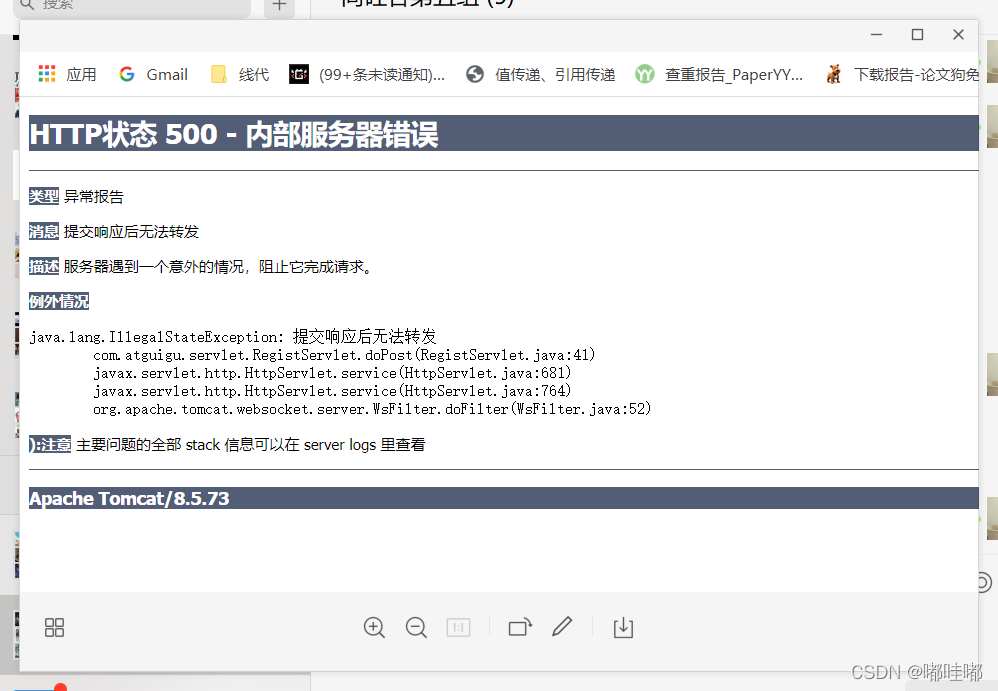
500错误,提交响应后无法转发

kerberos認證協議
![[WUSTCTF2020]朴实无华](/img/7f/db81436e898dd2e5af08e57a5024bf.png)
[WUSTCTF2020]朴实无华

嘉戎技術深交所上市破發:公司市值41億 應收賬款2.8億

终于看清阿里,美团,京东这些企业的真面目了
Rest assured obtains logs to files and displays them in combination with the allure report

Allegro gerber文件路径设定

Driverless virtual simulation (14) -- traffic sign recognition in image processing 2

Competition conference of the most fully quantified hardware facilities in the whole network
随机推荐
OneFlow 的 Global Tensor 学习笔记和实习总结
Promise me not to empty if (obj = null)
Saas.数据隔离持久化方案
Wordpress blog Building Guide
Allegro gerber文件路径设定
[NCTF2019]Fake XML cookbook
Using pytest to play with data-driven testing framework
【Laravel系列4.7】连接redis以及缓存应用
An article takes you to play with C language variables and data types
72. Edit distance
500错误,提交响应后无法转发
Protocole d'authentification Kerberos
收藏的技巧链接
Driverless virtual simulation (13) -- traffic sign recognition in image processing 1
Sword finger offer special breakthrough version 91. Painting the house
TestNG learning notes
List of persons elected to IEEE fellow in 2022
吉他乐理整理
Wechat H5 payment (reporting cross domain issues)
Web automation master card in file upload and pop-up processing?