当前位置:网站首页>【技巧】借助Sentinel实现请求的优先处理
【技巧】借助Sentinel实现请求的优先处理
2022-08-04 03:48:00 【夫礼者】
“因为业务请求占满了所有的Servlet容器工作线程导致无法及时处理健康检查接口”的问题。
1. 背景
笔者最近接手的一个"微服务架构"系统中,其设计思路里将对于第三方服务的代理给做成了微服务注册模式——将每个第三方服务对应注册到Nacos/Consul这样的服务发现组件中,之后对这些第三方服务的访问就是统一经过网关进行过渡。
站在当下的时间点猜测,当初如此设计的目的大概是为了复用既有微服务处理流程,避免新增流程增加维护成本。
但是在日常维护中,笔者发现这种处理流程存在如下问题:
部分第三方代理服务,或者我们自身的微服务组件里的部分服务,其正常处理耗时就比较长。如果短时间内这样的请求数量过多,直接超过了预设的Servlet容器的工作线程数量(例如undertow默认的64,tomcat默认的200),会导致应用服务出现响应缓慢(其中包括对外提供的健康检查接口),进而导致Consul认为应用服务不再存活而将其踢出健康服务之列。
本文尝试借助Sentinel缓解这类问题,提供两种最小改动的平滑解决方案。
2. 思路
思路一: 再起单独的端口来负责健康检查接口的响应。
a. 针对这个思路,Sentinel其实已经提供了实现基础。Sentinel在启动后会创建默认监听端口为8719的ServerSocket,将请求调度给对应的CommandHandler<R>实现类。源码入口参见SimpleHttpCommandCenter.start()。
b. 在SimpleHttpCommandCenter.start()中的ServerSocket实现,采取专门的自建线程池(对应字段executor和bizExecutor),因此不会和Servlet容器的工作线程发生冲突,自然也不会发生“因为业务请求占满了所有的Servlet容器工作线程导致无法及时处理健康检查接口”的问题发生。
c. 相较于直面问题,本思路更多的是采取了绕过问题的方式。思路二:将所有的业务请求作为整体进行"并发线程数"类别的限流,制造出“预留出线程专门处理健康检查接口”的效果。
a. 相较于上面的思路一,本思路直面问题,直接借助Sentinel的限流特性,为诸如健康检查等接口预留出工作线程,确保及时性响应。
b. 通过将处理业务请求的线程数量限制在Servlet容器工作线程数量以下(例如 最大工作线程数减一。默认配置下这对于undertow为63,对于tomcat为199),确保始终有线程处于就绪状态,来及时响应特殊接口的请求。
3. 实现
针对上面两种思路,下面分别提供对应的实现代码。
3.1 思路一:实现CommandHandler<R>
正如上面的思路一,Sentinel默认会监听额外的8719端口,响应特定的命令。
为了复用这个特性,我们需要实现自己的CommandHandler<R> ,并按照Sentinel提供的SPI扩展方式注册到处理流程中。
- 实现自己的
CommandHandler<R>。
@CommandMapping(name = "health", desc = "health check")
public class HealthCheckCommandHandler implements CommandHandler<Object> {


	@Override
	public CommandResponse<Object> handle(CommandRequest request) {

		final Map<String, String> statusInfo = Collections.singletonMap("status", "UP");
		return CommandResponse.ofSuccess(JSONUtil.toJsonPrettyStr(statusInfo));
	}
}
SPI注册。
新建文件META-INF/services/com.alibaba.csp.sentinel.command.CommandHandler,其中填入上面HealthCheckCommandHandler类完整名称。启动应用。访问
localhost:8719/health。
注意:
- sentinel-dashboard 独立应用启动后,默认也会占用8719端口,而在
SimpleHttpCommandCenter.getServerSocketFromBasePort(int basePort)实现中,sentinel会自8719端口为初始值,递增循环,找出第一个尚未使用的闲置端口来作为对外提供服务的端口。 例如上面提到的8719端口被占用的话,则会递进使用8720端口。 - 也可以通过配置
spring.cloud.sentinel.transport.port来强制指定该端口。 - 可以通过访问
localhost:8719/api来获取sentinel对外提供的CommandHandler<R>实现。 - Sentinel对上述功能并没有直接集成在sentinel-core中,而是作为单独的组件。相关GAV如下:
	<dependency>
       	<groupId>com.alibaba.csp</groupId>
       	<artifactId>sentinel-transport-common</artifactId>
       	<version>1.8.0</version>
       	<exclusions>
       		<exclusion>
       			<groupId>com.alibaba</groupId>
       			<artifactId>fastjson</artifactId>
       		</exclusion>
       	</exclusions>
	</dependency>
3.2 思路二:限制业务请求的"并发线程数"
默认情况下,Sentinel适配spring-mvc是使用SentinelWebInterceptor来介入到请求处理响应中的。
SentinelWebInterceptor实现了SpringMVC中的经典拦截接口HandlerInterceptor,通过实现其preHandle接口来进行限流逻辑判断。
Sentinel默认提供了两种HandlerInterceptor实现类:
| 名称 | 特点 | 举例 |
|---|---|---|
SentinelWebInterceptor | 将请求的url地址分别作为统计单元,在此基础上进行限流的判断 | /hello 和 /hello2 会被当作两个不同的资源,分别进行限流配置。/hello触发限流,不会影响对于/hello2的访问。 |
SentinelWebTotalInterceptor | 将系统的所有业务请求url地址视为同一个,在此基础上进行限流的判断。 | /hello 和 /hello2 会被当作同一个资源进行限流判断。例如设置QPS为20,那么一秒内连续访问/hello 20次后,再访问/hello2,依然会触发限流。 |
按照我们的需求,可以直接复用Sentinel默认提供的SentinelWebTotalInterceptor来实现。
禁用默认的
SentinelWebInterceptor。
Sentinel是在SentinelWebAutoConfiguration类中将SentinelWebInterceptor注册到Spring容器中。而且提供了spring.cloud.sentinel.filter.enabled实现对其的禁用。启用
SentinelWebTotalInterceptor。/** * <p> Refer To {@code SentinelWebAutoConfiguration} * <p> 配置 spring.cloud.sentinel.filter.enabled 为 FALSE * @author fulizhe * */ @Configuration(proxyBeanMethods = false) public class SentinelWebInterceptorConfiguration implements WebMvcConfigurer { @Autowired private SentinelProperties properties; @Autowired private Optional<UrlCleaner> urlCleanerOptional; @Autowired private Optional<BlockExceptionHandler> blockExceptionHandlerOptional; @Autowired private Optional<RequestOriginParser> requestOriginParserOptional; @Autowired private Optional<SentinelWebMvcConfig> sentinelWebMvcConfig; @Override public void addInterceptors(InterceptorRegistry registry) { // !!!注意: 注册的这个Interceptor, 不参与 /actuator/xx 访问的拦截(也就是不会对我们的/actuator/health 健康检查接口作限流) SentinelWebMvcTotalConfig sentinelWebMvcTotalConfig = new SentinelWebMvcTotalConfig(); BeanUtil.copyProperties(sentinelWebMvcConfig.get(), sentinelWebMvcTotalConfig); // 使用SentinelWebTotalInterceptor 代替默认的SentinelWebInterceptor AbstractSentinelInterceptor sentinelWebTotalInterceptor = new SentinelWebTotalInterceptor( sentinelWebMvcTotalConfig); SentinelProperties.Filter filterConfig = properties.getFilter(); registry.addInterceptor(sentinelWebTotalInterceptor)// .order(filterConfig.getOrder()) .addPathPatterns(filterConfig.getUrlPatterns()); log.info("[Sentinel Starter] register SentinelWebInterceptorEx with urlPatterns: {}.", filterConfig.getUrlPatterns()); } /** * COPY FROM {@code SentinelWebAutoConfiguration} * @return */ @Bean public SentinelWebMvcConfig sentinelWebMvcConfigX() { SentinelWebMvcConfig sentinelWebMvcConfig = new SentinelWebMvcConfig(); sentinelWebMvcConfig.setHttpMethodSpecify(properties.getHttpMethodSpecify()); sentinelWebMvcConfig.setWebContextUnify(properties.getWebContextUnify()); if (blockExceptionHandlerOptional.isPresent()) { blockExceptionHandlerOptional.ifPresent(sentinelWebMvcConfig::setBlockExceptionHandler); } else { if (StringUtils.hasText(properties.getBlockPage())) { sentinelWebMvcConfig.setBlockExceptionHandler( ((request, response, e) -> response.sendRedirect(properties.getBlockPage()))); } else { sentinelWebMvcConfig.setBlockExceptionHandler(new DefaultBlockExceptionHandler()); } } urlCleanerOptional.ifPresent(sentinelWebMvcConfig::setUrlCleaner); requestOriginParserOptional.ifPresent(sentinelWebMvcConfig::setOriginParser); return sentinelWebMvcConfig; } }设置限流并发线程数。
因为我们的限流配置简单,所以这里并不打算引入sentinel-dashboard,而是直接使用手动注册。a. 读取本地限流配置文件,注册到Sentinel中。
// 实现Sentinel提供的扩展接口InitFunc ;
// 参见官方文档: https://github.com/alibaba/Sentinel/tree/master/sentinel-demo/sentinel-demo-dynamic-file-rule
public class RegisterFlowRuleInit implements InitFunc {


	@Override
	public void init() throws Exception {

		registerFlowRule();
	}

	static void registerFlowRule() throws Exception {

		Converter<String, List<FlowRule>> flowRuleListParser = source -> JSON.parseObject(source,
				new TypeReference<List<FlowRule>>() {

				});
		// 读取本地限流配置文件,注册到Sentinel中。
		ClassLoader classLoader = SpringSentinelApplication.class.getClassLoader();
		String flowRulePath = URLDecoder.decode(classLoader.getResource("FlowRule.json").getFile(), "UTF-8");

		// Data source for FlowRule
		FileRefreshableDataSource<List<FlowRule>> flowRuleDataSource = new FileRefreshableDataSource<>(flowRulePath,
				flowRuleListParser);
		FlowRuleManager.register2Property(flowRuleDataSource.getProperty());

	}
}
b. 对上面的
RegisterFlowRuleInit进行SPI注册。
c. "FlowRule.json"文件内容样例:(因为笔者使用tomcat作为servlet容器,所以这里的线程数限制设置为了199。即预留一个线程来专门应对健康检查)[ { "resource": "spring-mvc-total-url-request", "limitApp": "default", "grade": 0, "count": 199, "strategy": 0, "refResource": null, "controlBehavior": 0, "warmUpPeriodSec": 10, "maxQueueingTimeMs": 500, "clusterMode": false, "clusterConfig": { "flowId": null, "thresholdType": 0, "fallbackToLocalWhenFail": true, "strategy": 0, "sampleCount": 10, "windowIntervalMs": 1000 } } ]注意。
本思路基于以下两个基础:
a. sentinel中的SentinelWebTotalInterceptor实现,是将所有的**业务请求(包括代理转发)**作为一个整体进行限流。
b. SpringBoot提供的/actuator/xx类接口,并不隶属于上面这一条中的"业务请求",所以不受上面的限流设置影响。因此只要上面的限流配置中预留出了空闲的Servlet容器工作线程,那么/actuator/health这样的健康检查接口就可以得到及时响应。(具体的原理简单来说,负责/actuator/xx类接口处理的是WebMvcEndpointHandlerMapping类型,负责业务请求接口[@RequestMapping定义]处理的是RequestMappingHandlerMapping类型,我们在思路二中加入的限流Interceptor只会影响后者)
4. 补充
上面的两种方式其实都使用到了Sentinel提供的扩展
InitFunc,而默认情况下Sentinel是需要一次对于服务端的访问来激活对InitFunc的回调;即对于InitFunc,Sentinel采取的是懒加载策略。我们需要使用配置spring.cloud.sentinel.eager=true来修改这一逻辑。上面两种方式的优缺点
思路类别 优点 缺点 实现 CommandHandler<R>简单粗暴 因为健康检查地址的变更,所以需要修改服务注册实现逻辑;对于已经注册到Consul的服务要对应进行调整 限制业务请求的"并发线程数" 健康检查地址不变,Consul端无感知 理解上有一定的难度
5. 参考
边栏推荐
- 打造一份优雅的简历
- 跨境电商看不到另一面:商家刷单、平台封号、黑灰产牟利
- Gigabit 2 X light 8 electricity management industrial Ethernet switches WEB management - a key Ring Ring net switch
- Basic form validation process
- Functions, recursion and simple dom operations
- MySQL 查询练习(1)
- sqoop ETL tool
- Mini program + new retail, play the new way of playing in the industry!
- 移动端响应式适配的方法
- 【翻译】Terraform和Kubernetes的交集
猜你喜欢

Postgresql source code (66) insert on conflict grammar introduction and kernel execution process analysis

pnpm 是凭什么对 npm 和 yarn 降维打击的

机器学习模型的“可解释性”
4-way two-way HDMI integrated business high-definition video optical transceiver 8-way HDMI high-definition video optical transceiver
SQL注入中 #、 --+、 --%20、 %23是什么意思?
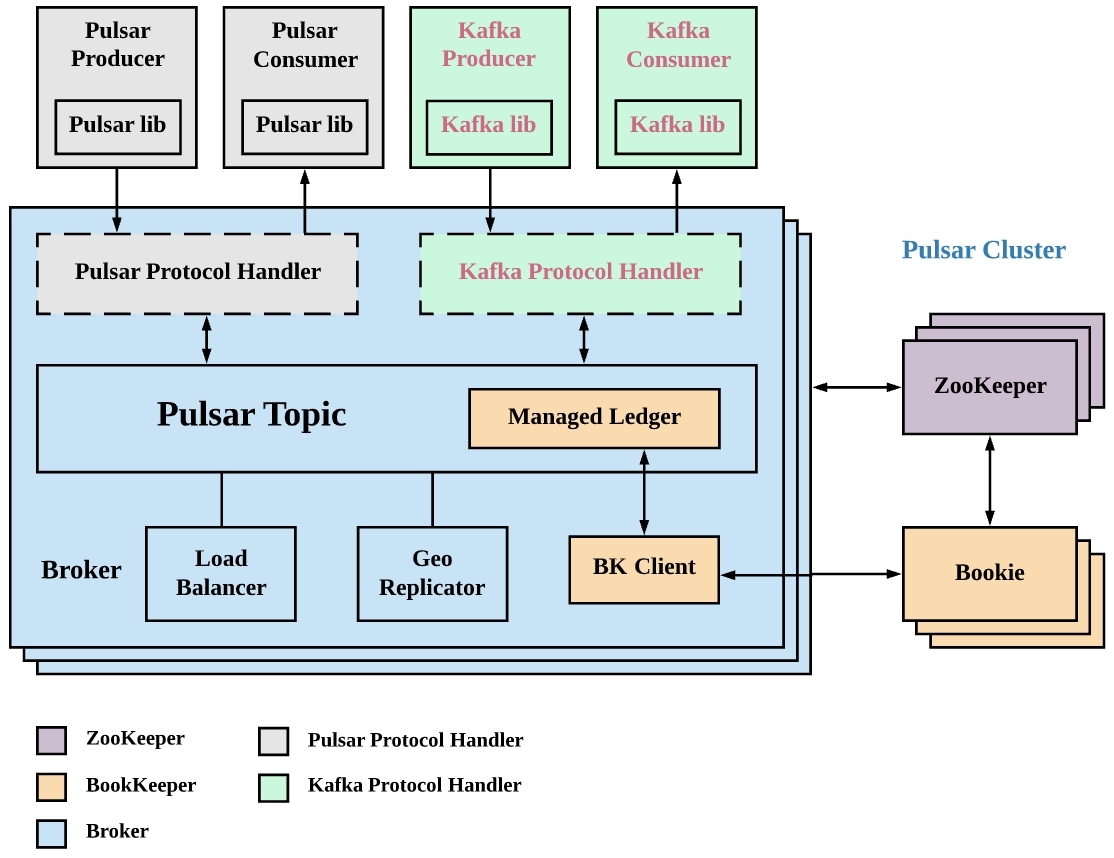
技术解析|如何将 Pulsar 数据快速且无缝接入 Apache Doris

怎样提高网络数据安全性

Polygon zkEVM network node

MySQL query optimization and tuning
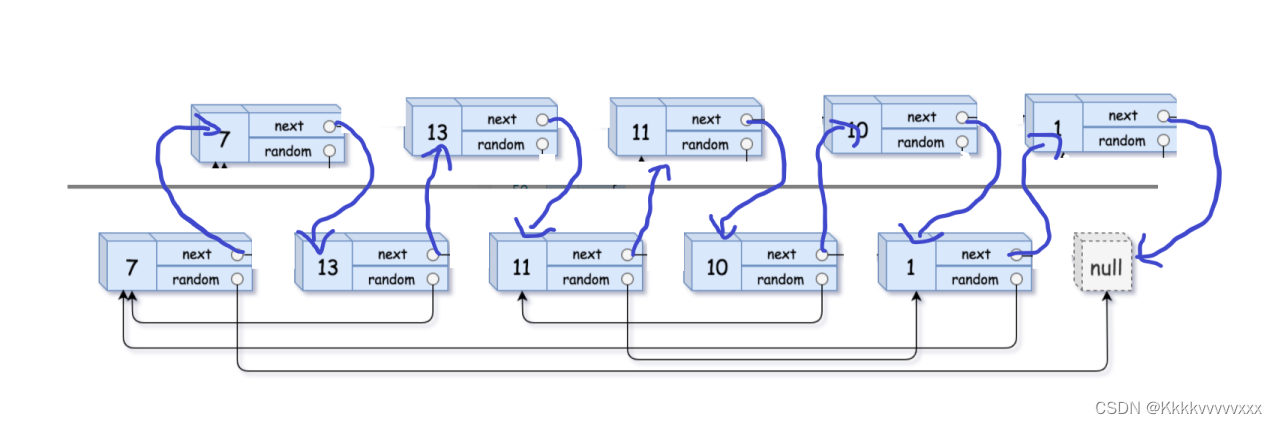
复制带随机指针的链表

随机推荐
Asynchronous programming solution Generator generator function, iterator iterator, async/await, Promise
2022年最新海南建筑八大员(材料员)模拟考试试题及答案
软件测试如何系统规划学习呢?
内网服务器访问远程服务器的端口映射
基于 SSE 实现服务端消息主动推送解决方案
How to systematically plan and learn software testing?
mq应用场景介绍
Architecture of the actual combat camp module three operations
Senior PHP development case (1) : use MYSQL statement across the table query cannot export all records of the solution
Postgresql source code (66) insert on conflict grammar introduction and kernel execution process analysis
new Date将字符串转化成日期格式 兼容IE,ie8如何通过new Date将字符串转化成日期格式,js中如何进行字符串替换, replace() 方法详解
MRS: Introduction to the use of Alluxio
Implementing a server-side message active push solution based on SSE
KingbaseES数据库启动失败,报“内存段超过可用内存”
The keytool command
Polygon zkEVM网络节点
sql注入一般流程(附例题)
FPGA parsing B code----serial 3
复现20字符短域名绕过
2003. 每棵子树内缺失的最小基因值 DFS