当前位置:网站首页>箭头函数的使用
箭头函数的使用
2022-08-04 05:26:00 【strongest强】
1.省略了function的书写,让代码更加简洁
            let say_hello=function(){
 				console.log('hello world!');
			}
			let delete_function=()=>{
				console.log('I had deleted function!');
			}
			say_hello();
			delete_function();
输出:
hello world!
I had deleted function!
2.不能使用伪数组
            let input = function() {
				for (var k of arguments) {
					console.log(k);
				}
			}
			input(1, 2, 3);
           console.log('.........................');
			var hello=()=>{
				for(var k of arguments){
					console.log(k);
				}
			}
			hello(5,6,7);
输出:
1,2,3
.........................
arguments is not defined
3.不能作为构造实例化对象
            var person = (name, age) => {
				this.name = name,
					this.age = age;
			}
			 let xinyi = new person('xie', 'wang');
			 console.log(xinyi);
输出:
person is not a constructor //备注(person不是一个构造器)
4.当传入实参只有一个时候,可以省略小括号
			let fruits = asia => {
				console.log(asia);
			}
			fruits('apples');
输出:
apples
5.当花括号内的代码只有一条时并且返回结果时,可以省略大括号
            let add = (num1, num2) => num1 + num2;
			console.log(add(2, 5));
            console.log('.........................');
            let pow = (num1) => num1 * num1;
			console.log(pow(8));
输出:
7
.........................
64
6.静态指向,不能使用call,bind,apply强行改变this指向
            function fun() {
				console.log(this.name);
			}
			var hel = () => {
				console.log(this.name);
			}
			var name = 'strongest强'
			let newname = {
				name: '强哥'
			}
			fun();
            console.log('.........................');
			hel();
            console.log('.........................');
			fun.call(newname);
            console.log('.........................');
			hel.call(newname);
            console.log('.........................');
            hel.apply(newname);
            console.log('.........................');
            hel.bind(newname)(null);
输出:
strongest强
.........................
strongest强
.........................
强哥
.........................
strongest强
.........................
strongest强
.........................
strongest强
边栏推荐
- Sublime Text 3 2021.8.3 个人配置
- 3面头条,花7天整理了面试题和学习笔记,已正式入职半个月
- 力扣:746. 使用最小花费爬楼梯
- npm init [email protected] 构建项目报错SyntaxError: Unexpected token ‘.‘解决办法
- The Road to Ad Monetization for Uni-app Mini Program Apps: Full Screen Video Ads
- string类简介
- 7.18 Day23----标记语言
- MySQL日期函数
- phpexcel导出数据为xml
- 4.1 JdbcTemplate for declarative transactions
猜你喜欢

PHP实现异步执行程序

npm报错Beginning October 4, 2021, all connections to the npm registry - including for package installa

嵌入式系统驱动初级【4】——字符设备驱动基础下_并发控制
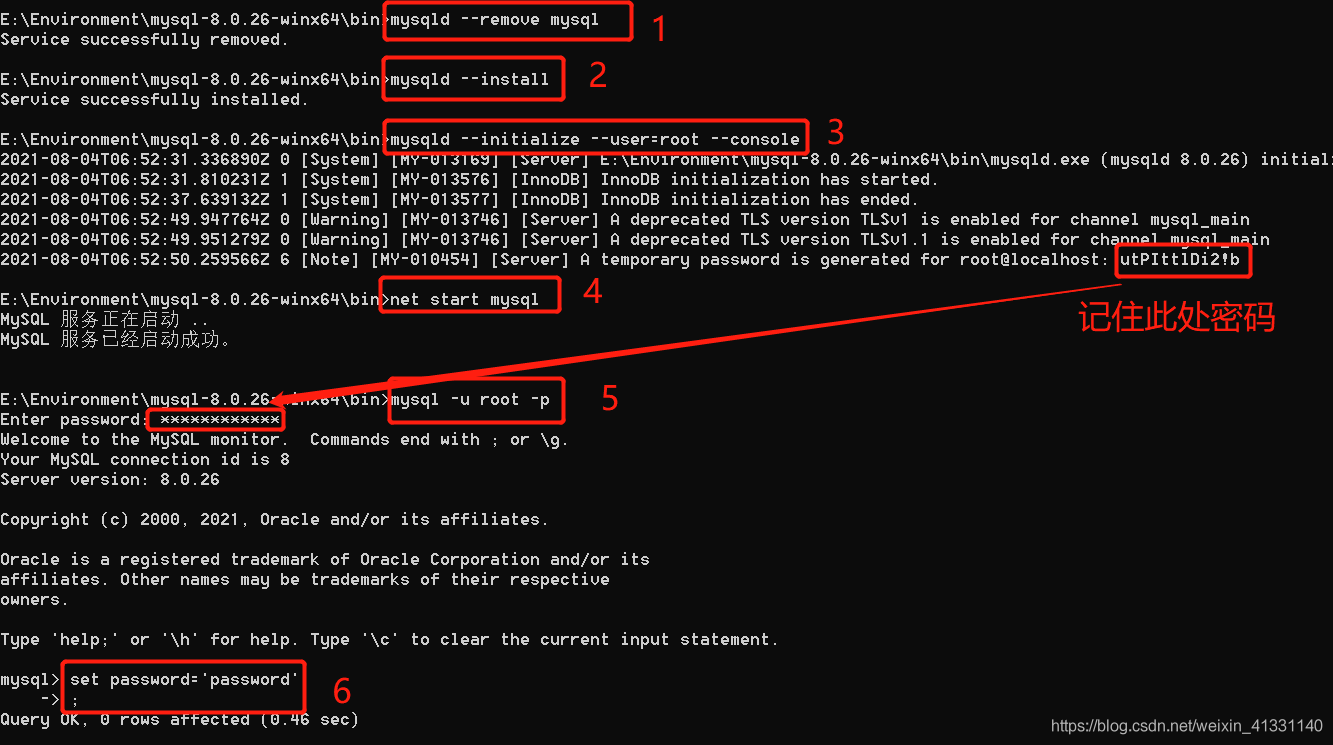
Can 't connect to MySQL server on' localhost3306 '(10061) simple solutions

心余力绌:企业面临的软件供应链安全困境

Summary of MySQL database interview questions (2022 latest version)

DP4398:国产兼容替代CS4398立体声24位/192kHz音频解码芯片

canal实现mysql数据同步
Embedded system driver primary [4] - under the basis of character device driver _ concurrency control
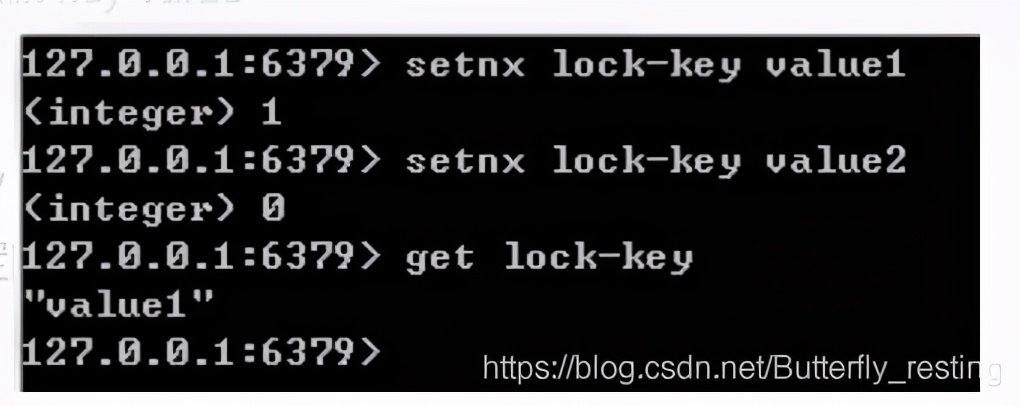
读者让我总结一波 redis 面试题,现在肝出来了
随机推荐
webrtc中的引用计框架
关于C#的反射,你真的运用自如嘛?
动态规划总括
Grain Mall - Basics (Project Introduction & Project Construction)
4.3 Annotation-based declarative transactions and XML-based declarative transactions
12、分页插件
JS基础--强制类型转换(易错点,自用)
Wwise入门和实战
8. Custom mapping resultMap
MySql数据恢复方法个人总结
部署LVS-DR群集【实验】
MySql data recovery method personal summary
7.13 Day20----MYSQL
Delphi-C端有趣的菜单操作界面设计
FFmpeg源码分析:avformat_open_input
JNI基本使用
Swoole学习(一)
嵌入式系统驱动初级【4】——字符设备驱动基础下_并发控制
The difference between px, em, and rem
Unity表格配置编辑工具