当前位置:网站首页>Android Sqlite3基本命令
Android Sqlite3基本命令
2022-08-04 14:28:00 【Just_Paranoid】
Sqlite3命令
一、基本操作命令:(系统命令)

1、创建数据库:

       sqlite3 数据库名

       例如:[[email protected] ~]# sqlite3 /home/DataBases/user.db

2、显示数据库:

       .databases

      例如:sqlite> .databases

3、创建表:SQL语句以分号“;”结束,敲回车键之后,SQL语句就会执行

        sqlite> create table person(id integer primary key,name varchar(10),age integer);

4、显示所有的表和视图:

        sqlite> .tables

5、显示表结构:

        sqlite> .schema 【表名】

6、获取指定表的索引列表:

       sqlite> .indices 【表名】

7、从SQL文件导入数据库:

       sqlite> .read 【文件名】

8、导出数据库到SQL文件:

       sqlite> .output 【文件名】

       sqlite> .dump

       sqlite> .output stdout

9、格式化输出数据到CSV格式:

       sqlite> .output 【文件名.csv】

       sqlite> .separator

       sqlite> .select * from test;

       sqlite> .output stdout

10、从CSV文件导入数据到表中:

       sqlite> .import 【文件名.csv】 【表名】

附录:
.help 查看帮助说明
.dbinfo 查看数据库信息

11、备份数据库:

       [[email protected] ~]# sqlite3 【数据库名】 .dump > backup.sql

12、恢复数据库:

      [[email protected]~]# sqlite3 【数据库名】 < backup.sql


三.sql 命令

1)创建一个表

create table stu(id Integer,name char ,scroe Integer);

常见一个表格 ,表名 ,字段, 字段名, 字段类型,以分号结尾;

不以点开头,以分号结尾

2)插入一条数据

insert into stu values(Id Insteger, name char, score Integer);

isnert into stu (name, scroe)values(1003,"wangwu");

3)查询

select *from stu // 查询所有字段

select name from stu // 查询部分字段

select score from stu

4)按照条件查询

select * from stu where score=80;

select *from stu where scroe =90 and id =1001;

select * from stu where score =90 or name = 'dyy'

5)删除一条数据

delete from stu where id =1003;

delete from stu where name = 'dyy';

delete from stu where name = 'dyy' and score = 90;

delete from stu where name = 'dyy' or scroe = 100;

6)更新一条数据

update stu set name = 'wangwu' where id =1001;

update stu set name= 'wangwu',score = 90 where id =1001

ps: SQLite3对于数据的类型检查是是比较弱的,在操作数据库的时候
边栏推荐
- 将 Sentinel 熔断限流规则持久化到 Nacos 配置中心
- Chinese valentine's day, of course, to learn SQL optimization better leave work early to find objects
- 考研上岸又转行软件测试,从5k到13k完美逆袭,杭州校区小哥哥拒绝平庸终圆梦!
- LCP 06. 拿硬币-遍历
- CCF GLCC officially opened | Kyushu Cloud open source experts bring generous bonuses to help universities promote open source
- 从理论到实践:MySQL性能优化和高可用架构,一次讲清
- zabbix自定义图形
- How to install postgresql and configure remote access in ubuntu environment
- 【剑指offer33】二叉搜索树的后序遍历序列
- 第十六章 源代码文件 REST API 教程(一)
猜你喜欢

CCF GLCC officially opened | Kyushu Cloud open source experts bring generous bonuses to help universities promote open source
Crawler - basic use of selenium, no interface browser, other uses of selenium, cookies of selenium, crawler cases

代码随想录笔记_动态规划_1049最后一块石头的重量II

阿里老鸟终于把测试用例怎么写说的明明白白了,小鸟必看

并发程序的隐藏杀手——假共享(False Sharing)
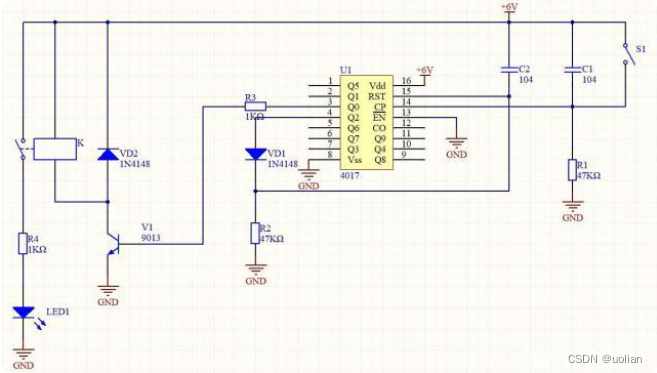
Button control switch 4017 digital circuit chip

Analysis and application of portrait segmentation technology
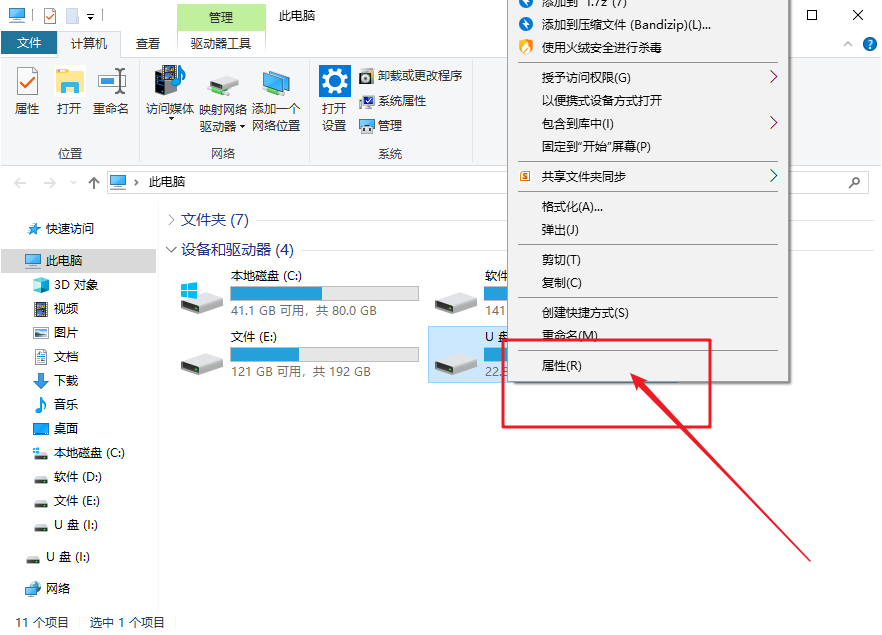
Win10无法访问移动硬盘怎么解决
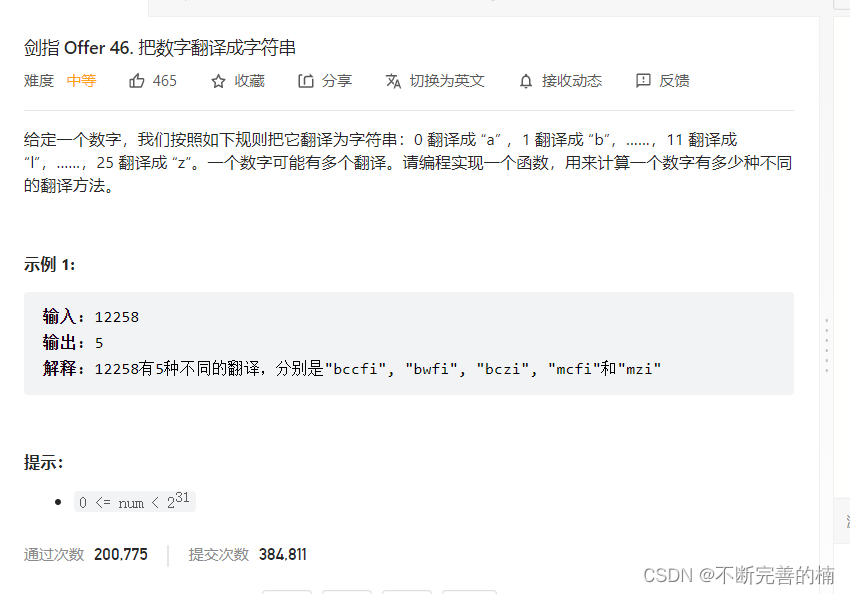
Problem solving-->Online OJ (18)

自监督学习未来是掩码自编码器?KAIST最新《自监督学习掩码自编码器》研究进展
随机推荐
Problem solving-->Online OJ (18)
AVR学习笔记之熔丝位
Why does the decimal point appear when I press the space bar in word 2003?
C# winforms 输入颜色转换颜色名
X射线掠入射聚焦反射镜
2042. 检查句子中的数字是否递增-力扣双百代码-设置前置数据
F.金玉其外矩阵(构造)
阴影初始化【5】
开放麒麟 openKylin 版本规划敲定:10 月发布 0.9 版并开启公测,12 月发布 1.0 版
Makefile 语法及使用笔记
爬虫——selenium基本使用、无界面浏览器、selenium的其他用法、selenium的cookie、爬虫案例
集合划分差最小问题(01背包)
企业级优化
利用决策树找出最优特征组合
基于 Next.js实现在线Excel
Crawler - basic use of selenium, no interface browser, other uses of selenium, cookies of selenium, crawler cases
zabbix自定义图形
C# 复制列表
四平方和,激光炸弹
在腾讯,我的试用期总结!