当前位置:网站首页>Detailed steps for tensorflow-gpu2.4.1 installation and configuration
Detailed steps for tensorflow-gpu2.4.1 installation and configuration
2022-08-03 19:40:00 【AI Algorithm Alliance】
I. Machine environment
Graphics card: RTX3060
System: windows10
Second, tensorflow-gpu configuration environment
CUDA:11.1.1
cuDNN:8.1.1
Language: Python3.8.8
Deep learning framework: Tensorflow-gpu2.4.1, Keras2.4.3
III. Installation process
1. Install Visual studio 2017.Compile dependencies.Check Desktop development using C++ when selecting the workload.Download address: https://visualstudio.microsoft.com/zh-hans/thank-you-downloading-visual-studio/?sku=Community&rel=15
2. Install CUDA.The CUDA11.1.1 version is installed here.File name: cuda_11.1.1_456.81_win10.exe.There are about 3.1G.After downloading, double-click to install it. It is installed to the C drive by default and takes up little space.Download address: https://developer.nvidia.com/cuda-toolkit-archive
3. Download cudnn.An account login is required, if you don't have one, register one.The download here is cuDNN8.1.1.File name: cudnn-11.2-windows-x64-v8.1.1.33.zip.There are about 661M.After decompression, there are three folders bin, include, lib.Copy the files in the three folders to the corresponding folder in the CUDA installation directory.My CUDA installation directory is: C:\Program Files\NVIDIA GPU Computing Toolkit\CUDA\v11.1.Take the bin folder as an example, copy all the files in the bin to C:\Program Files\NVIDIA GPU Computing Toolkit\CUDA\v11.1\bin.Download address: https://developer.nvidia.com/zh-cn/cudnn
The above three are installed and restart the computer.
4. Install python.Installed here is python3.8.8.File name: python-3.8.8-amd64.exe.About 27M.Download address: https://www.python.org/getit/
5. Install tensorflow-gpu.Install using pip.Command line: pip install tensorflow-gpu==2.4.1 -i https://pypi.tuna.tsinghua.edu.cn/simple/ It is faster to install using Tsinghua image.
6. Install keras.Install using pip.Command line: pip install keras==2.4.3 -i https://pypi.tuna.tsinghua.edu.cn/simple/ It is faster to install using Tsinghua mirror.
Fourth, test.
import tensorflow as tfprint(tf.__version__)print(tf.test.is_built_with_cuda())print(tf.test.is_gpu_available())First, bug handling.
When testing print(tf.test.is_gpu_available()) print is False, prompt: Not creating XLA devices, tf_xla_enable_xla_devices not set
Workaround: Find cusolver64_11.dll in the bin folder of the CUDA installation directory and rename it to cusolver64_10.dll.After renaming, test again and find that print(tf.test.is_gpu_available()) prints True, but there is still a Not creating XLA devices, tf_xla_enable_xla_devices not set prompt.This does not affect usage.
Second, test print information description:
Created TensorFlow device (/device:GPU:0 with 10491 MB memory) -> physical GPU (device: 0, name: NVIDIA GeForce RTX 3060, pci bus id: 0000:01:00.0, compute capability: 8.6)
True
Graphics card information: NVIDIA GeForce RTX 3060, graphics card computing power: 8.6, GPU availability: True
tips:
a. Enter nvcc -V in the terminal to view the cuda version.
b. Enter nvidia-smi in the terminal to check the graphics card driver version, the highest supported cuda version, and the graphics card usage.
c.python IDE tool, I personally recommend PyCharm.
d. The installation process of other graphics cards is similar, but pay attention to the cuda version supported by the graphics card and the versions of cuda, cudnn, python, tensorflow, and keras.
边栏推荐
猜你喜欢

友宏医疗与Actxa签署Pre-M Diabetes TM 战略合作协议
Solution for no navigation bar after Word is saved as PDF

Internet Download Manager简介及下载安装包,IDM序列号注册问题解决方法

设备树基本原理与操作方法

【木马免杀】

从腾讯阿里等大厂出来创业搞 Web3、元宇宙的人在搞什么

Handler source code analysis
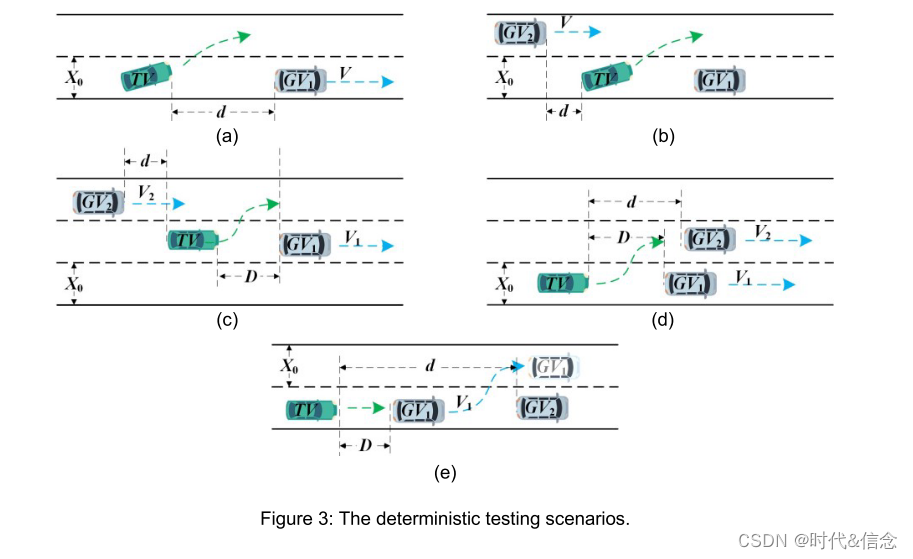
Benchmarking Lane-changing Decision-making for Deep Reinforcement Learning

虚拟机vmware设置nat模式上网

盲僧发现了华点——教你如何使用API接口获取数据
随机推荐
The effective square of the test (one question of the day 7/29)
软件测试回归案例,什么是回归测试?
net-snmp编译报错:/usr/bin/ld: cannot find crti.o: No such file or directory
基础软件与开发语言开源论坛| ChinaOSC
Matlab论文插图绘制模板第42期—气泡矩阵图(相关系数矩阵图)
七夕之前,终于整出了带AI的美丽秘笈
Postgresql快照优化Globalvis新体系分析(性能大幅增强)
ctfshow php特性
【leetcode】剑指 Offer II 007. 数组中和为 0 的三个数(双指针)
线上一次JVM FullGC搞得整晚都没睡,彻底崩溃
JS 内置构造函数 扩展 prototype 继承 借用构造函数 组合式 原型式creat 寄生式 寄生组合式 call apply instanceof
如何理解即时通讯开发移动网络的“弱”和“慢”
FreeRTOS Intermediate
手把手教你定位线上MySQL慢查询问题,包教包会
Compose原理-compose中是如何实现事件分法的
力扣刷题之移动零
Handler 源码解析
Climbing Stairs (7/30)
「学习笔记」高斯消元
余弦距离介绍