当前位置:网站首页>UE4 Sequence adds basic animation effects (01-object movement)
UE4 Sequence adds basic animation effects (01-object movement)
2022-08-07 21:32:00 【Zhichao_97】
效果:

步骤:
1.Download First Acquaintance in the Unreal MarketplaceSequencer工程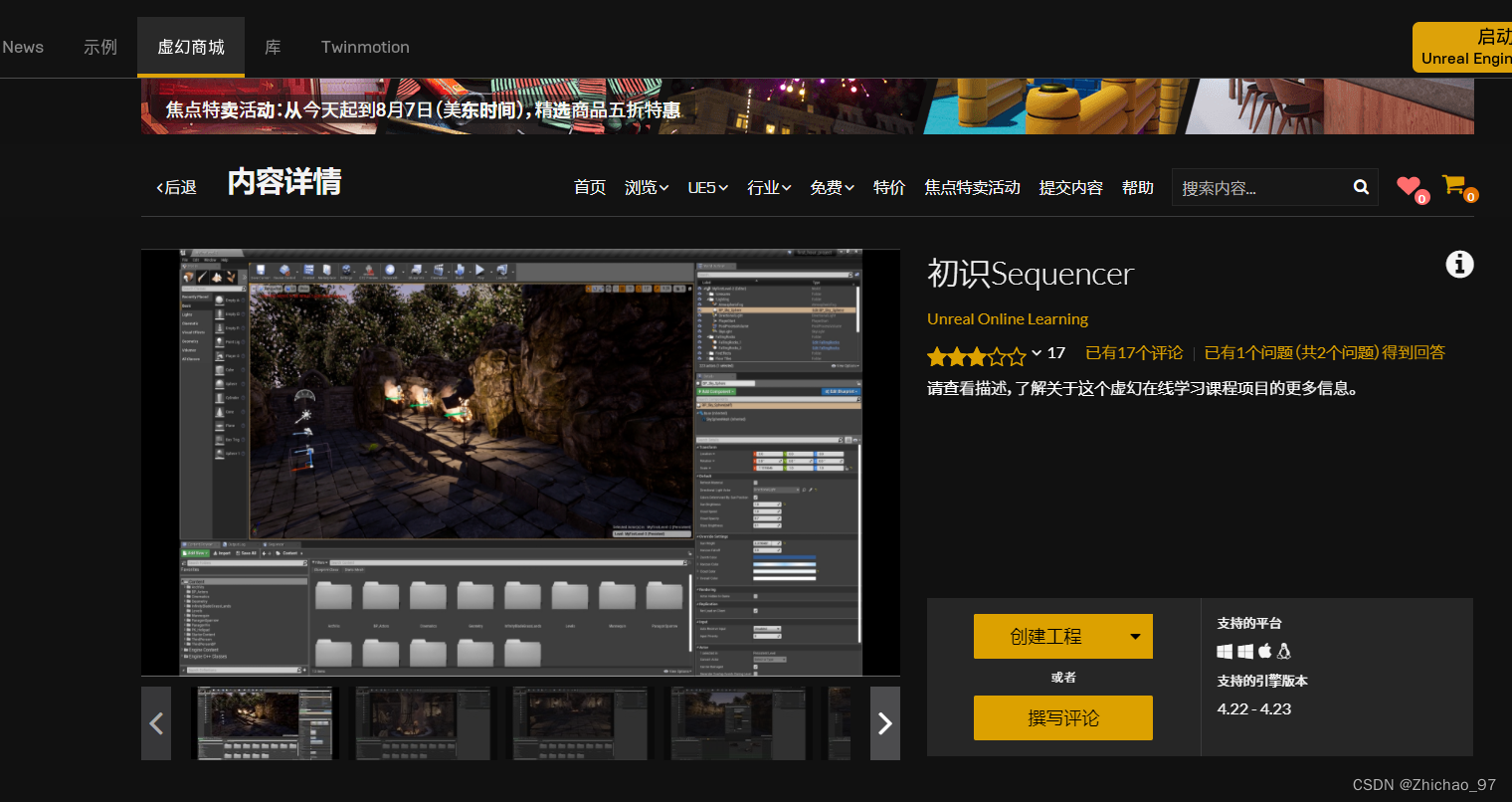
2.Open the project with Unreal Editor,创建一个空文件夹,Named a cutscene2

3.点击Cinematics-》Add main sequence

Base PathSelect the cutscene you just created2,Then click Create Master Sequence

At this point the first main sequence is created,Create an instance of it in the level,有5editable footage

Sequences are saved per shot5under a different folder
This will follow the predefined settings,Quickly generate nested structures
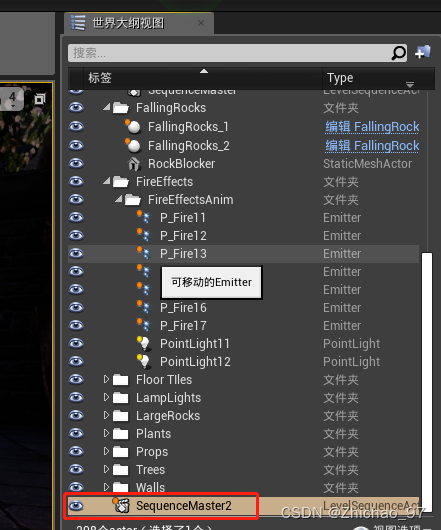
4.Delete the main sequence in the world outline
5.Back to cutscenes2中,删除Sequence文件夹

6.in cutscenes2中,Create a new level sequence

Named the entry sequence

7.双击打开 entry sequence

Timeline can be found,目前什么都没有,需要添加内容.
In order to use assets for cutscenes,Resources need to be put into the level first
8.Find the predefined animations in the following directory

9.找到idleAssets drag it into the scene

After the resource is added to the scene,You can then associate it with a level sequence
10.将idleRenamed to Animated Characters

11.Select the animated character,点击鼠标右键 移动到-》创建新文件夹

文件夹命名为 序列

12.Move the animated character out of view,Set the location here to 0,0,-5000
13.回到Sequence面板中,Drag an animated character in from the world outliner,Now there are objects that can be manipulated

Just now we moved the animated character out of view,Now move it back because it's time to animate
14.First normalize the time axis0

15.Click the button labeled below to add a keyframe

16.Right-click the keyframe you just created on the timeline,properties can be modified,如下图

17.这里我设置Location为0,0,100,This will allow you to see the animated character

18.如下图,Set to keyframe the channel only after it has been modified

19.Click to set keyframes automatically

20.Move the character under the arch bridge and rotate it180°

21.Move the timeline to 100帧处

22.Move the animated character to the position shown in the image below,It can be found that keyframes are automatically generated when the character is moved,and will only be added to the track being modified
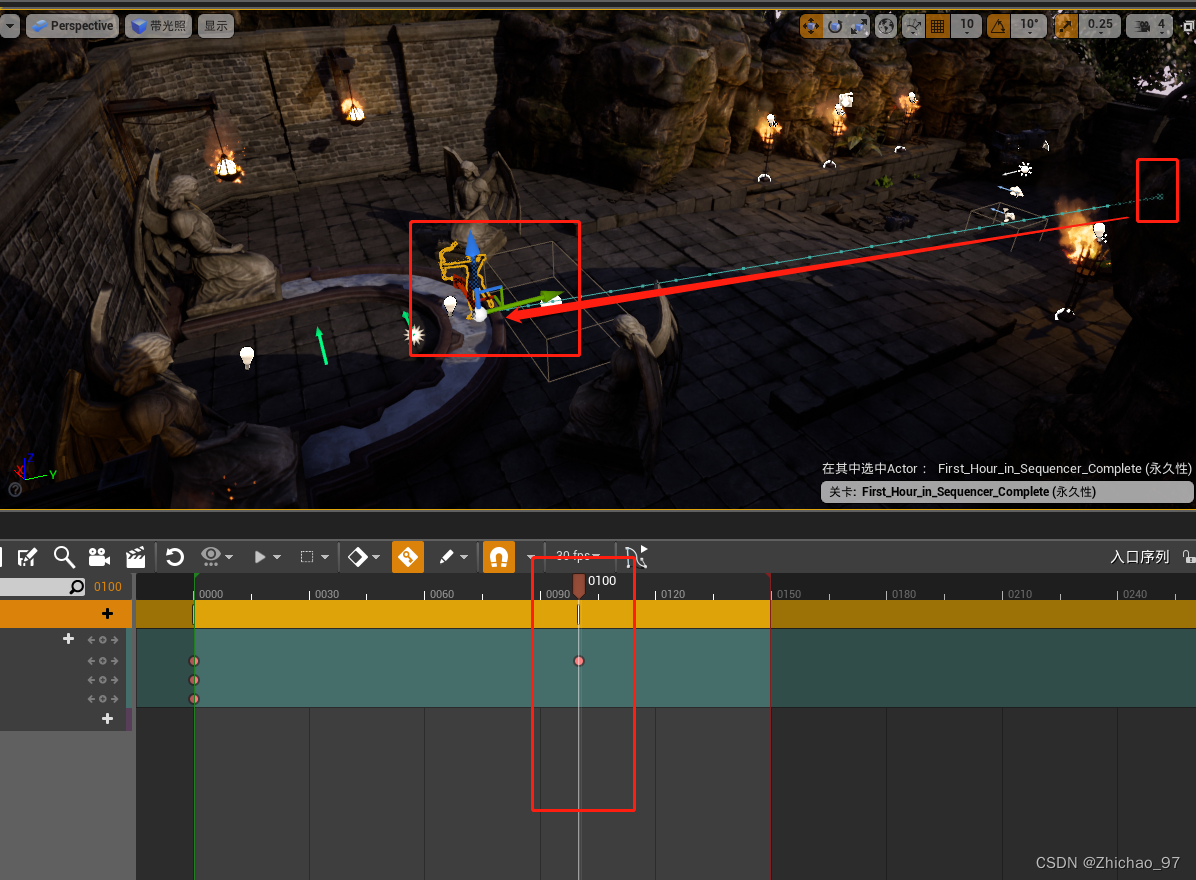
At this point, we move the timeline to see how the character changes during this time:

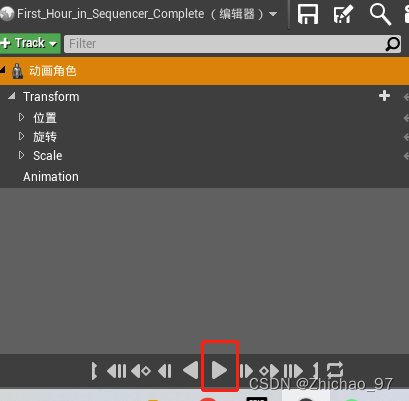
Or click the play button to view
If you look closely, you can see that there is a slope in the scene,In order to keep the character on the ground when moving,We need to add some additional keyframes.
23.Move the timeline to 48帧

24.Move the character to the ground
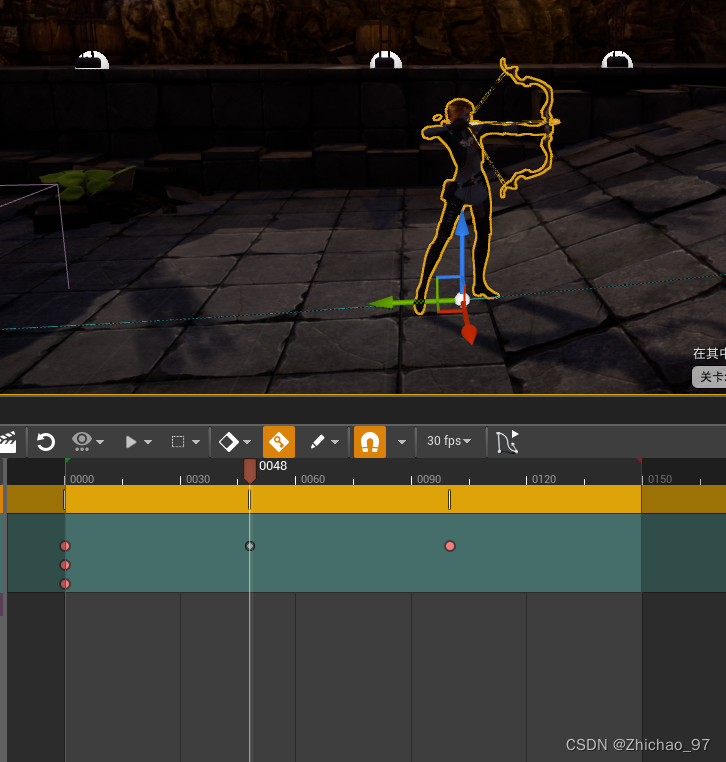
play now,It is found that when the character moves uphill, part of the body will be under the ground
25.Click the Curve Editor button

26.点击 Z 来变换Z轴

27.Move the timeline frame by frame,Then keep modifying the position of the character

如下图,You can see that we have added some keyframes

边栏推荐
猜你喜欢






随机推荐
知乎高赞:拼多多和国家电网,选哪个?
无法访问打印机怎么办 共享打印机无法访问权限怎么解决
What to do if Win7 opens word and prompts "Cannot open file Normal because there is an error in the content"
[笔记]攻防工具分享之 CobaltStrike框架 《一》环境配置
解读三大财务报表
Numbers appearing in a row [How to perfectly handle the problem of consecutive specific records?]
[kali-privilege escalation] (4.2.3) Social Engineering Toolkit: QR Code Combination Attack
[笔记]机器学习之机器学习模型及案例分析《一》
大智慧开户安全吗?
Webstrom plug-in development (a)
PL2303GT USB to RS232 Serial Bridge Controller (Built in RS232 XCVR)驱动地址
位域内存布局
利用phpstudy(小皮面板)配置本地PHP开发环境的记录
怎么看64位还是32位 怎么看电脑是32还是64
苹果怎么装双系统 苹果电脑双系统安装教程
Introduction to JDBC
Win7打开word提示“无法打开文件Normal因为内容有错误”怎么办
笔记本电脑能装内存条吗 笔记本电脑如何安装内存条
小米3手机怎样连接电脑 小米3连接电脑传文件的教程
双重队列问题