当前位置:网站首页>实战ora2pg迁移oracle11g到pg12.4
实战ora2pg迁移oracle11g到pg12.4
2022-04-21 13:03:00 【墨天轮】
ora2pg版本选择
https://github.com/darold/ora2pg/releases
经测试:21.1-23.1版本均导gis类型表时报错。
ora2pg -p -c xxx.conf -t TABLE -o table.sqlFATAL: _column_info() ORA-00911: invalid character (DBD ERROR: error possibly near <> indicator at char 17 in 'SELECT ST_SRID(c.<>%s) FROM %s c')DBI::db=HASH(0x2ec0bb8)->disconnect invalidates 1 active statement handle (either destroy statement handles or call finish on them before disconnecting) at /usr/local/share/perl5/Ora2Pg.pm line 14893.Aborting export...所以本次使用21.0版本。
关于版本更换步骤很简单:
1.下载zip源码https://github.com/darold/ora2pg/releases2.上传到oracle服务器,unzip解压相应目录v.xx3.编译安装即可cd v.xxperl Makefile.PLmake && make installora2pg -v安装ora2pg可参考:https://blog.csdn.net/jycjyc/article/details/108466740
1.准备配置文件
db.conf主要修改ORACLE_DSN,ORACLE_USER,ORACLE_PWD,SCHEMA等参数即可。
PG_VERSION 12ORACLE_HOME /oracle/app/oracle/product/11.2.0/dbhome_1ORACLE_DSN dbi:Oracle:host=192.168.226.177;sid=oradb;port=1521ORACLE_USER orauserORACLE_PWD passwordSCHEMA orauser PG_NUMERIC_TYPE 0PG_INTEGER_TYPE 1DEFAULT_NUMERIC floatNLS_LANG AMERICAN_AMERICA.UTF8#ALLOW TPR_* TSM_* #ALLOW tpr_*,tsm_*,twf_*#exclude *_20_* *_TSM_FUNCTION_*#SKIP fkeys pkeys ukeys indexes checks#OUTPUT table.sql2.导表结构和索引等
ora2pg -p -c db.conf -t TABLE -o table.sql排除特定名称加参数 -e 'TABLE[XXX.*,XXX.*]'指定名称加参数 -a 'TABLE[XXX.*,XXX.*]'注意模糊匹配的这个点符号 .*3.导表数据
对于小库,可以输出导1个文件data.sql
[root@db]# vi data.sh ora2pg -p -c db.conf -t COPY -o data.sql -j 4 [root@db]# chmod +x data.sh [root@db]# nohup ./data.sh > ./data.out &对于大库,建议每个表数据单独输出,更加灵活。
oracle拼接出导数据的脚本:脚本条件根据实际需要修改即可
select 'ora2pg -p -c db.conf -t COPY -a ''TABLE['|| table_name ||']'' -o '||table_name||'.sql -j 4' from user_tables where table_name not like '%LOG%' and table_name not like '%20%' and table_name not like '%19%' and table_name not like '%21%' and table_name not like '%0%' and table_name not like '%22%' and table_name not like '%_BAK%' and table_name not like '%ColumnMetadata%' and table_name not like '%AQ$%' order by 1 asc;
上述输出结果保持到文件data.sh赋执行权限chmod +x data.sh
然后执行nohup ./data.sh > ./data.out &即可
4.导视图、存储过程等其它对象
如下内容存放到other.sh中,然后执行即可。
# cat other.sh ora2pg -p -c db.conf -t VIEW -o VIEW.sql ora2pg -p -c db.conf -t SEQUENCE -o SEQUENCE.sql ora2pg -p -c db.conf -t TRIGGER -o TRIGGER.sql ora2pg -p -c db.conf -t FUNCTION -o FUNCTION.sql ora2pg -p -c db.conf -t PROCEDURE -o PROCEDURE.sql ora2pg -p -c db.conf -t PACKAGE -o PACKAGE.sql ora2pg -p -c db.conf -t MVIEW -o MVIEW.sql ora2pg -p -c db.conf -t DBLINK -o DBLINK.sql ora2pg -p -c db.conf -t SYNONYM -o SYNONYM.sql ora2pg -p -c db.conf -t TYPE -o TYPE.sql # chmod +x other.sh # nohup ./other.sh > ./other.out# tail -f other.out5.导入操作
export PGPASSWORD=xxx 省去每次提示输密码的麻烦
5.1导type类型,先导入:
psql --host=192.168.208.40 --port=5432 --username=pguser --echo-errors pgdb -f TYPE.sql -1pg 导入的时候最后加上-1 参数,这样只要报错就会立即失败回滚抛错。
5.2导表结构
psql --host=192.168.208.40 --port=5432 --username=pguser --echo-errors pgdb -f table.sql -1 5.3导序列
psql --host=192.168.208.40 --port=5432 --username=pguser --echo-errors pgdb -f SEQUENCE.sql 5.4导数据(类似第4步,可以考虑写到sh文件中,一次批量处理,再检查out日志,确认是否有问题需处理即可)
psql --host=192.168.208.40 --port=5432 --username=pguser--echo-errors pgdb -f data.sql -1 5.4导其它对象,同上
版权声明
本文为[墨天轮]所创,转载请带上原文链接,感谢
https://www.modb.pro/db/396280
边栏推荐
- Algorithem_Populating Next Right Pointers in Each Node
- Village vlog harvest 8000w + play, another flow ceiling?
- Ceph实战(一)-分布式存储介绍与原理架构概述
- S:单位增益补偿
- L2-013 红色警报 (25 分)
- Redis - breakdown, penetration, avalanche
- Simulated Login of selenium's slider verification code (pig Bajie website)
- 制造业数字化转型存在哪些问题
- 通过Ffmpeg把M3u8格式转换成Mp4
- 无线网络协议名词
猜你喜欢

In depth analysis of focal loss loss function
Filter and listener listeners

选择排序法

What are the problems in the digital transformation of manufacturing industry

The soul of the frame - Reflection
4 years of Android development 13K, completed this 1307 page Android interview full set of real problem analysis, job hopping and salary increase 15K

Event Analysis | sharing the runner up scheme of table tennis timing action positioning competition

Call for Papers | IEEE/IAPR IJCB 2022 会议
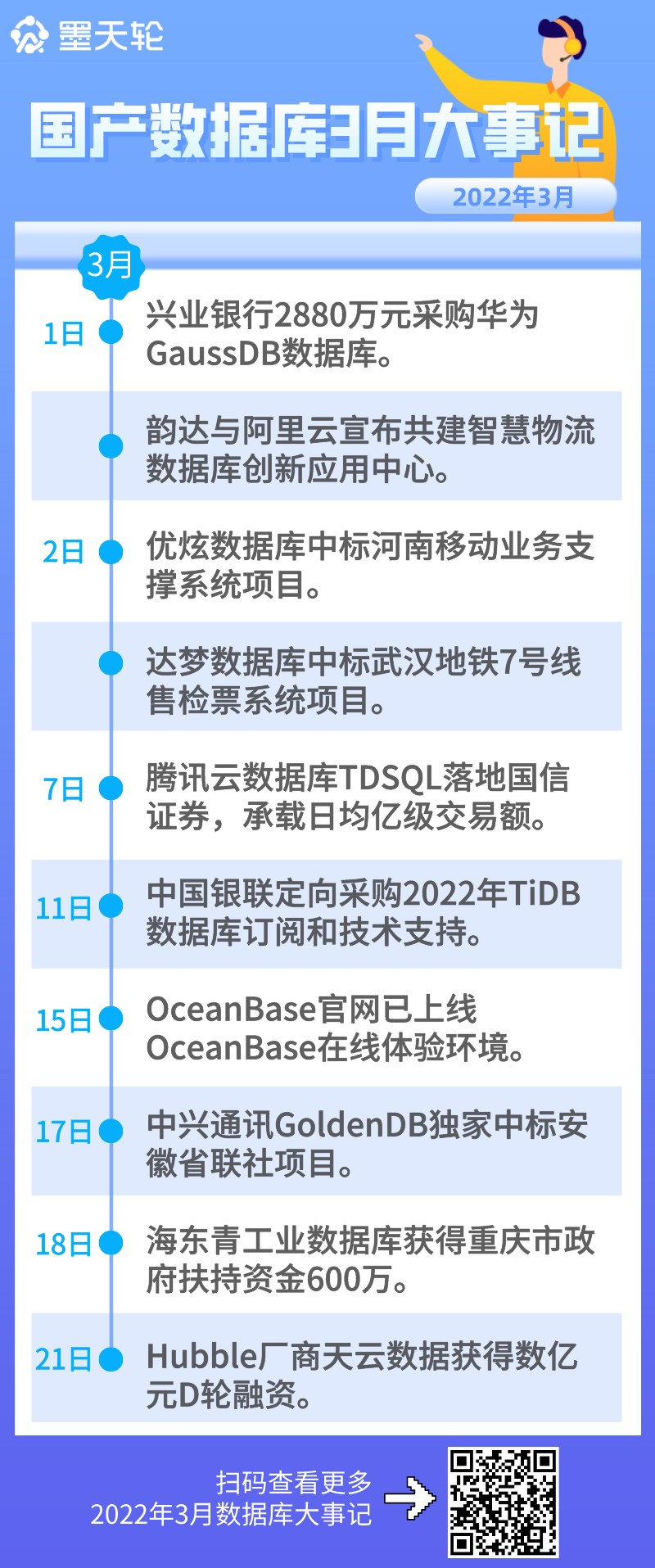
China Database ranking in April 2022: the spring breeze blows the face, the spring is warm, and the score rises in April

Village vlog harvest 8000w + play, another flow ceiling?
随机推荐
自媒体如何打造爆文,提升阅读量
Creating family instances for Revit secondary development (issue 13)
CPT 102_ LEC 10
制造业数字化转型存在哪些问题
redis-常见问题
Communication sliding window
What are the problems in the digital transformation of manufacturing industry
The soul of the frame - Reflection
Redis data persistence
CPT 102_LEC 10
Fibonacci sequence
Village vlog harvest 8000w + play, another flow ceiling?
Go language reflection
Design and implementation of SSM college laboratory safety training system docx
flowable Activiti7 会签
3、 Label preparation
Algorithem_ Populating Next Right Pointers in Each Node
月销超千万,新防晒时代「蕉下」如何成为爆款制造机?
Network communication protocol model
The return value of [SV] function is a parameterized function of variable matrix