当前位置:网站首页>C#脚本CSharpScript
C#脚本CSharpScript
2022-08-06 05:25:00 【QtHalcon】
新建一个工程,再打开包管理器

然后搜索Microsoft.CodeAnalysis.CSharp.Scripting
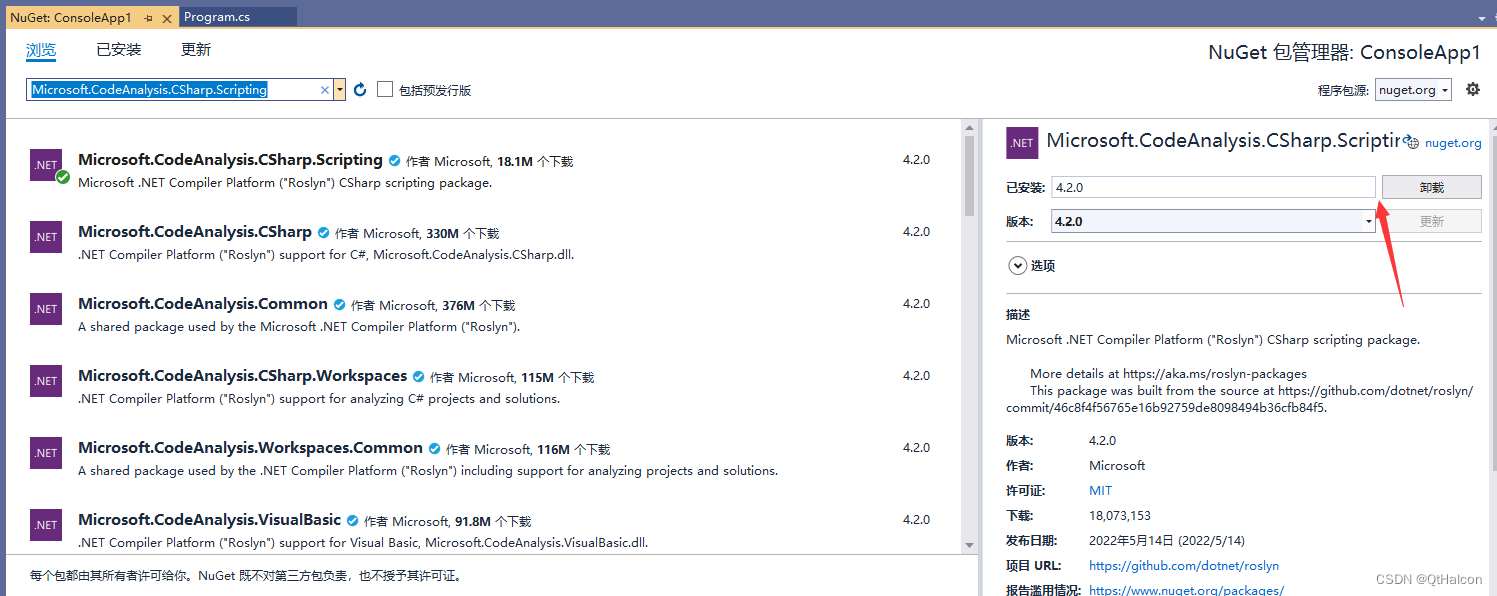
然后测试如下代码:
using System;
using Microsoft.CodeAnalysis.CSharp.Scripting;
using Microsoft.CodeAnalysis.Scripting;
namespace ConsoleApp1
{
    class Program
    {
        static void Main(string[] args)
        {
            string code1 = @"
                public class ScriptedClass
                {
                    public string HelloWorld { get; set; }
                    public ScriptedClass()
                    {
                        HelloWorld = ""Hello Roslyn!"";
                    }
                }";
            // 通过Run方法和ContinueWityAsync方法分别执行了两段脚本
            DateTime date1 = DateTime.Now;
            Console.WriteLine("时间: " + date1.ToString("yyyy-MM-dd HH:mm:ss:fff"));
            var script1 = CSharpScript.RunAsync(code1).Result;
            date1 = DateTime.Now;
            Console.WriteLine("时间: " + date1.ToString("yyyy-MM-dd HH:mm:ss:fff"));
            var result1 = script1.ContinueWithAsync<string>("new ScriptedClass().HelloWorld").Result;
            date1 = DateTime.Now;
            Console.WriteLine("时间: " + date1.ToString("yyyy-MM-dd HH:mm:ss:fff"));
            Console.WriteLine(result1.ReturnValue);
            Console.WriteLine("Hello World!");
            Console.ReadKey(true);
        }
    }
}
有些情况下,需要在程序运行期间动态执行C#代码,比如,将某些经常改变的算法保存在配置文件中,在运行期间从配置文件中读取并执行运算。这时可以使用C#脚本来完成这些工作。
使用C#脚本需要引用库Microsoft.CodeAnalysis.CSharp.Scripting,下面是一些示例:最基本的用法是计算算数表达式:
Console.Write("测试基本算数表达式:(1+2)*3/4");
var res = await CSharpScript.EvaluateAsync("(1+2)*3/4");
Console.WriteLine(res);
如果需要使用比较复杂的函数,可以使用WithImports引入名称空间:
Console.WriteLine("测试Math函数:Sqrt(2)");
res = await CSharpScript.EvaluateAsync("Sqrt(2)", ScriptOptions.Default.WithImports("System.Math"));
Console.WriteLine(res);
不仅是计算函数,其它函数比如IO,也是可以的:
Console.WriteLine(@"测试输入输出函数:Directory.GetCurrentDirectory()");
res = await CSharpScript.EvaluateAsync("Directory.GetCurrentDirectory()",
     ScriptOptions.Default.WithImports("System.IO"));
Console.WriteLine(res);
字符串函数可以直接调用:
Console.WriteLine(@"测试字符串函数:""Hello"".Length");
res = await CSharpScript.EvaluateAsync(@"""Hello"".Length");
Console.WriteLine(res);
如果需要传递变量,可以将类的实例作为上下文进行传递,下面的例子中使用了Student类:
Console.WriteLine(@"测试变量:");
var student = new Student { Height = 1.75M, Weight = 75 };
await CSharpScript.RunAsync("BMI=Weight/Height/Height", globals: student);
Console.WriteLine(student.BMI);
类Student:
public class Student
{
    public Decimal Height { get; set; }
    public Decimal Weight { get; set; }
    public Decimal BMI { get; set; }
    public string Status { get; set; } = string.Empty;
}
重复使用的脚本可以复用:
Console.WriteLine(@"测试脚本编译复用:");
var scriptBMI = CSharpScript.Create<Decimal>("Weight/Height/Height", globalsType: typeof(Student));
scriptBMI.Compile();

Console.WriteLine((await scriptBMI.RunAsync(new Student { Height = 1.72M, Weight = 65 })).ReturnValue);
在脚本中也可以定义函数:
Console.WriteLine(@"测试脚本中定义函数:");
string script1 = "decimal Bmi(decimal w,decimal h) { return w/h/h; } return Bmi(Weight,Height);";

var result = await CSharpScript.EvaluateAsync<decimal>(script1, globals: student);
Console.WriteLine(result);
在脚本中也可以定义变量:
Console.WriteLine(@"测试脚本中的变量:");
var script =  CSharpScript.Create("int x=1;");
script =  script.ContinueWith("int y=1;");
script =  script.ContinueWith("return x+y;");
Console.WriteLine((await script.RunAsync()).ReturnValue);
完整的实例可以从github下载:https://github.com/zhenl/CSharpScriptDemo
边栏推荐
- 教你怎样用三剑客玩转正则表达式
- 集合应用,产生10000个0-9之间的随机数字,统计每个数字出现的个数。
- CPU load average load average
- 基于肌电信号(sEMG) 的深度学习手势分类
- How to jailbreak the Kindle series 5.12.2.2 ~ 5.14.2 without disassembly?How to install third-party plugins
- 在这个数字化的时代,如何做好用户体验与应用性能管理
- IO流文件复制
- 详解树莓派上如何安装Home Assistant Supervised,让家里的智能设备更智能
- ECCV 2022 Oral | 满分文章!视频实例分割新SOTA:SeqFormer & IDOL
- Convolutional Neural Network Notes
猜你喜欢

Oracle配置st_geometry

Zero foundation to build their own famine Don 't Starve server, get rid of the online caton and happy friend online

How many slots does a Flink task need?

GFS分布式文件系统

(上)苹果有开源,但又怎样呢?

LVS 引入keepalived自动切换机制
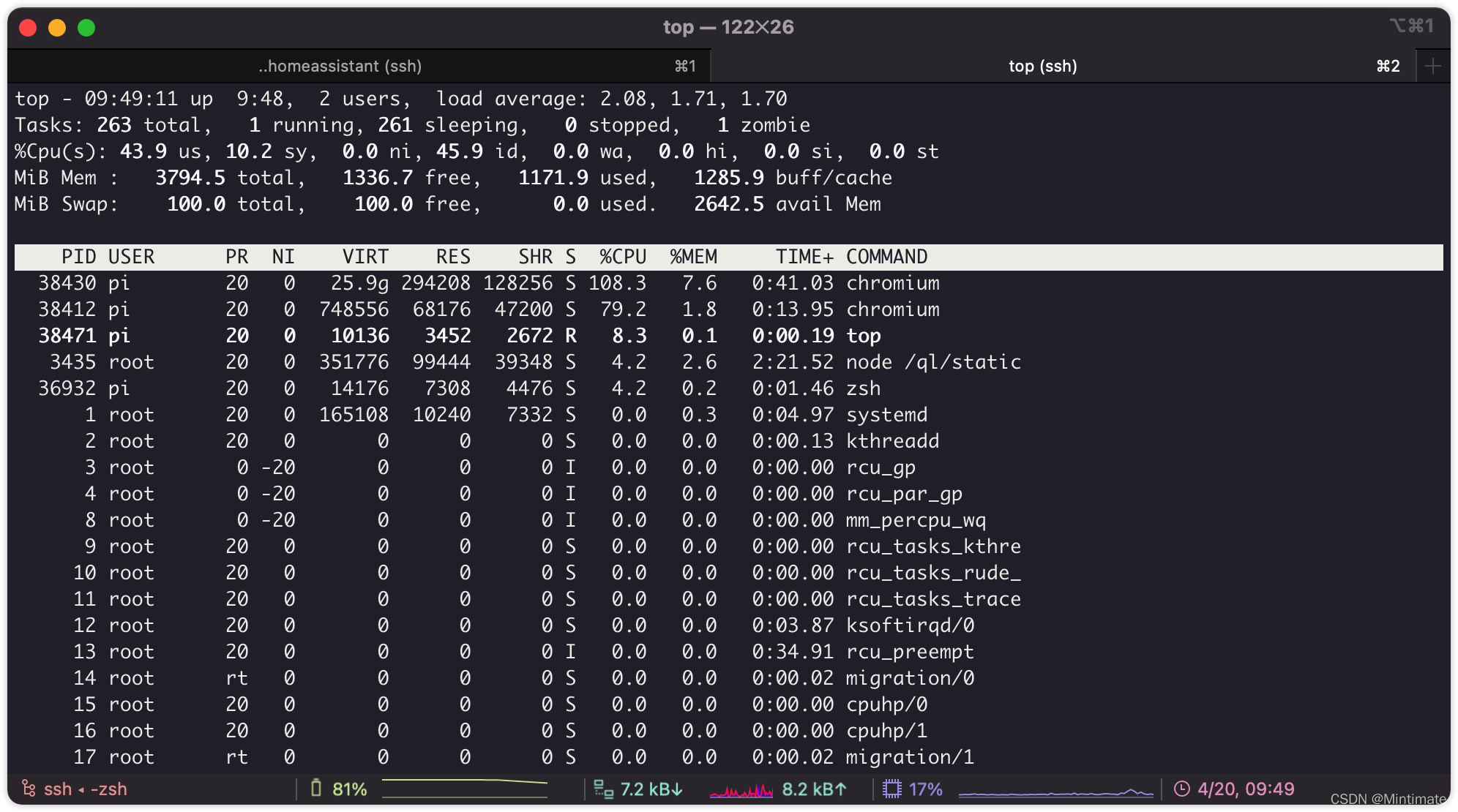
The Home Assistant container on the Raspberry Pi uses the command sensor to obtain and display information such as CPU temperature, memory usage, etc.

what is an API

R软件的下载与更新
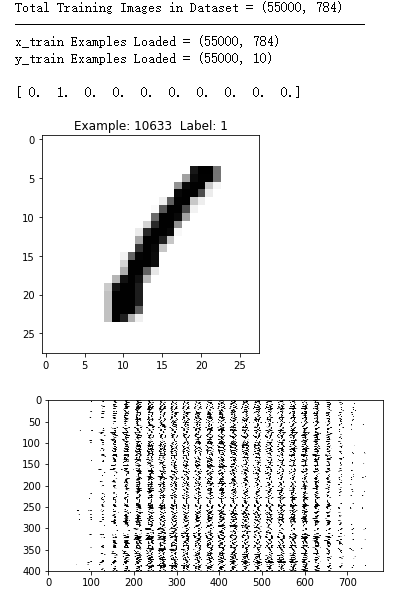
Convolutional Neural Networks for Handwritten Digit Classification
随机推荐
Convolutional Neural Network Notes
利用R解决常见的数据匹配问题
树莓派安装高版本Chromium和Chromedriver
Sprinig Boot + Redis 实现接口幂等性,写得太好了
CPU load average load average
学好shell条件判断处事果断
字节流:InputStream:读文件、OutputStream:写文件
arcgis js 4.18新体验:阴影滤镜图层
详解使用可道云Kodbox快速在云服务器上搭建云盘
详解树莓派上如何安装Home Assistant Supervised,让家里的智能设备更智能
Difference between ordinary factory class and abstract factory class
Cesium 填坑之路
动态规划之不同路径 II
Docker 快速安装&搭建 Mysql 环境
ARM Cortex-M debugging
PCIe 5.1 - Introduction
LVS load balancing server construction
IO流文件复制
线程的六种状态
SSH service details