当前位置:网站首页>How to connect Kunlun on state │ G series screen with Siemens 300 domestic MPI adapter
How to connect Kunlun on state │ G series screen with Siemens 300 domestic MPI adapter
2022-04-22 08:03:00 【weixin_ forty-five million four hundred and eleven thousand sev】
01 Hard wire connection
The adapter is the output interface 232 End adapter , Both ends of the communication line are female , Cross wire connection is adopted , After wiring according to the above figure, directly connect MPI The adapter is terminated onto the adapter ( Do not connect to the outgoing line of the adapter , Otherwise, we can't communicate )


02 Siemens PLC End settings
1). Hardware connection
Siemens is used in this test s7-300 315-2DP CPU To test , The software is step7 V5.5 edition , Use a computer with serial port or USB To serial port , Before configuration, connect the adapter cable to plc On ,232 Terminate the cable provided with the adapter ( Female heads at both ends ), One end is connected to the adapter , One end is connected to the computer serial port . Set the baud rate of computer serial port 19200
2). Communication parameter setting method :
Connect PLC, function Step7 Programming software .
Select... From the main menu Options, choice “Set PG/PC Interface”, eject “Set PG/PC Interface” window , As shown in the figure below
Be careful : without PC Adapter(MPI) Add in the interface selection shown in the figure below , Can be installed

Click the attribute button in the figure above , The communication interface parameter configuration box pops up, as shown in the figure below , Network parameters can be set , The corresponding parameters are displayed at the bottom left , The network transmission rate and maximum station address set by the driver in the configuration shall correspond to them one by one .

Click in the figure above “ Local connection ” page , Or switch to local communication settings , As shown in the figure below . Set the serial port communication parameters of this machine to 19200, During configuration, the serial port number and baud rate parameters set by the parent of the general serial port should also correspond to it .

double-click CPU Set parameters , On the left is the slot number , The configuration sub equipment parameters should correspond to them

eject CPU Property page , As shown in the figure below , The address item is its PLC Station address

Click the attribute button in the figure above , eject MPI Interface Parameter configuration page , As shown in the figure below , But for PLC Of MPI Address of communication station 、 Network transmission rate 、 Set and modify the address of the highest station , Rate selection 187.5kps

After configuration, connect to PLC Use in M Write a program in the area

Download to PLC in
03 To configure Mcgsgro Software
-
Add serial port parent device , A serial port choice COM1, Baud rate 19200
-
Add Siemens 300/400MPI drive , The parameter defaults to
-
After adding variables . Connect the corresponding variables , The communication status is numeric , Others are switching values


The setup screen , As shown in the figure below

Button Association M10.

Indicators use visibility correlation M10.

-
The communication status is associated with the communication status, and the numerical value of the communication status can be connected
-
Finally, connect one end of the communication line directly to the adapter , One end is connected to the touch screen , After success, the adapter active Light flashing , The communication status is determined by 1 become 0, After the button is pressed and connected, the indicator light is on and the communication is successful .
-

Scan QR code for more information and industry cases


版权声明
本文为[weixin_ forty-five million four hundred and eleven thousand sev]所创,转载请带上原文链接,感谢
https://yzsam.com/2022/04/202204220626278723.html
边栏推荐
- Training and empowerment | building a professional technical service team
- JSON相关
- Resolve MSSQL message 3989, level 16, status 1
- LDAP用户登录认证校验及查询
- Practical application of callable combined with countdownlatch
- Bert模型系列一:输入到底是什么东西呢?
- 世平信息上榜《CCSIP 2021中国网络安全产业全景图》
- Plain CSRF vulnerability
- 基於卷積神經網絡LeNet-5模型的mnist手寫數字識別
- Help 2021 Hangzhou network security publicity week | collection of wonderful activities of Shiping information
猜你喜欢

在window环境下面virtualbox加载移动硬盘里创建好的虚拟机
![[site building notes]: insert code snippets in wordpress blog posts and highlight them](/img/2f/d222c77172383fda79f2c109db0bdc.png)
[site building notes]: insert code snippets in wordpress blog posts and highlight them

Charles使用之修改请求和响应的三种方式

Grail layout and double wing layout

【技术】西门子软PLC与组态软件如何通讯?

echars动态实现散点图并自定义信息提示框

世平信息上榜《2021年中国网络安全市场全景图》

.Net5 Log4Net启动一段时间后记录日志到数据库中失败问题
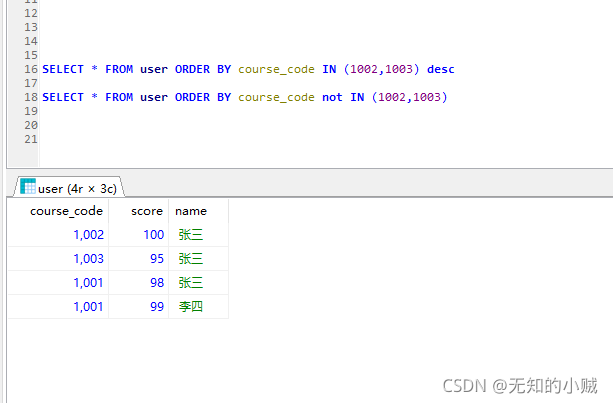
MySql查询指定一行排序到第一行
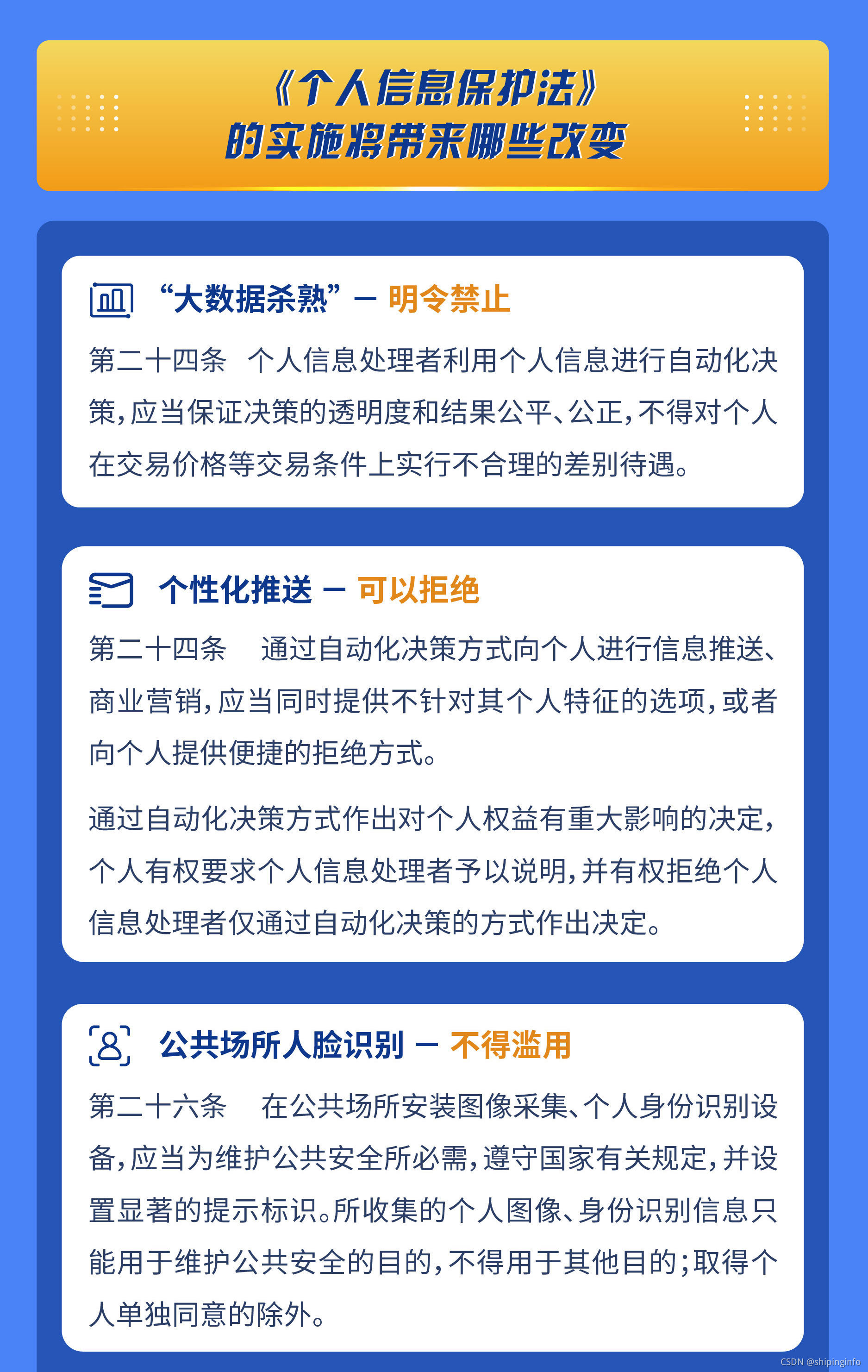
How to protect personal information security@ Everyone must not miss this dry goods sharing
随机推荐
TCP三次握手和四次挥手
基於卷積神經網絡LeNet-5模型的mnist手寫數字識別
Autoware displays user interface details
The data security product guide was officially released, and many products of Shiping information were included
SuperSocket在.Net5中使用——启动篇
越权与业务逻辑漏洞
Resolve MSSQL message 3989, level 16, status 1
Call another function within a shell function (without return value and with return value)
学生成绩管理
The difference between synchronized and reentrantlock
Autoware demo test
MNIST handwritten numeral recognition based on convolutional neural network lenet-5 model
A simple implementation of esp32 graphic web server
世平信息上榜《CCSIP 2021中国网络安全产业全景图》
XSS range clearance
Raspberry Pie 4: custom network time source
Practical application of callable combined with countdownlatch
Plain CSRF vulnerability
培训赋能 | 打造专业技术服务团队
[Shiping information] solutions for confidentiality inspection and compliance control of recorded content