当前位置:网站首页>HCIP-R&S By Wakin自用笔记(2)OSPF之OSPF回顾、虚连接
HCIP-R&S By Wakin自用笔记(2)OSPF之OSPF回顾、虚连接
2022-08-09 01:39:00 【筐瓢大师小吕】
OSPF回顾(8/4,78min)


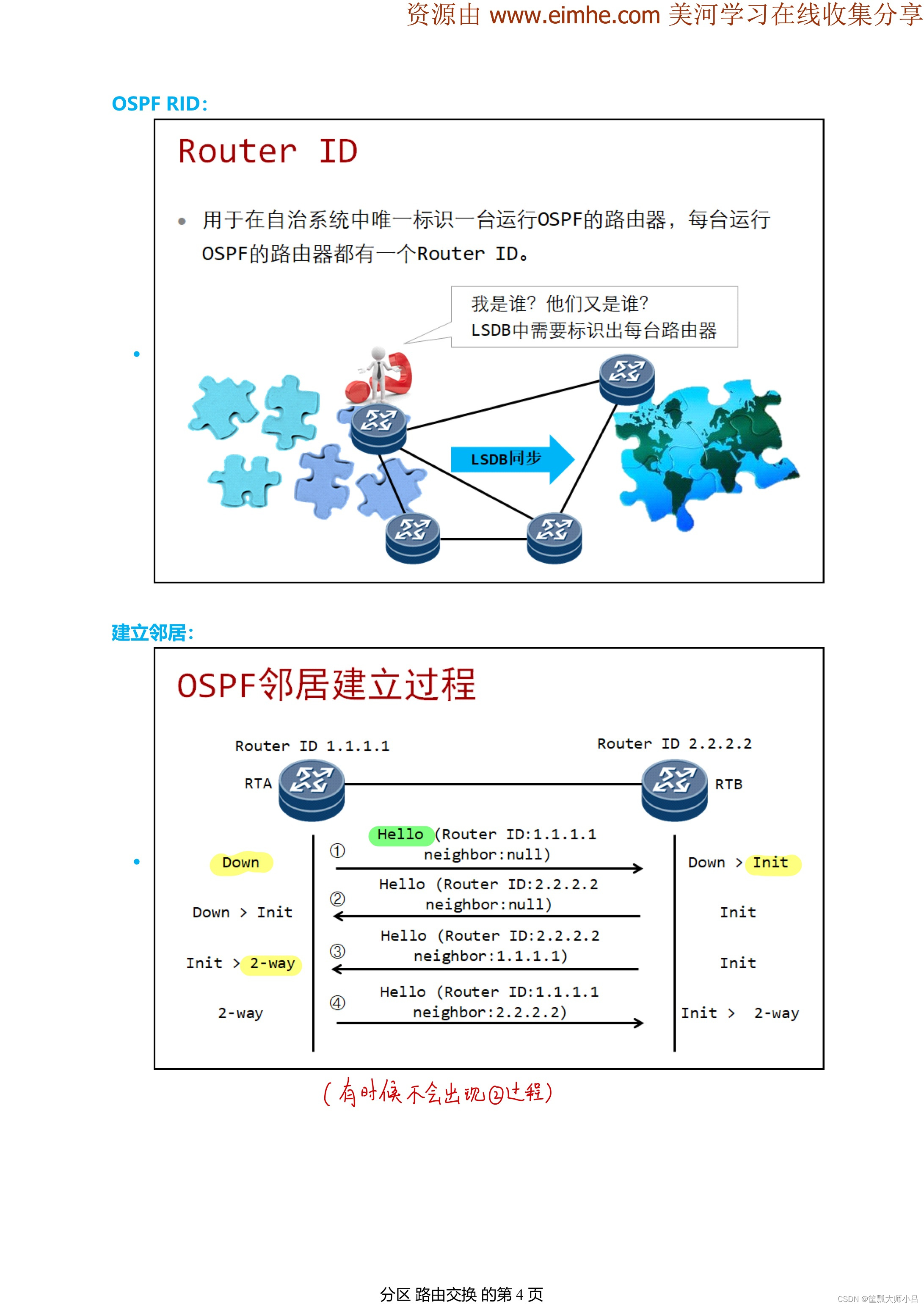
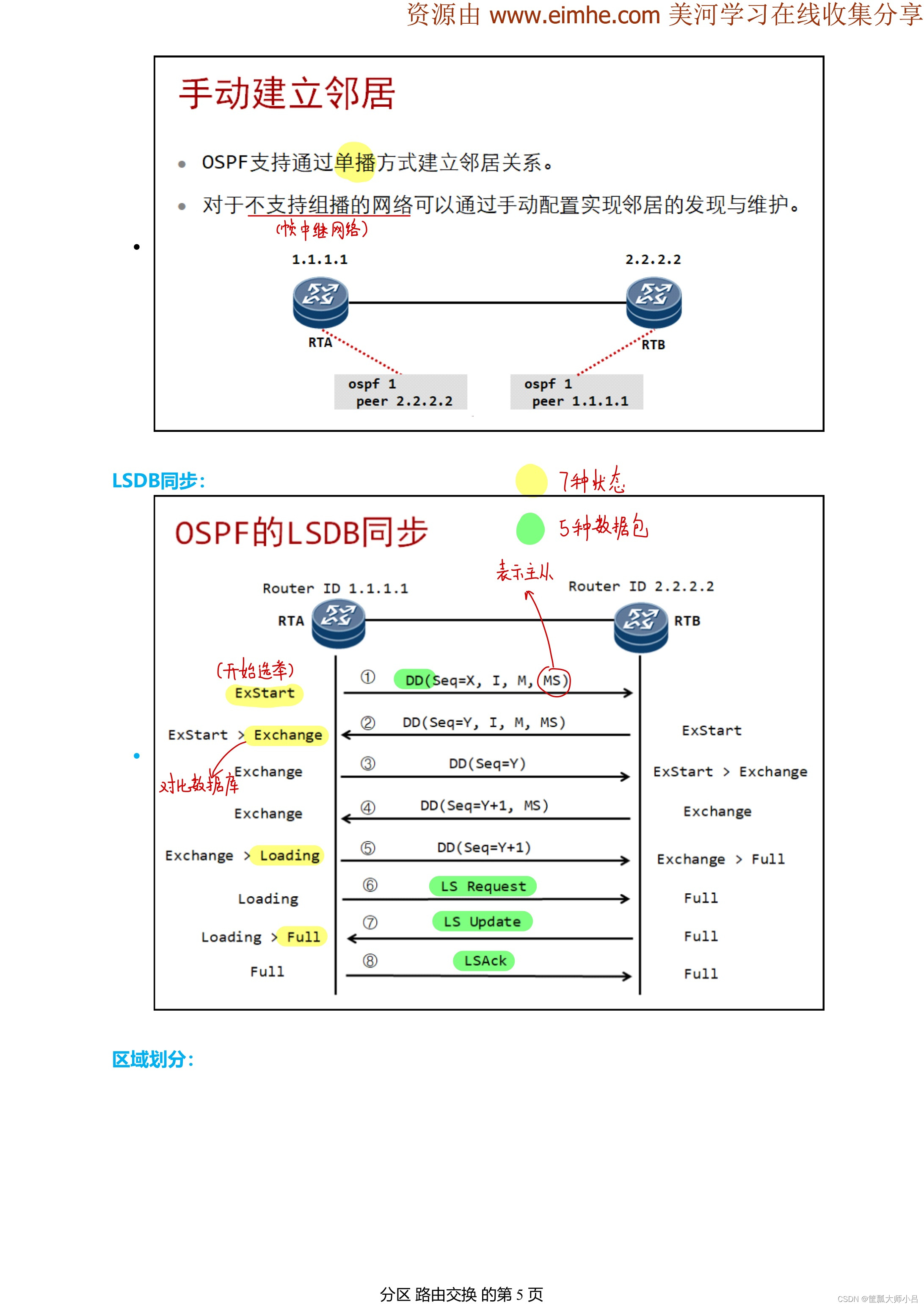

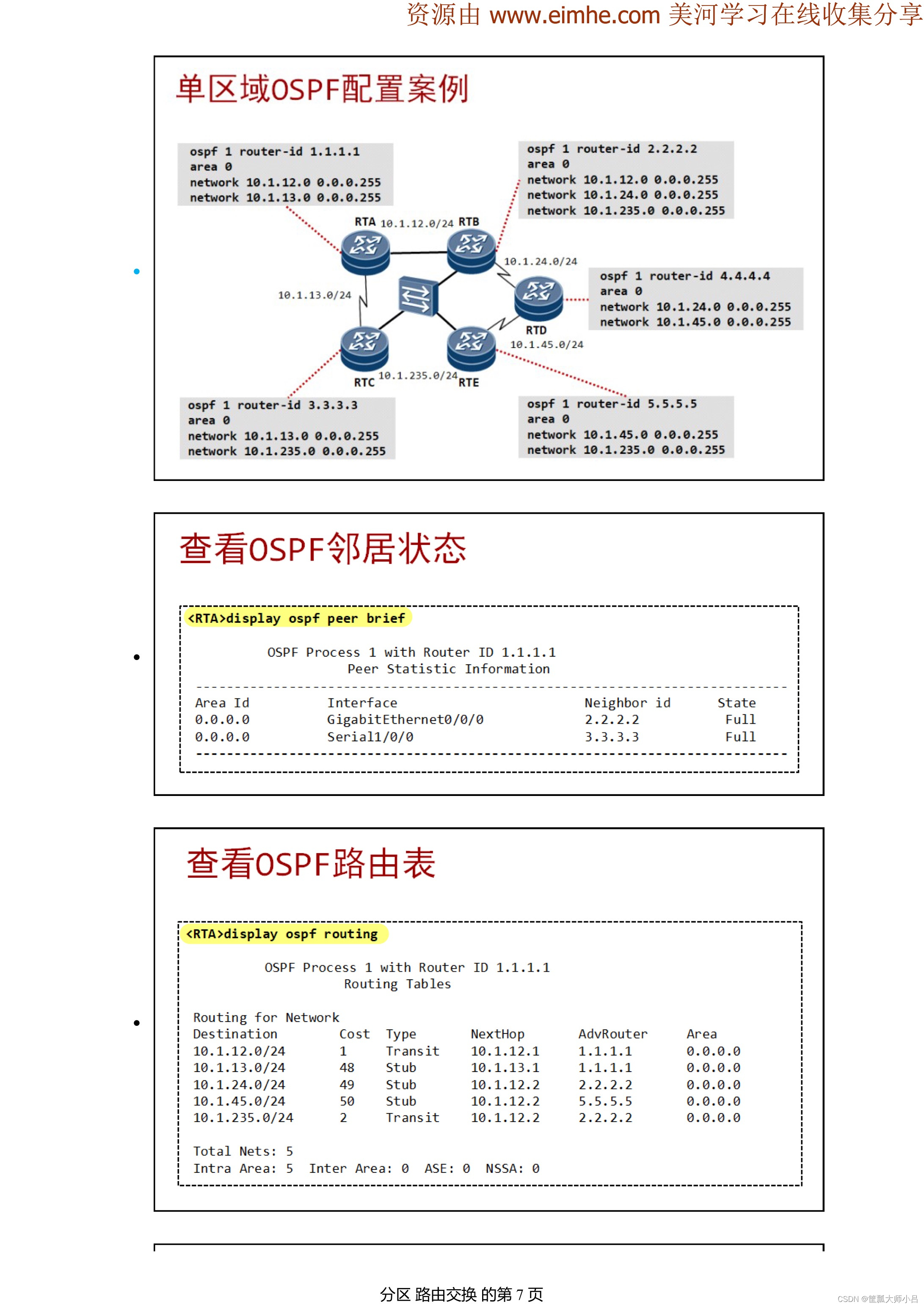

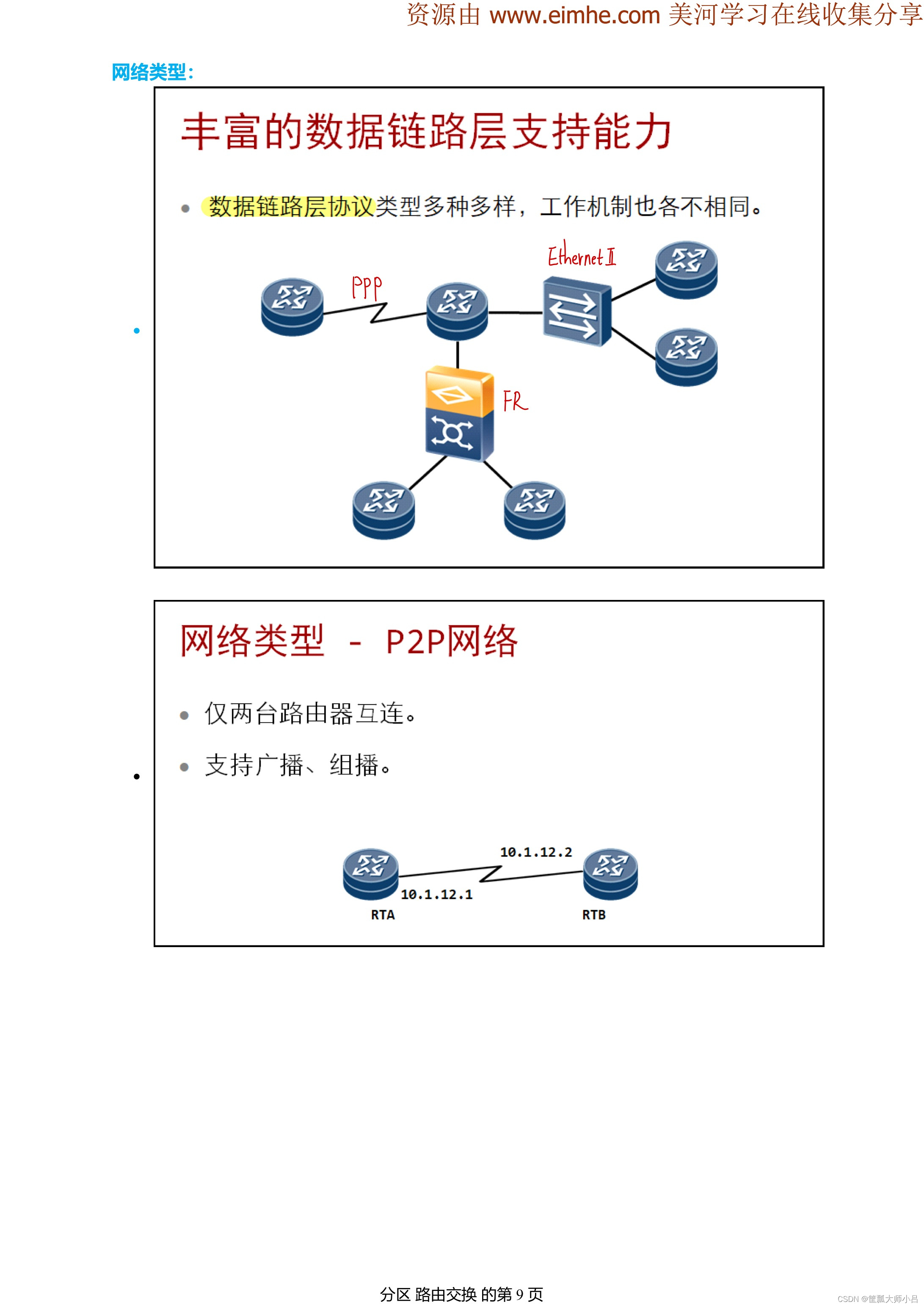


帧中继(NBMA)配置
拓扑如下:

路由器接口配置(只演示AR1)
<Huawei>sys
[Huawei]un in en
[Huawei]sys R1
[R1]interface Serial 4/0/0
[R1-Serial4/0/0]ip add 123.0.0.1 24
[R1-Serial4/0/0]link-protocol fr
Warning: The encapsulation protocol of the link will be changed. Continue? [Y/N]
:y
帧中继交换机添加映射,共三条:

手动建立映射(只演示AR1,R2与R3都需做配置):
[R1]int Serial 4/0/0
[R1-Serial4/0/0]fr map ip 123.0.0.2 102 broadcast
[R1-Serial4/0/0]fr map ip 123.0.0.3 103 broadcast
[R1-Serial4/0/0]undo fr inarp
查看帧中继映射状态:
[R1]dis fr map-info
Map Statistics for interface Serial4/0/0 (DTE)
  DLCI = 102, IP 123.0.0.2, Serial4/0/0
    create time = 2022/08/04 19:35:49, status = ACTIVE
    encapsulation = ietf, vlink = 1, broadcast
  DLCI = 103, IP 123.0.0.3, Serial4/0/0
    create time = 2022/08/04 19:36:01, status = ACTIVE
    encapsulation = ietf, vlink = 2, broadcast
若需要配置点到多点P2MP(Hub-spoken),则删除R2、R3对彼此的映射以及帧中继交换机的映射即可(本例未配置)
此时查看OSPF邻居状态,发现没有邻居:
[R1]dis ospf peer bri

	 OSPF Process 1 with Router ID 123.0.0.1
		  Peer Statistic Information
 ----------------------------------------------------------------------------
 Area Id          Interface                        Neighbor id      State
 ----------------------------------------------------------------------------

[R1]dis ospf interface Serial 4/0/0

	 OSPF Process 1 with Router ID 123.0.0.1
		 Interfaces


 Interface: 123.0.0.1 (Serial4/0/0)
 Cost: 48      State: DR        Type: NBMA      MTU: 1500
 Priority: 1
 Designated Router: 123.0.0.1
 Backup Designated Router: 0.0.0.0
 Timers: Hello 30 , Dead 120 , Poll  120 , Retransmit 5 , Transmit Delay 1
因为在NBMA中,只能通过手动指定邻居来建立关系。
手动建立NBMA网络类型中的OSPF类型(仅演示AR1):
[R1]ospf
[R1-ospf-1]peer 123.0.0.2
[R1-ospf-1]peer 123.0.0.3
此时再次查看:
[R1]dis ospf peer bri

	 OSPF Process 1 with Router ID 123.0.0.1
		  Peer Statistic Information
 ----------------------------------------------------------------------------
 Area Id          Interface                        Neighbor id      State
 0.0.0.0          Serial4/0/0                      123.0.0.2        Full
 0.0.0.0          Serial4/0/0                      123.0.0.3        Full
 ----------------------------------------------------------------------------
邻居关系已经建立。
虚连接(8/3,26min)


如图,Area 2未与Area 0相邻,所有路由器只做接口配置,OSPF区域配置及网段宣告。
配置(仅展示R1)
<Huawei>sys
[Huawei]un in en
[Huawei]sys R1
[R1]int gi0/0/0
[R1-GigabitEthernet0/0/0]i add 12.0.0.1 24
[R1-GigabitEthernet0/0/0]qu
[R1]ospf 1 router-id 1.1.1.1
[R1-ospf-1]a 0
[R1-ospf-1-area-0.0.0.0]net 12.0.0.0 0.0.0.255
做完路由器基础配置后,R1无法Ping通到34.0.0.4(R4),此时做虚连接配置。
[R2-ospf-1]a 1
[R2-ospf-1-area-0.0.0.1]vlink-peer 3.3.3.3
[R3-ospf-1]a 1
[R3-ospf-1-area-0.0.0.1]vlink-peer 2.2.2.2此时R1路由可达R4。
边栏推荐
猜你喜欢

LeetCode每日一题:搜索插入位置 (均1200道)方法:二分查找

睿智的目标检测61——Tensorflow2 Focal loss详解与在YoloV4当中的实现

JDBC技术(一)——一个简单的JDBC测试

ICMP差错报告报文数据字段

jetson nano 开机闪一下然后黑屏

Use of torchversion.transforms

数字孪生+燃气管理,开启智慧燃气管理新模式

Using ngrok on Raspberry Pi (Extra 2)

LeetCode每日两题01:二分查找 (均1200道)

Image denoising based on edge enhancement Diffusion 】 (cEED) and Coherence Enhancing coursing together (cCED) filter to realize image denoising matlab code
随机推荐
JDBC technology (2) - set up common sql and configuration files
How to install ngrok in Synology system (Synology 6.X version)
4-8 Matplotlib库 雷达图
momerymap mmap 存储映射I/O
ffplay playback control
论文笔记:SAITS: SELF-ATTENTION-BASED IMPUTATION FOR TIMESERIES
任务五 处理连续型数据
Loadrunner结合Fiddler实现脚本的录制
JDBC technology (1) - a simple JDBC test
全文翻译:EDPB关于VVA(虚拟语音助理)中处理个人数据的指南02/2021
Grid布局介绍
class path resource [bean.xml] cannot be opened because it does not 错误解决方案
4-3 Matplotlib库 条形图
谷歌翻译软件-免费谷歌翻译
4-9 Matplotlib图结构分析
typescript89-展示任务列表功能
解决有路由策略的情况下域内NAT不通的问题
4-2 Matplotlib库 基本使用(绘制折线图)
任务六 特征衍生 案例分析
4-4 Matplotlib库 直方图