当前位置:网站首页>微信小程序启动页的实现
微信小程序启动页的实现
2022-08-11 05:29:00 【wendZzz】
加班偷着懒没做一堆九月份迭代的工作,实现了一下小程序的启动页。效果是这样的:
关注公众号查看效果
app.json
将启动页路径放在pages数组的第一项,tabBar中list正常放置。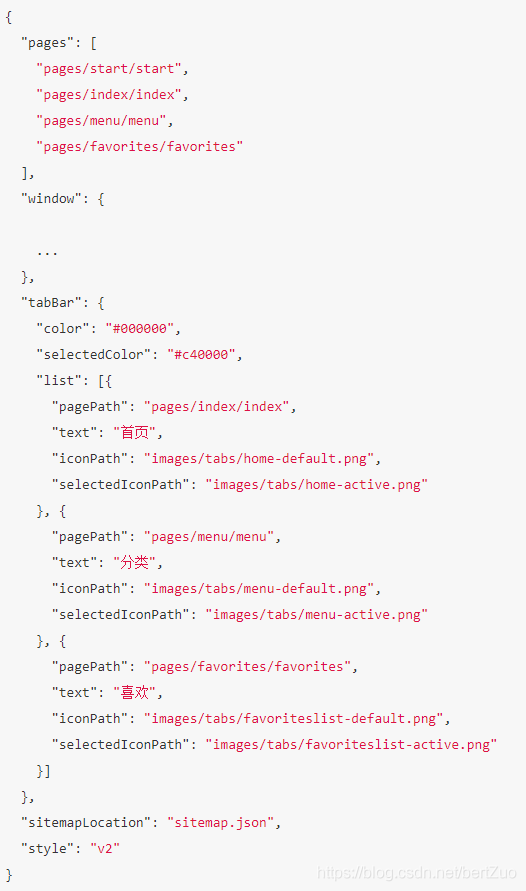
start.wxml
先写一个容器显示背景图片,image标签上使用bindload方法,动态计算屏幕宽高,以适应不同手机端的尺寸,让背景图更佳显示。
因为是云开发,图片刻意使用了云存储中图片资源,具体操作可回顾之前发布的视频教程。
<view wx:for='{
   {testList}}' wx:for-item="item" wx:key="item">
    <image src="{
   {item.fileID}}" bindload="autoImage" style="width:{
   {imgWidth}};height:{
   { imgHeight }}" />
</view>
用户信息展示,整体用容器包起来,做成绝对定位。open-data 标签可以免权限直接拿到用户的昵称头像等信息,只需要指定相应的type即可。
<view class="userinfo">
    <view class="userinfo-avatar">
        <open-data type="userAvatarUrl"></open-data>
    </view>
    <view class="userinfo-name">
        <text>{
   {msg}}</text>
        <open-data type="userNickName"></open-data>
    </view>
    <button hover-class="btn_red" class="btn" bindtap="goToIndex">进入店铺</button>
</view>
start.wxss
进入店铺按钮有一个悬停效果,使用hover-class定义一个目标效果的class。

start.js
autoImage 方法如下,欢迎白嫖。
autoImage(e) {
    var that = this;
    var originalWidth = e.detail.width;
    var originalHeight = e.detail.height;
    var imageWidth = 0;
    var imageHeight = 0;
    wx.getSystemInfo({
        complete: (res) => {
            var winWidth = res.windowWidth;
            if (originalWidth > winWidth) {
                var autoWidth = winWidth;
                var autoHeight = (autoWidth * originalHeight) / originalWidth;
                imageWidth = autoWidth + 'px';
                imageHeight = autoHeight + 'px';
            } else {
                imageWidth = originalWidth + 'px';
                imageHeight = originalHeight + 'px';
            }
            that.setData({
                imgWidth: imageWidth,
                imgHeight: imageHeight
            });
        }
    })
}
进入店铺按钮上绑定的事件,直接调用微信api,tab页跳转。
goToIndex() {
    wx.switchTab({
        url: '/pages/index/index',
    });
}
边栏推荐
- ARM 汇编指令 ADR 与 LDR 使用
- Invalid revision: 3.18.1-g262b901-dirty
- 栈stack
- Wonderful linkage | OpenMLDB Pulsar Connector principle and practical operation
- OpenMLDB v0.5.0 released | Performance, cost, flexibility reach new heights
- USB in NRZI to encode the data
- JS小技巧,让你编码效率杠杠的,快乐摸鱼
- [Meetup] OpenMLDBxDolphinScheduler engineering and scheduling link link characteristics, building the end-to-end MLOps workflow
- OpenMLDB + Jupyter Notebook: Quickly Build Machine Learning Applications
- Day 87
猜你喜欢
vscode插件开发——代码提示、代码补全、代码分析(续)
Node 踩坑之80端口被占用

The third phase of the contributor task is wonderful
第四范式OpenMLDB优化创新论文被国际数据库顶会VLDB录用
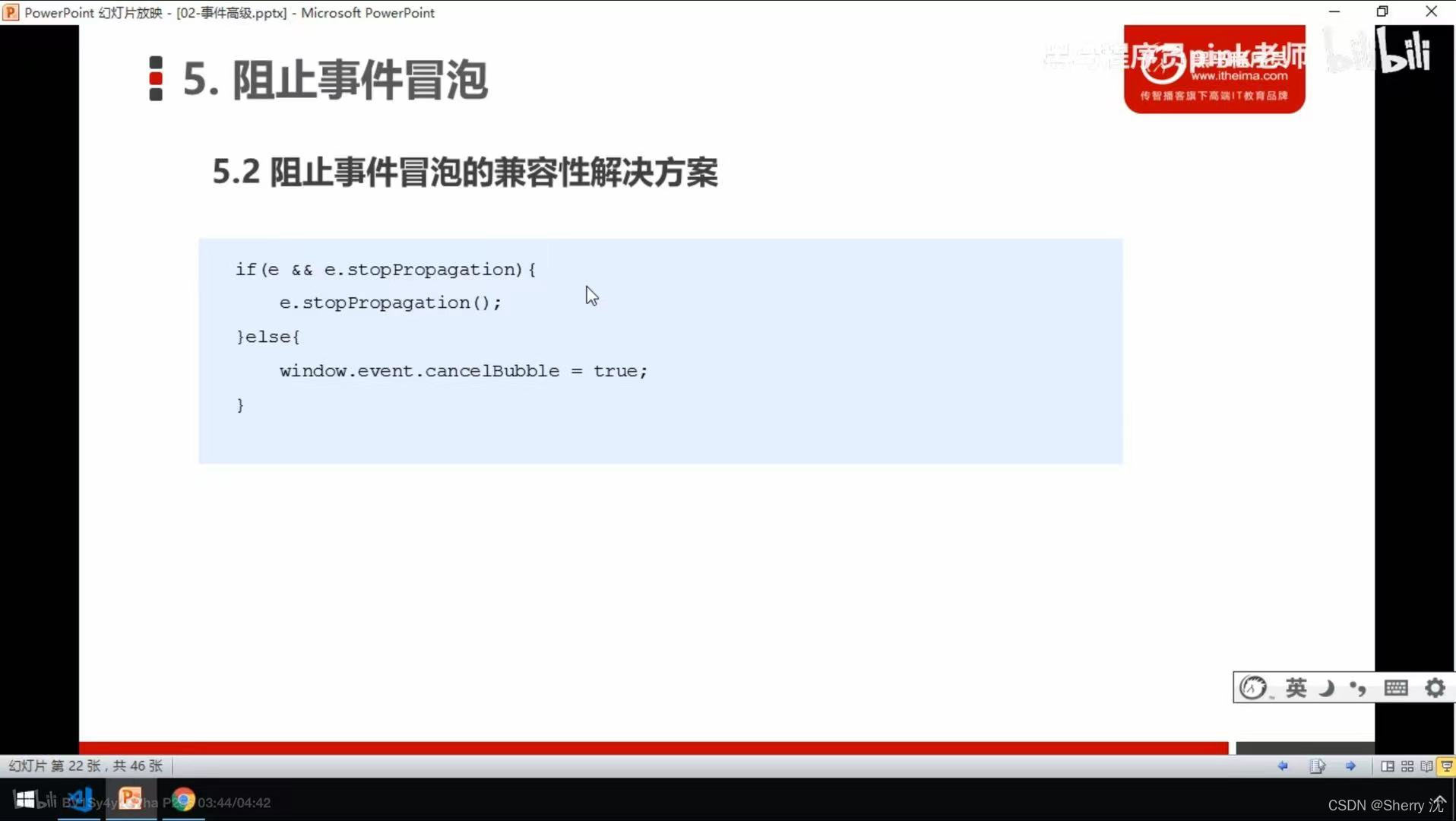
js learning advanced (event senior pink teacher teaching notes)
活动预告 | 4月23日,多场OpenMLDB精彩分享来袭,不负周末好时光
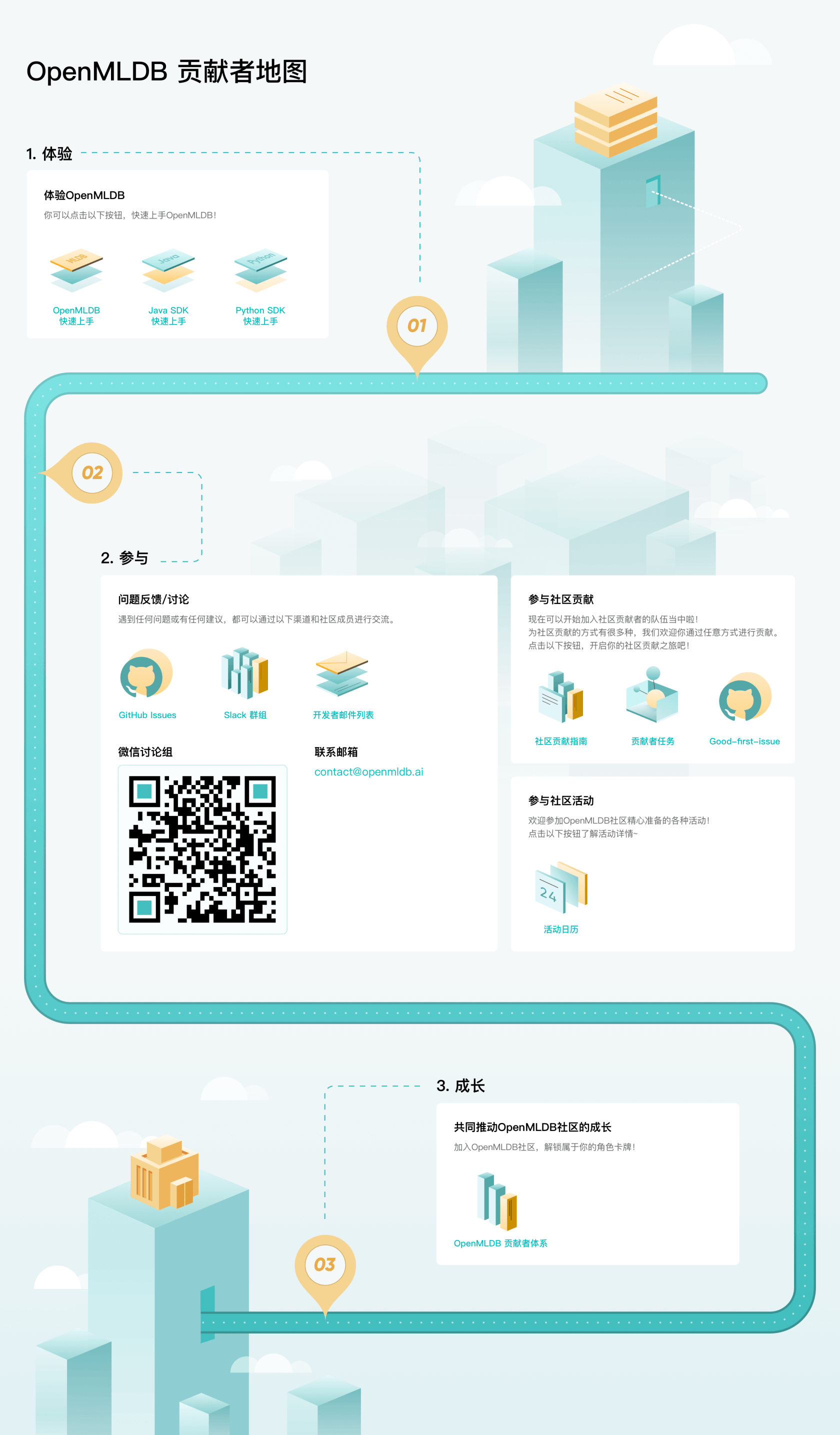
OpenMLDB官网升级,神秘贡献者地图带你快速进阶

ARM assembly instruction ADR and LDR
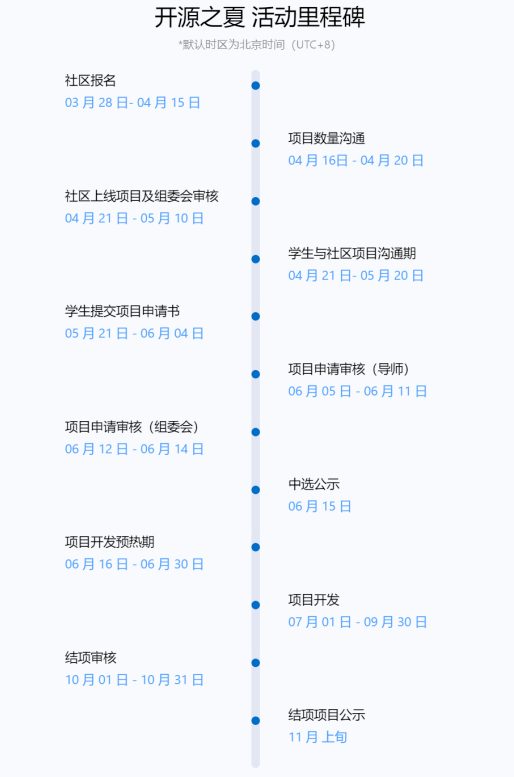
开源之夏 2022 火热来袭 | 欢迎报名 OpenMLDB 社区项目~
OpenMLDB v0.5.0 发布 | 性能、成本、灵活性再攀高峰
随机推荐
STM32F407-浅~~析UART异步通信&USART_Init函数入口参数
关于if(x)和while(x)的解释
Visual studio2019 配置使用pthread
【Meetup预告】OpenMLDB+OneFlow:链接特征工程到模型训练,加速机器学习模型开发
js learning advanced BOM part (pink teacher notes)
Jetpack使用异常问题集锦
Visual studio2019 configuration uses pthread
批量快速修改代码的正则表达式替换
Certificate of SearchGuard configuration
STM32F4-正点原子探索者-SYSTEM文件夹下的delay.c文件内延时函数详解
gerrit 配置SSH Key和账号、邮箱信息
[Meetup] OpenMLDBxDolphinScheduler engineering and scheduling link link characteristics, building the end-to-end MLOps workflow
OpenMLDB:线上线下一致的生产级特征计算平台
Day 76
Day 82
OpenMLDB Meetup No.2 会议纪要
Day 81
scanf函数在混合接受数据(%d和%c相连接)时候的方式
活动预告 | 4月23日,多场OpenMLDB精彩分享来袭,不负周末好时光
Day 79