当前位置:网站首页>Vscode remote connection server terminal zsh+Oh-my-zsh + Powerlevel10 + Autosuggestions + Autojump + Syntax-highlighting
Vscode remote connection server terminal zsh+Oh-my-zsh + Powerlevel10 + Autosuggestions + Autojump + Syntax-highlighting
2022-08-11 06:32:00 【浮筒】
VscodeRemotely connect to the server terminalzsh+Oh-my-zsh + Powerlevel10 + Autosuggestions + Autojump + Syntax-highlighting的配置
博文介绍
本人在Mac端已经配置好了iterm2 + Oh-my-zsh + Powerlevel10 + Autosuggestions + Autojump + Syntax-highlighting的终端(terminal)环境,但是想用Vscode远程连接服务器,And also want to synchronize the server terminal,So record how to configure the server remotelyOh-my-zsh + Powerlevel10 + Autosuggestions + Autojump + Syntax-highlighting的终端环境.
达到的效果是Vscoderemote server terminal and Mac SSHThe connected server terminal can configure the environment.
环境
本机:MacOS
服务器:Ubuntu
配置ZSH与Oh-my-zsh
sudo apt-get update
sudo apt install zsh
chsh -s /bin/zsh
#重启终端
cd ~
wget --no-check-certificate  https://github.com/robbyrussell/oh-my-zsh/raw/master/tools/install.sh -O - | sh

#powerlevel10k安装
git clone --depth=1 https://gitee.com/romkatv/powerlevel10k.git ${ZSH_CUSTOM:-$HOME/.oh-my-zsh/custom}/themes/powerlevel10k
修改ZSH主题
vim ~/.zshrc
#将 ZSH_THEME 修改为 Powerlevel10
ZSH_THEME="powerlevel10k/powerlevel10k"
#按esc,然后输入:wq,敲回车,保存修改,Execute the following line again
source .zshrc

配置p10K与vscode
step1.进入p10K配置界面(You will be prompted which theme you prefer,根据提示选择)
step2.在vscodeModify the default terminal in ,Settings in the lower right corner“远程SSH”搜索terminal zsh,改成zsh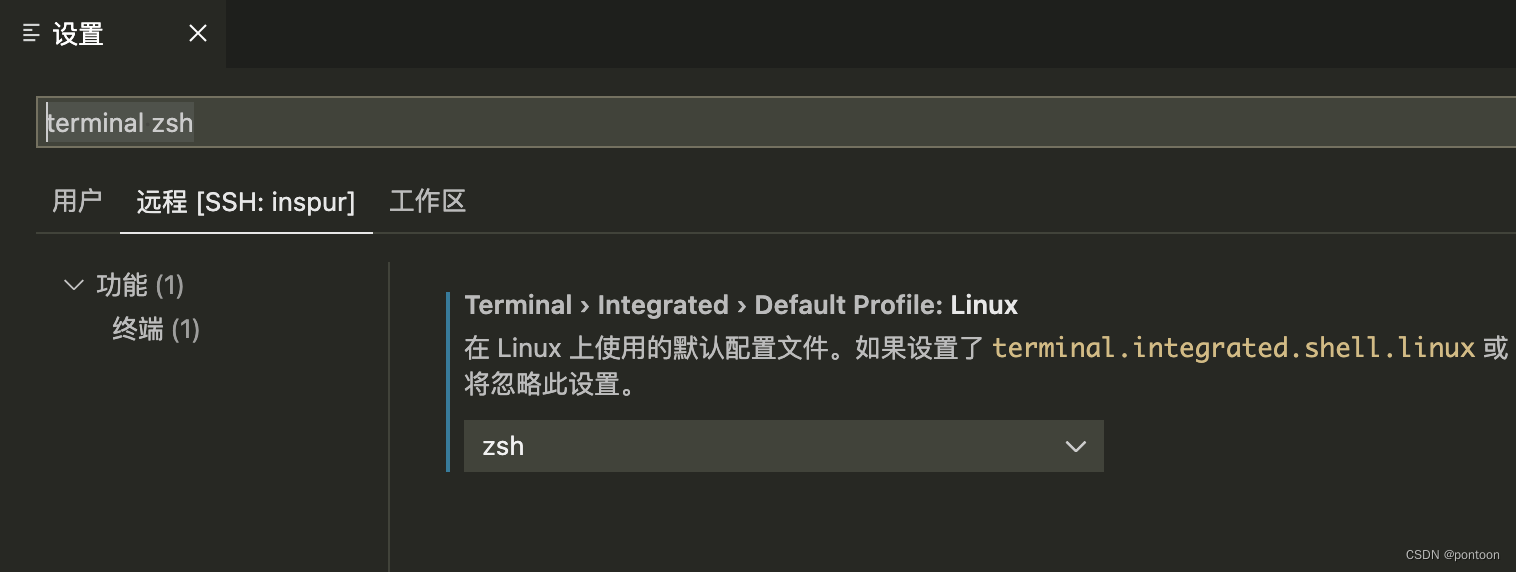
step3.在vscodeModify the terminal font in ,设置中搜索terminal font,改为MesloLGS NF,The premise is to ensure that the font is available in the system(为了防止vscodeThe terminal displays garbled fonts)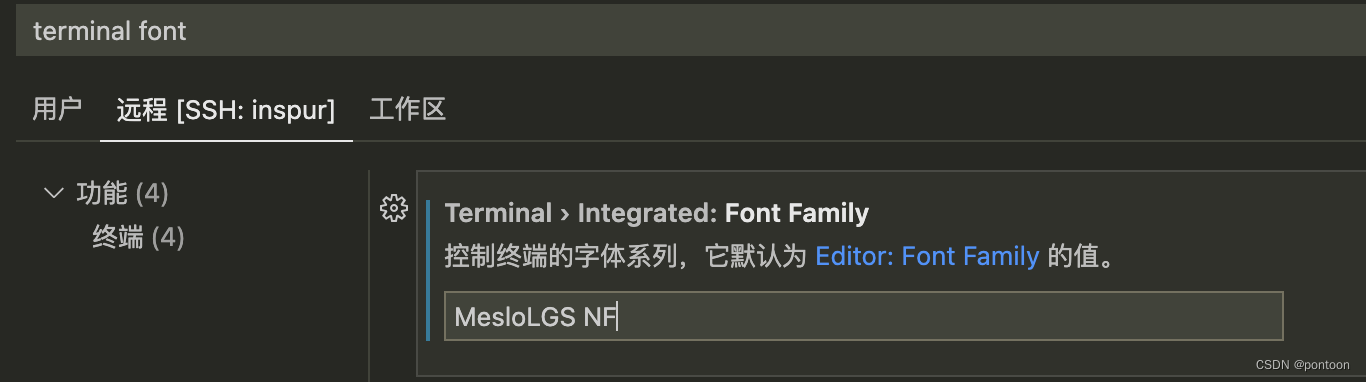
vscode终端显示效果
从Mac去sshAfter logging in, the remote terminal displays the same effect
显示效果:(Since paths have names,I'll code)
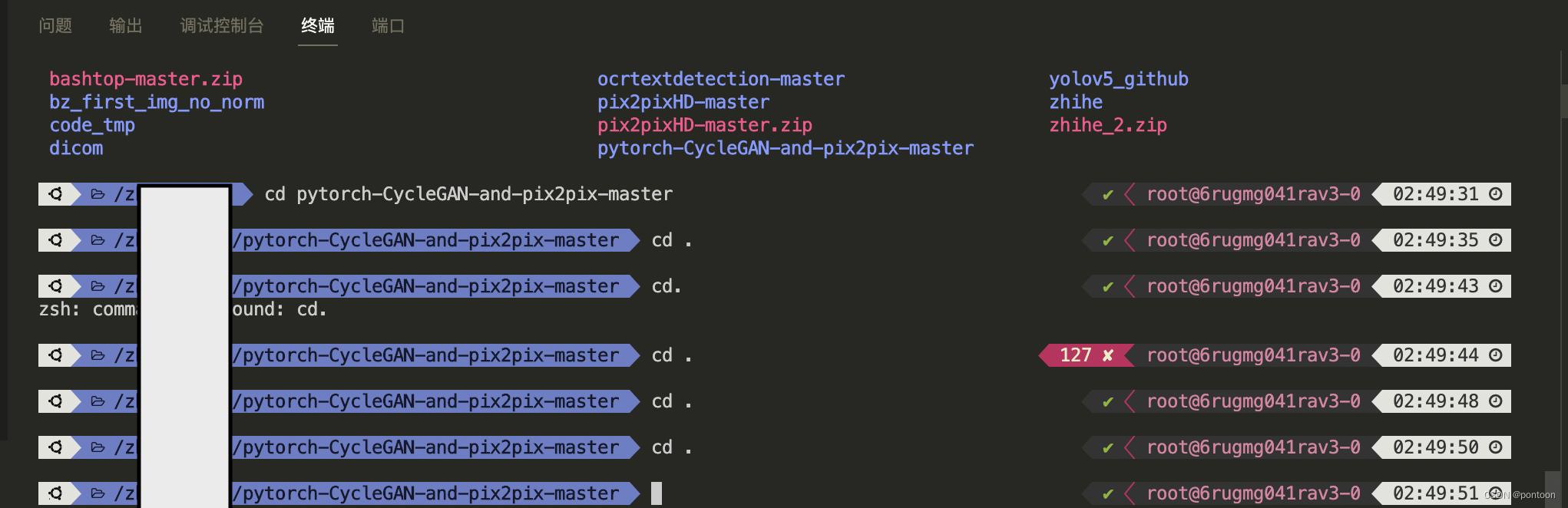
安装其他插件
Install very useful plugins below,You can search for instructions on how to use the plugin,这里不多阐述:
#安装插件-自动补全
git clone https://github.com/zsh-users/zsh-autosuggestions ${ZSH_CUSTOM:-~/.oh-my-zsh/custom}/plugins/zsh-autosuggestions
#配置zsh-autosuggestions,同样打开.zshrc,将plugin加上一个zsh-autosuggestions:
vim ~/.zshrc
#在pluginsChange this line to the following line
plugins=(git zsh-autosuggestions)
#按esc,然后输入:wq,敲回车,保存修改,Execute the following line again
source .zshrc


#安装插件-语法高亮
git clone https://gitee.com/zsh-users/zsh-syntax-highlighting.git ${ZSH_CUSTOM:-~/.oh-my-zsh/custom}/plugins/zsh-syntax-highlighting
vim ~/.zshrc
#在pluginsChange this line to the following line
plugins=(git zsh-syntax-highlighting zsh-autosuggestions)
#按esc,然后输入:wq,敲回车,保存修改,Execute the following line again
source .zshrc

#安装插件-Autojump
sudo apt install autojump
#Execute as a normal user
source /usr/share/autojump/autojump.sh on startup
#执行下面的命令让autojump 在 BASH shell 中永久生效
echo '. /usr/share/autojump/autojump.sh'>>~/.bashrc
边栏推荐
- vim 编辑解决中文乱码问题
- STM32-串口常用寄存器和库函数及配置串口步骤
- Promise.race学习(判断多个promise对象执行最快的一个)
- 【调试记录1】提高MC3172浮点运算能力,IQmath库的获取与导入使用教程
- Safety helmet recognition - construction safety "regulator"
- STM32学习笔记(白话文理解版)—按键控制
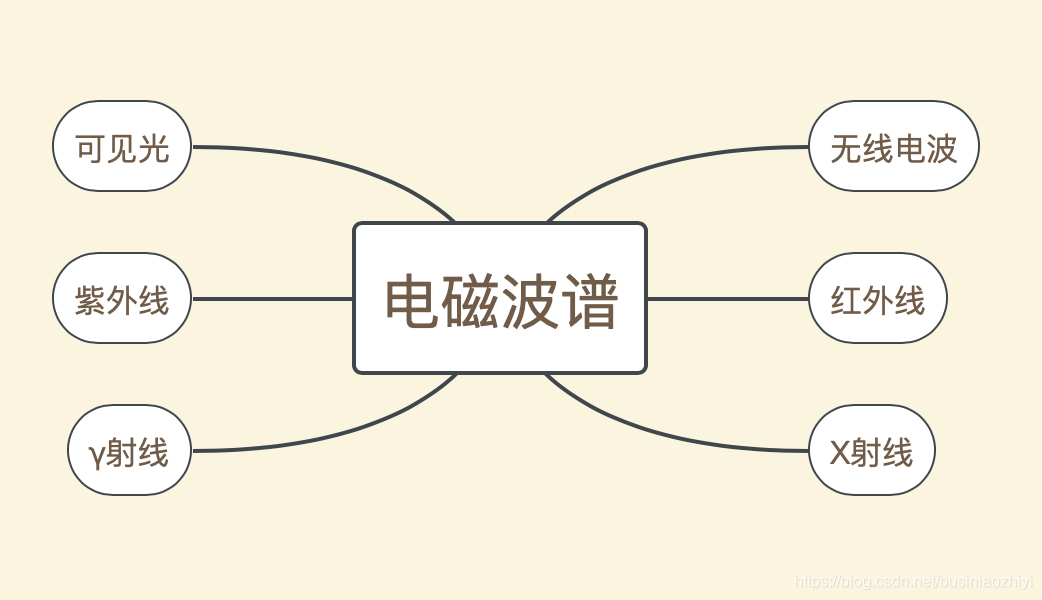
- 红外线一认识
- 批量快速修改代码的正则表达式替换
- HTTP缓存机制详解
- 论文解读:GAN与检测网络多任务/SOD-MTGAN: Small Object Detection via Multi-Task Generative Adversarial Network
猜你喜欢

论文解读:GAN与检测网络多任务/SOD-MTGAN: Small Object Detection via Multi-Task Generative Adversarial Network
Kotlin 增量编译的新方式 | 技术解析

vim 编辑解决中文乱码问题
红外线一认识
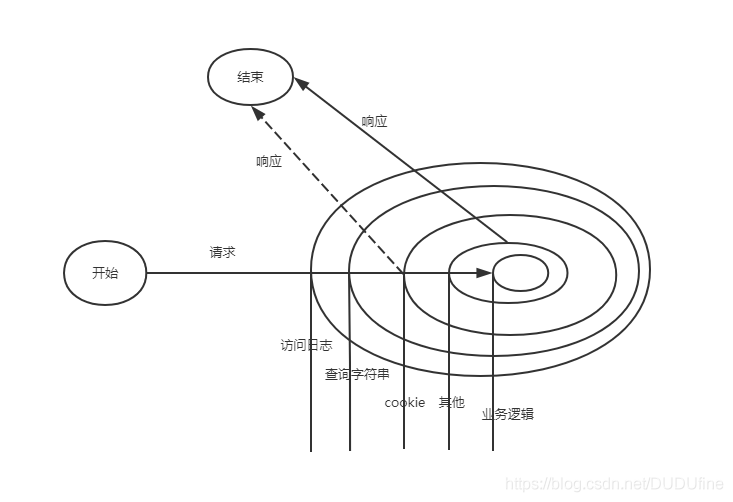
Node-3.构建Web应用(二)

360° large field of view helmet recognition system-deep learning intelligent video analysis
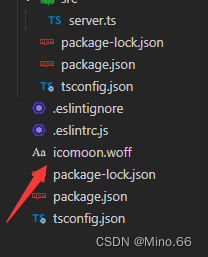
vscode插件开发——代码提示、代码补全、代码分析
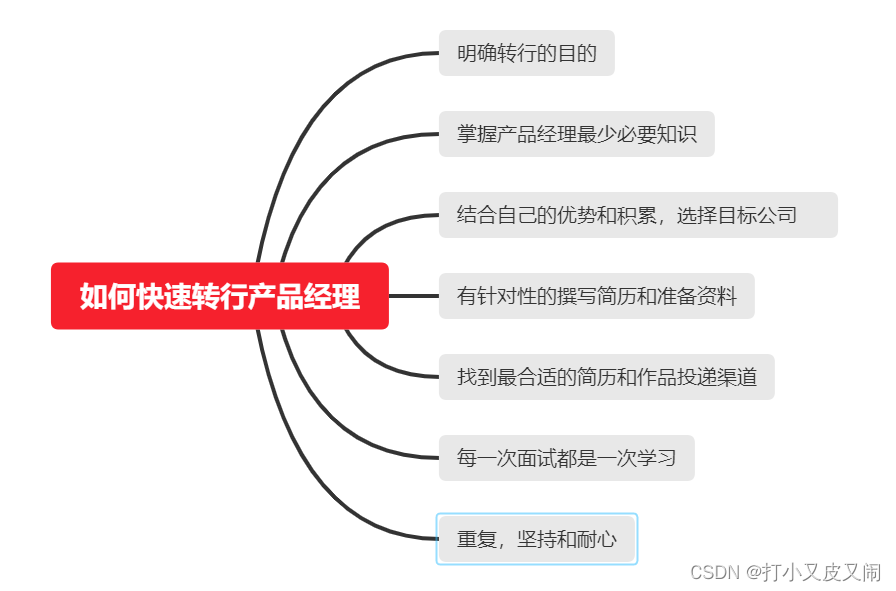
如何快速转行做产品经理
CMT2380F32模块开发1-硬件

ARM 汇编指令 ADR 与 LDR 使用
随机推荐
Diagnostic Log and Trace——开发人员如何使用 DLT
yolov3+centerloss+replay buffer实现单人物跟踪
Mei cole studios - fifth training DjangoWeb application framework + MySQL database
vscode插件开发——代码提示、代码补全、代码分析
Promise.race学习(判断多个promise对象执行最快的一个)
ARM 汇编指令 ADR 与 LDR 使用
SearchGuard证书配置
CMT2380F32模块开发10-高级定时器例程
场景驱动的特征计算方式OpenMLDB,高效实现“现算先用”
支付牌照是什么意思
目标检测思维导图
产品版本号是如何确定的
Diagnostic Log and Trace——为应用程序和上下文设置日志级别的方法
Maykel Studio - Django Web Application Framework + MySQL Database Third Training
Typescript学习日记,typescript从基础到进阶(第一章)
开源机器学习数据库OpenMLDB贡献者计划全面启动
Promise 中状态改变和回调执行先后顺序 和promise多次回调
mount命令--挂载出现只读,解决方案
CVPR2022——Not All Points Are Equal : IA-SSD
实时特征计算平台架构方法论和基于 OpenMLDB 的实践