A dashboard for Raspberry Pi to display environmental weather data, rain radar, weather forecast, etc. written in Python

Overview

Weather Clock for Raspberry PI

This project is a dashboard for Raspberry Pi to display environmental weather data, rain radar, weather forecast, etc. on a connected LCD written in Python. The data is collected from local MQTT broker and also from Internet services.

drawing

Display

I used a 7inch IPS display with 1024x600 hardware resolution and HDMI input, which has a low power consumption of only 1-2 Watt which is predestinated for 24/7 operation. An RCWL-0516 doppler radar microwave motion sensor module is used to switch off the backlight when no motion has been detected for the last 10 minutes. This is for saving energy when nobody is in the room to watch the dashboard. The backlight is switched on automatically when motion is detected.

https://www.waveshare.com/wiki/7inch_HDMI_LCD

Raspberry PI

I use the Raspberry Pi Zero WH which has enough performance, a low power consumption and an HDMI connector. Also it is possible to connect it directly to the backside of the Waveshare display. Only a mini-HDMI (type C) to normal-HDMI (type A) cable is required. The whole system (RPI + display) can be powered over the USB connector and consumes in total a maximum of 4 Watt.

Software on the Raspberry PI

  • Use a 16Gbyte SD card and install Raspberry Pi OS on it
  • Configure graphics driver and resolution as described on https://www.waveshare.com/wiki/7inch_HDMI_LCD
  • Configure a static IP within your WiFi network
  • Activate SSH for remote configuration, SW update and maintainance

Install following packages used by the Python program:

  • pip install python3-utils
  • sudo apt-get install python3-pil python3-pil.imagetk
  • sudo apt-get install python3-pip -y
  • sudo pip3 install paho-mqtt

Weather Clock configuration

Please change following variables according to your location. The value for xmin and ymin can be determined with https://oms.wff.ch/calc.htm for a specific zoom level.

  • longitude = "8.900"
  • latiude = "48.800"
  • timezone = "Europe/Berlin"
  • zoom = 12
  • xmin = 2148
  • ymin = 1409

Please change following variables according to your MQTT settings:

  • mqtt_user = "*********"
  • mqtt_password = "***************"
  • mqtt_broker_address = "192.168.xxx.xxx"
  • mqtt_port = 1883
  • mqtt_topic_pressure = "/483fdabaceba/pressure"
  • mqtt_topic_outtemperature = "/483fdabaceba/temperature"
  • mqtt_topic_outhumidity = "/483fdabaceba/humidity"
  • mqtt_topic_intemperature = "/483fdabaceba/temperature"
  • mqtt_topic_inhumidity = "/483fdabaceba/humidity"

Internet services used

The program

Execute the program with: python3 ./weatherclock_rpi.py

You might also like...
An open source operating system designed primarily for the Raspberry Pi Pico, written entirely in MicroPython

PycOS An open source operating system designed primarily for the Raspberry Pi Pico, written entirely in MicroPython. "PycOS" is an combination of the

CO2Ampel - This RaspberryPi project uses weather data to estimate the share of renewable energy in the power grid

CO2Ampel This RaspberryPi project uses weather data to estimate the share of ren

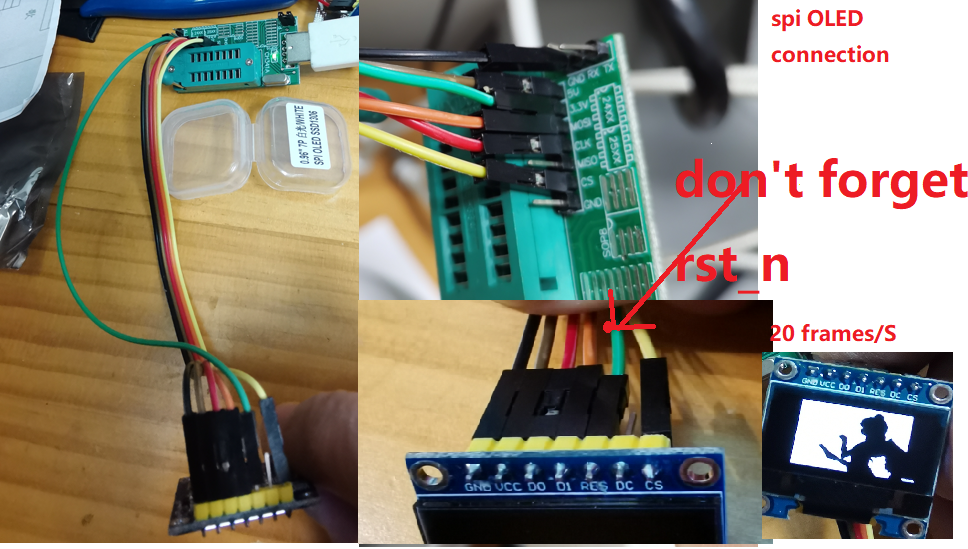
A ch341dll Wrap is for using in Python 32bits windows  to access I2C SPI and MDIO (by GPIO), and Demo with display PC sreen on OLED by i2c or SPI .
A ch341dll Wrap is for using in Python 32bits windows to access I2C SPI and MDIO (by GPIO), and Demo with display PC sreen on OLED by i2c or SPI .

ch341dll_wrap_typcal_app A ch341dll Wrap is for using in Python 32bits windows to access I2C SPI and MDIO (by GPIO). In addition, I provided 3 Demo. I

Python information display framework aimed at e-ink devices

My display, using a Raspberry Pi Zero W and Waveshare 6" e-paper hat infodisplay Modular information display framework aimed at e-ink devices. Built u

Python application, displaying currently played track from Spotify on OLED display connected via I2C

RaspberryPi Spotify OLED Display This application will display currently played track on SSD1306 OLED display connected to RaspberryPi. Displayed stuf

A Python class for controlling the Pimoroni RGB Keypad for Raspberry Pi Pico

rgbkeypad A Python class for controlling the Pimoroni RGB Keypad for the Raspberry Pi Pico. Compatible with MicroPython and CircuitPython. keypad = RG

๐Ÿ”† A Python module for controlling power and brightness of the official Raspberry Pi 7

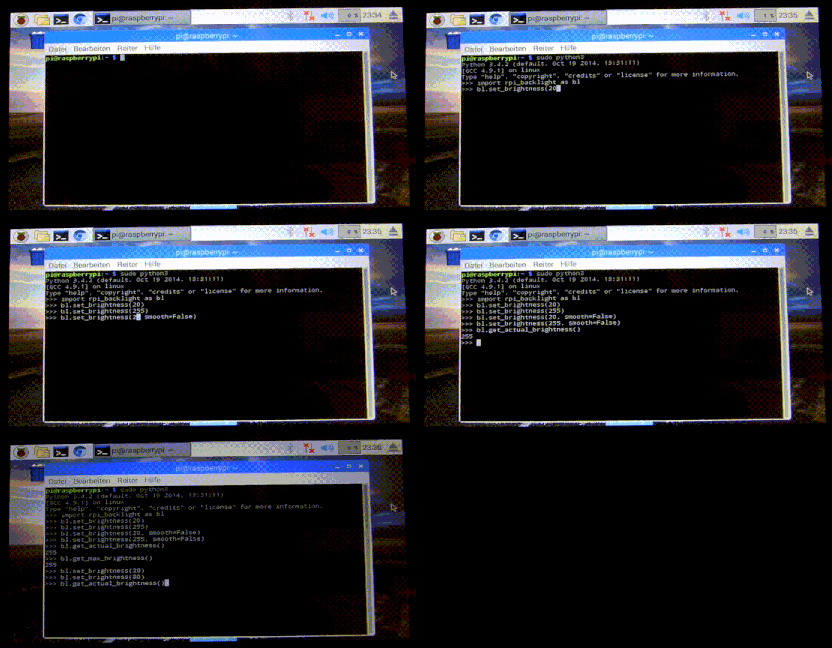
rpi-backlight A Python module for controlling power and brightness of the official Raspberry Pi 7" touch display. Note: This GIF was created using the

Home solar infrastructure (with Peimar Inverter) monitoring based on Raspberry Pi 3 B+ using Grafana, InfluxDB, Custom Python Collector and Shelly EM.

raspberry-solar-mon Home solar infrastructure (with Peimar Inverter) monitoring based on Raspberry Pi 3 B+ using Grafana, InfluxDB, Custom Python Coll

A PYTHON Library for Controlling Motors using SOLO Motor Controllers with RASPBERRY PI, Linux, windows, and more!

A PYTHON Library for Controlling Motors using SOLO Motor Controllers with RASPBERRY PI, Linux, windows, and more!

Releases(v1.0.0)
  • v1.0.0(May 1, 2022)

Owner
Markus Geiger
SW developer
Markus Geiger
Inykcal is a software written in python for selected E-Paper displays.

Inykcal is a software written in python for selected E-Paper displays. It converts these displays into useful information dashboards. It's open-source, free for personal use, fully modular and user-f

Ace 727 Jan 02, 2023
An emulated LED scoreboard for Major League Baseball โšพ

An LED scoreboard for Major League Baseball. Displays a live scoreboard for your team's game on that day.

Tyler Porter 8 Apr 08, 2022
What if home automation was homoiconic? Just transformations of data? No more YAML!

radiale what if home-automation was also homoiconic? The upper or proximal row contains three bones, to which Gegenbaur has applied the terms radiale,

Felix Barbalet 21 Mar 26, 2022
CircuitPython library for the CH559 USB to Serial chip

CH559 (USB to Serial) CircuitPython Library Why? Because you might want to get keyboard/mouse/gamepad/HID input into your CircuitPython projects witho

Guy Dupont 3 Nov 19, 2022
OctoPrint is the snappy web interface for your 3D printer!

OctoPrint OctoPrint provides a snappy web interface for controlling consumer 3D printers. It is Free Software and released under the GNU Affero Genera

OctoPrint 7.1k Jan 03, 2023
Python Client for ESPHome native API. Used by Home Assistant.

aioesphomeapi aioesphomeapi allows you to interact with devices flashed with ESPHome. Installation The module is available from the Python Package Ind

ESPHome 76 Jan 04, 2023
Mini Pupper - Open-Source,ROS Robot Dog Kit

Mini Pupper - Open-Source,ROS Robot Dog Kit

MangDang 747 Dec 28, 2022
Automatic CPU speed & power optimizer for Linux

Automatic CPU speed & power optimizer for Linux based on active monitoring of laptop's battery state, CPU usage, CPU temperature and system load. Ultimately allowing you to improve battery life witho

Adnan Hodzic 3.4k Jan 07, 2023
Example code and projects for FeatherS2 and FeatherS2 Neo

FeatherS2 & FeatherS2 Neo This repo is a collection of code, firmware, and files

Unexpected Maker 5 Jan 01, 2023
Cascade Drone Swarm Physical Demonstration Project

Cascade Drone Swarm Physical Demonstration Project Table of Contents About The Project Built With Getting Started Prerequisites Installation About The

3 Aug 24, 2022
Pylorawan is a Micropython wrapper for lorawan devices from RAK Wireless.

pylorawan Pylorawan is a Micropython wrapper for lorawan devices from RAK Wireless. Tested on a Raspberry PI Pico with a RAK4200(H) Evaluation Board (

Peter Houghton 3 Nov 04, 2022
An IoT Trivia app that shows you how to take a JSON web API such as the opentdb.com API and stream and display it on a FeatherS2 in an OLED display.

CircuitPython IoT Trivia ESP32-S2 OLED Version An IoT Trivia app that shows you how to take a JSON web API such as the opentdb.com API and stream and

Kevin Thomas 1 Nov 27, 2021
Raspberry Pi & Accelerometer with Losant's EEA

Raspberry Pi & Accelerometer with Losant's EEA This is a repository that contains companion code to this EEA How To guide. Each folder is named accord

Losant 1 Oct 29, 2021
2D waypoints will be predefined in ROS based robots to navigate to the destination avoiding obstacles.

A number of 2D waypoints will be predefined in ROS based robots to navigate to the destination avoiding obstacles.

Arghya Chatterjee 5 Nov 05, 2022
PBA: Pleco Breeding Assistant

A small monitor that reports the external, fishroom and water change parameters to have suitable water parameters and induce breeding. These two features already represent 50% of the "reproductive su

Mirko Mancin 1 Jan 19, 2022
LUNA: a USB multitool & nMigen library

LUNA is a full toolkit for working with USB using FPGA technology; and provides hardware, gateware, and software to enable USB applications.

Great Scott Gadgets 750 Dec 28, 2022
Skykettle ha - Redmond SkyKettle integration for Home Assistant

Redmond SkyKettle integration for Home Assistant This integration allows to cont

Alexey 'Cluster' Avdyukhin 48 Jan 06, 2023
Custom component for interacting with Octopus Energy

Home Assistant Octopus Energy ** WARNING: This component is currently a work in progress ** Custom component built from the ground up to bring your Oc

David Kendall 116 Jan 02, 2023
Python library to manipulate Ingenico mobile payment device like iCT220 or iWL220 equipped with Telium Manager. RS232/USB.

Python library to manipulate Ingenico mobile payment device like iCT220 or iWL220 equipped with Telium Manager. RS232/USB.

TAHRI Ahmed R. 72 Dec 24, 2022
Smart Tech Automation Remote via Kinematics Gesture control for IoT devices

STARK Smart Tech Automation Remote via Kinematics Gesture control for IoT devices View Demo ยท Report Bug ยท Request Feature Table of Contents About The

Juseong (Joe) Kim 1 Jan 29, 2022