当前位置:网站首页>ArcGIS License Server Administrator 无法启动解决方法
ArcGIS License Server Administrator 无法启动解决方法
2022-04-23 06:10:00 【Amyniez】
因为ArcGIS License Server Administrator无法正常启动,所以你讲无法打开ArcMap,就会出现下面的情况:

下面就是我的解决办法:
1.首先在你的 License10.2 文件夹下找到 service.txt 文本文件,并打开:
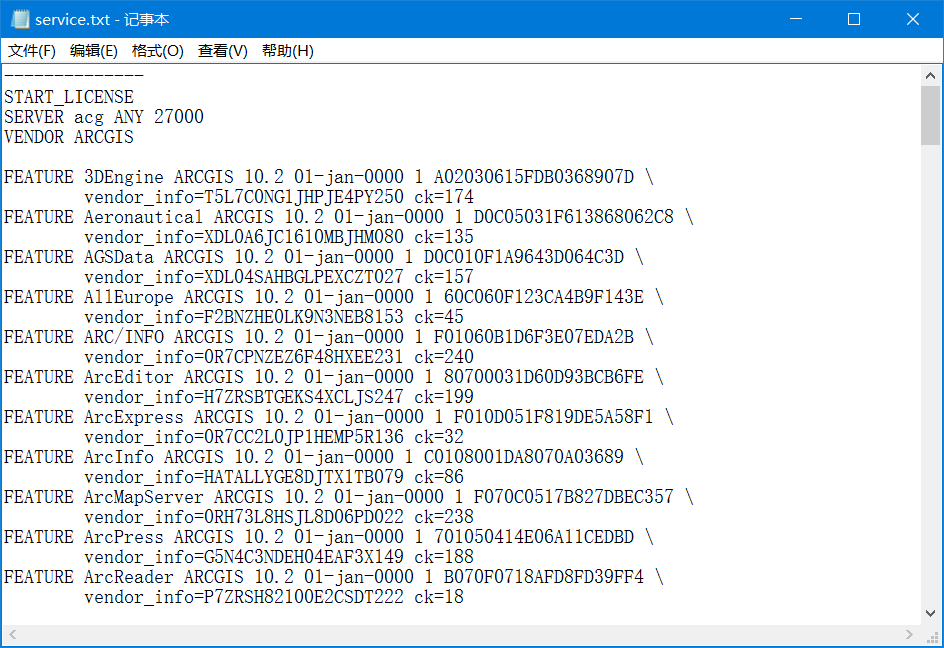
这里你需要将文件的本机名给改掉,如:


关于如何扎到主机名,我用的是这种方法:
先打开命令行窗口,然后输入 hostname,就可以得到主机名称:

如果还是出现了无法打开的问题: “Not_set”,如下操作:
打开ArcGIS管理器,将 Not_set 改为 localhost 即可:

最后,成功打开:
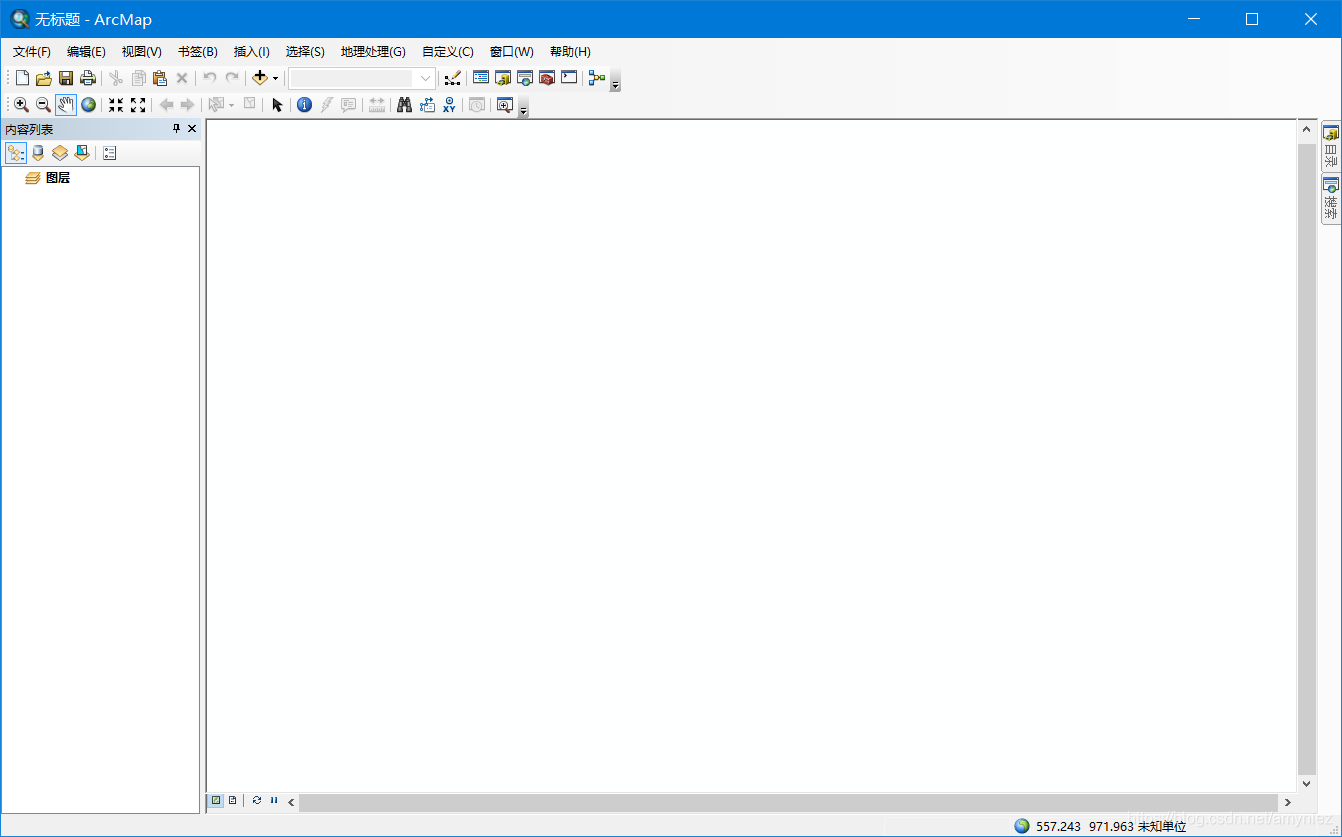
这是我在操作时,所遇到的问题,希望能对你有一些帮助。
版权声明
本文为[Amyniez]所创,转载请带上原文链接,感谢
https://blog.csdn.net/amyniez/article/details/114450671
边栏推荐
- 【2021年新书推荐】Artificial Intelligence for IoT Cookbook
- AVD Pixel_ 2_ API_ 24 is already running. If that is not the case, delete the files at C:\Users\admi
- Antd Design Form表单检验
- 组件化学习(2)Arouter原理学习
- Bottom navigation bar based on bottomnavigationview
- Cause: dx. jar is missing
- Apprentissage par composantes
- 一款png生成webp,gif, apng,同时支持webp,gif, apng转化的工具iSparta
- 谷歌AdMob广告学习
- 给女朋友写个微信双开小工具
猜你喜欢






随机推荐
org. xml. sax. SAXParseException; lineNumber: 141; columnNumber: 252; cvc-complex-type. 2.4. a: Found element 'B
What did you do during the internship
WebRTC ICE candidate里面的raddr和rport表示什么?
[多屏互动] 实现双多屏异显二:startActivity方式
[recommendation of new books in 2021] enterprise application development with C 9 and NET 5
Miscellaneous learning
接口幂等性问题
MySQL笔记2_数据表
Itop4412 surfaceflinger (4.4.4_r1)
Viewpager2 realizes Gallery effect. After notifydatasetchanged, pagetransformer displays abnormal interface deformation
iTOP4412无法显示开机动画(4.0.3_r1)
error 403 In most cases, you or one of your dependencies are requesting解决
Easyui combobox 判断输入项是否存在于下拉列表中
iTOP4412 SurfaceFlinger(4.4.4_r1)
组件化学习(3)ARouter中的Path和Group注解
MySQL笔记5_操作数据
./gradlew: Permission denied
iTOP4412 SurfaceFlinger(4.0.3_r1)
Component based learning (3) path and group annotations in arouter
发布自定义插件到本地服务器