当前位置:网站首页>腾讯云对象存储服务的使用
腾讯云对象存储服务的使用
2022-04-22 06:09:00 【刀刀777999】
开通服务
- 进入官网点击立即使用

- 实名认证,填写信息

- 开通服务
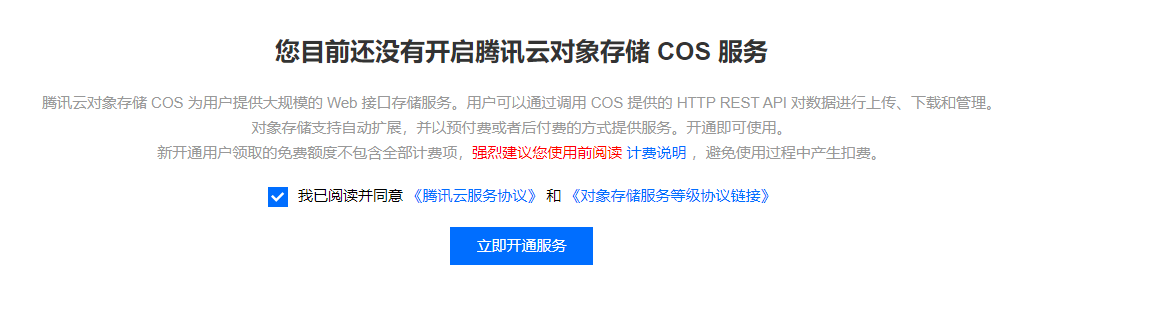

- 创建存储桶


私有读写:读写均要认证
公有读私有写:写要认证,读不用
共有读写:读写均不用认真
- 然后就可以将文件上传至桶中了
用python实现操作腾讯云服务器
- 安装
pip install -U cos-python-sdk-v5
- 配置(官方SDK, 更具自己需求修改)
# -*- coding=utf-8
# appid 已在配置中移除,请在参数 Bucket 中带上 appid。Bucket 由 BucketName-APPID 组成
# 1. 设置用户配置, 包括 secretId,secretKey 以及 Region
from qcloud_cos import CosConfig
from qcloud_cos import CosS3Client
import sys

#secretID/key要进入密钥管理获取
secret_id = 'COS_SECRETID'      # 替换为用户的 secretId
secret_key = 'COS_SECRETKEY'      # 替换为用户的 secretKey

region = 'ap-nanjing'     # 替换为用户的 Region
token = None                # 使用临时密钥需要传入 Token,默认为空,可不填
scheme = 'https'            # 指定使用 http/https 协议来访问 COS,默认为 https,可不填
config = CosConfig(Region=region, SecretId=secret_id, SecretKey=secret_key, Token=token, Scheme=scheme)
# 2. 获取客户端对象
client = CosS3Client(config)
# 参照下文的描述。或者参照 Demo 程序,详见 https://github.com/tencentyun/cos-python-sdk-v5/blob/master/qcloud_cos/demo.py
桶相关
#创建桶
response = client.create_bucket(
   Bucket='examplebucket-1250000000'
)
#查看桶列表
response = client.list_buckets(
)
上传文件
# 根据文件大小自动选择简单上传或分块上传,分块上传具备断点续传功能。
response = client.upload_file(
   Bucket='examplebucket-1250000000',	//名称
   LocalFilePath='local.txt',			//本地文件路径
   Key='picture.jpg',					//上传到桶后的文件名
   PartSize=1,
   MAXThread=10,
   EnableMD5=False
)
print(response['ETag'])

#上传内存中的图片对象
    response = client.upload_file_from_buffer(
        Bucket=bucket,
        Body=pic,
        Key=key,
    )  # 可以直接上传对象

    url = 'https://{}.cos.ap-nanjing.myqcloud.com/{}'.format(bucket, key)#图片的url
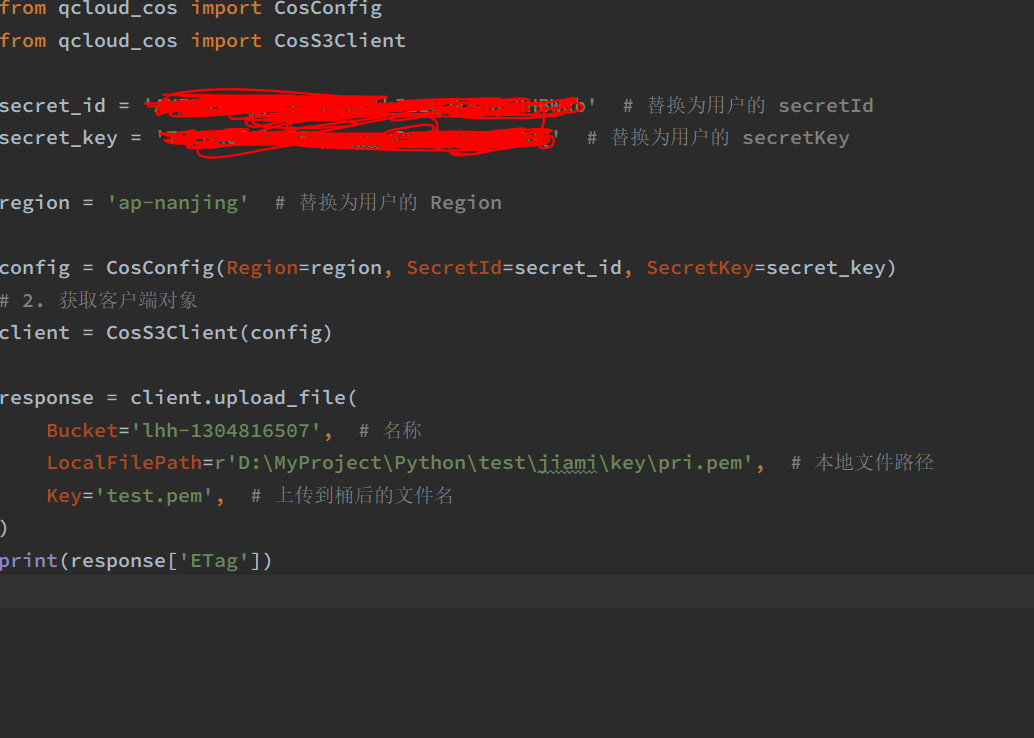
最简单的文件上传代码(全部使用默认设置)
设置桶跨域
def create_bucket(name):
    client = CosS3Client(config)
    response = client.create_bucket(
        Bucket=name,
        ACL='public-read',
    )
    cors_config = {

        'CORSRule': [  # 跨域访问设置
            {

                "AllowedOrigin": ["*"],
                "AllowedMethod": ["GET", "POST", "PUT", "DELETE", "HEAD"],
                "AllowedHeader": ["*"],
                "ExposeHeader": ['*'],
                "MaxAgeSeconds": "500"  # 设置超时时间
            }
        ]
    }
    client.put_bucket_cors(
        Bucket=name,
        CORSConfiguration=cors_config
    )
版权声明
本文为[刀刀777999]所创,转载请带上原文链接,感谢
https://blog.csdn.net/weixin_44192799/article/details/114371404
边栏推荐
- Li Kou 299: number guessing game
- mui.plusReady 不生效
- 机器人系统中CAN卡的应用
- Rtd2171u scheme 𞓜 ag9310mfq replaces rtd2171u design circuit | typec to HDMI 4k30hz HD projection scheme design
- MA8608奇岩USB 2.0高速4端口USB HUB集线器控制器芯片方案
- Pl2586 design circuit | pl2586 replaces Fe1 1s circuit diagram | USB2 Scheme design of 0hub industrial hub
- Experiment 4 cycle program design
- 转行数字IC验证的学习路线是什么样的?现在开始转是否来得及?985本硕,电子学院研二
- CAN总线中继网桥在新能源测试系统中的应用。
- RT-Thread 软件包制作及发布流程
猜你喜欢
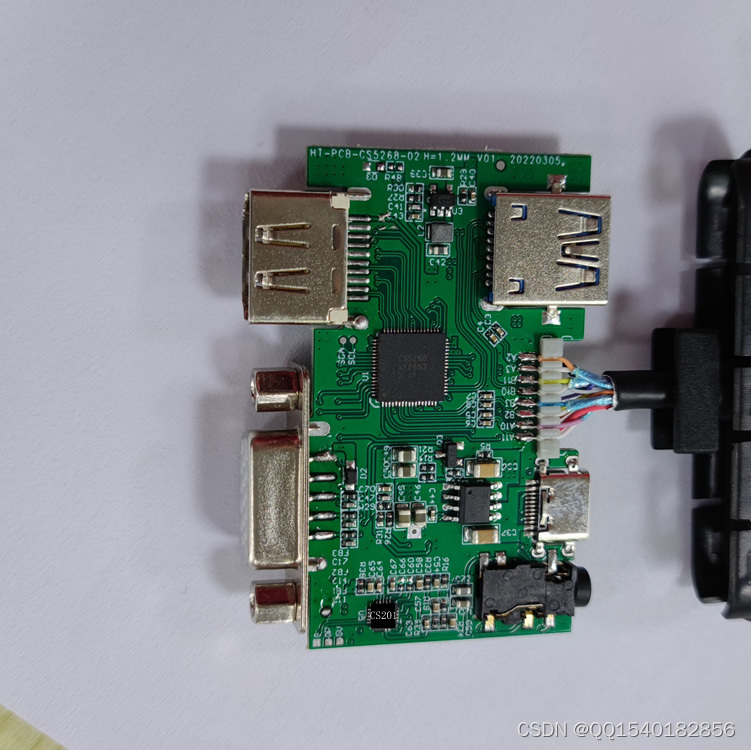
CS5268开发TypeC转HDMI+VGA+PD+U3+3.5音频五合一扩展音视频转换方案参考设计

RT-Thread 软件包制作及发布流程

USBCAN卡在动力电池组EOL测试系统中CAN总线的应用

Typical application cases of can optical fiber converter and can bus optical transceiver in fire Networking (buildings, factories, offshore wind power, pipe gallery, etc.)
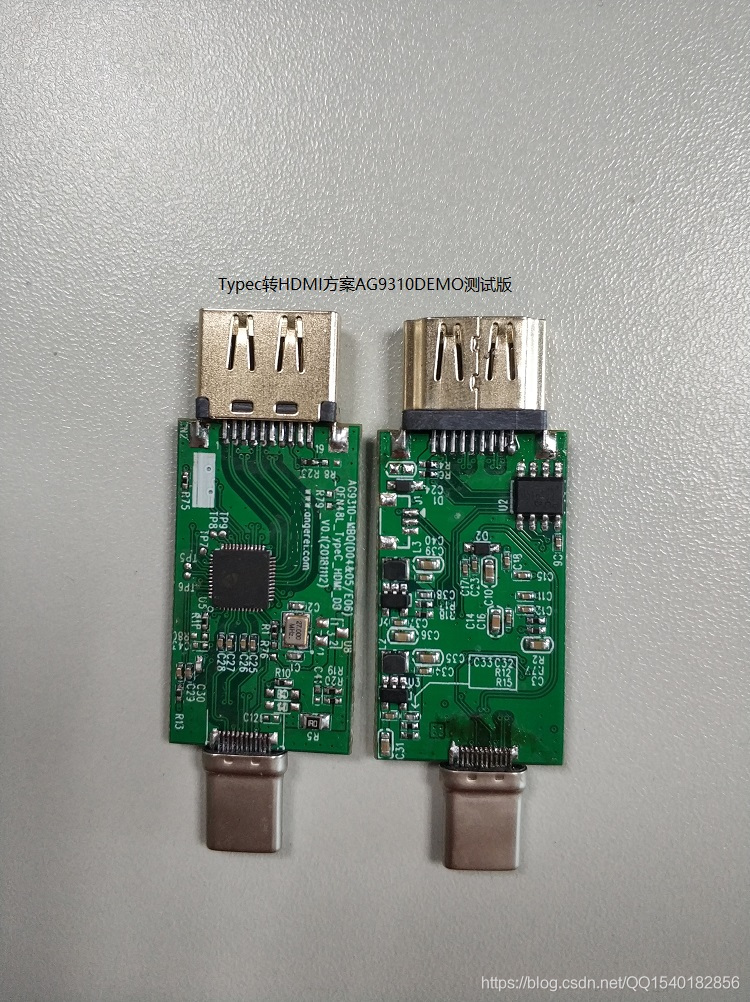
Rtd2171u scheme 𞓜 ag9310mfq replaces rtd2171u design circuit | typec to HDMI 4k30hz HD projection scheme design

STM32学习记录——开发环境安装

沁恒CH573开发板上手

STM32 learning record 0002-stm32
STM32 learning record - development environment installation

STM32 learning record 0003 -- Interpretation of STM32 chip
随机推荐
旋转选择器 WheelPicker 的使用
DP转HDMI方案|CS5216方案应用|CS5216设计方案
Analysis of running process of stm32wb55 Bluetooth protocol stack
Leetcode268: missing number
PL2586设计电路|PL2586替代FE1.1S电路图|USB2.0HUB工业级集线器方案设计
Can transparent recording cloud gateway enables construction machinery
机器人系统中CAN卡的应用
STM32 learning record 0005 - JLINK download and debugging
stm32wb55 基于rtt的ble sample制作过程
CS5213新版规格书|CS5213新版说明书|HDMI转VGA带音频信号输出方案设计
RT-Thread 软件包制作及发布流程
CAN总线记录诊断助手
Statistical categories in 911 from 2015 to 2017
微信小程序 canvas 画简单的仪表盘 渐近色
USB音频芯片/TYPEC音视频处理芯片方案选型表
Dcoker installation
MCIeCAN在工控机中的应用
RTD2171U方案|AG9310MFQ替代RTD2171U设计电路|Typec转hdmi 4K30HZ高清投屏方案设计
替代 FE1.1s HUB讀卡主控芯片-MA8601
Sss1700 qfn36 single chip designs a USB typec headset | supports the automatic switching of USB headset scheme between wire control and European and American regulations