JupyterLite demo deployed to GitHub Pages 🚀

Related tags

Deep Learningdemo
Overview

JupyterLite Demo

lite-badge

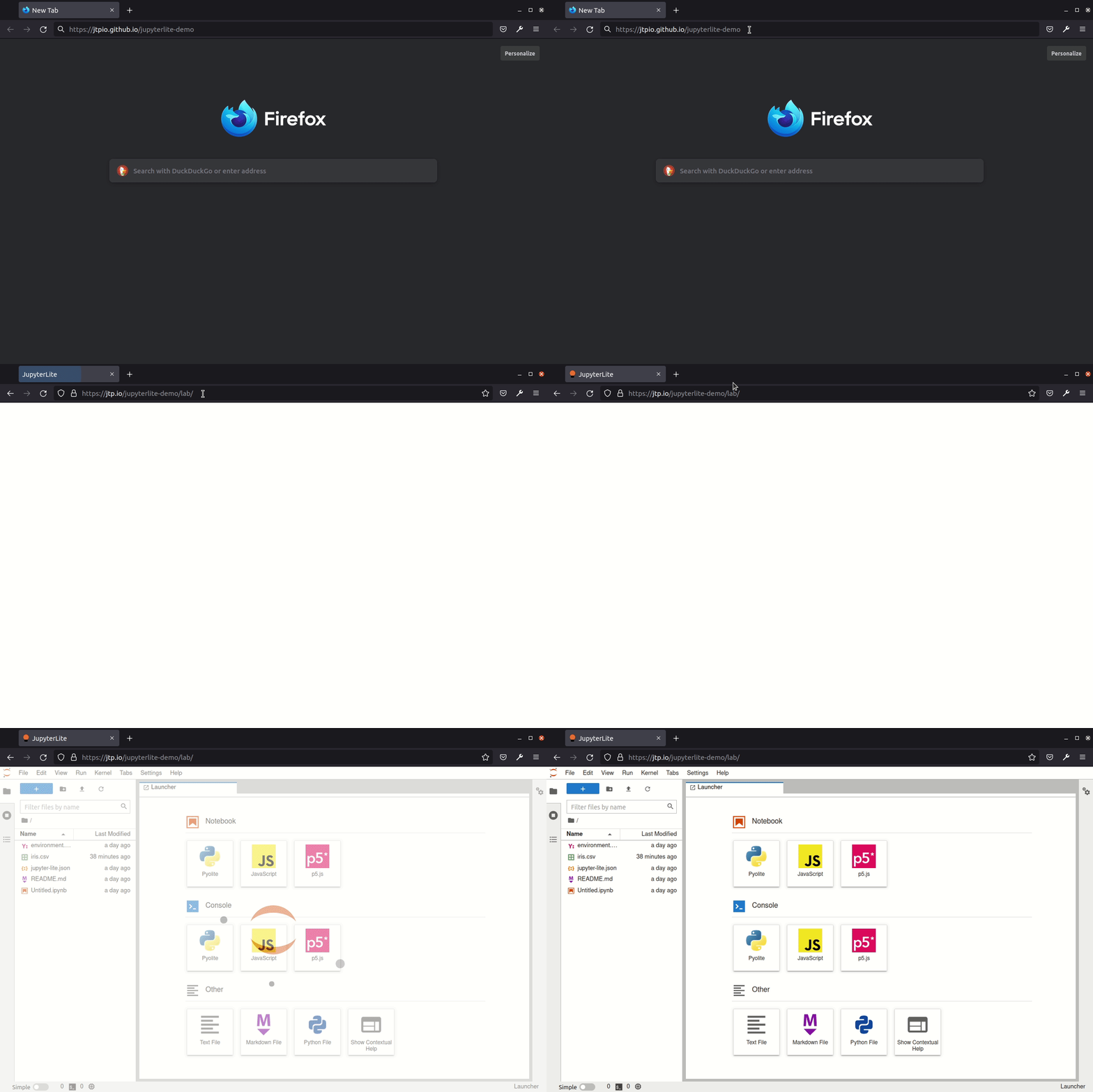
JupyterLite deployed as a static site to GitHub Pages, for demo purposes.

✹ Try it in your browser ✹

âžĄïž https://jupyterlite.github.io/demo

github-pages

Requirements

JupyterLite is being tested against modern web browsers:

  • Firefox 90+
  • Chromium 89+

Usage

This repository provides a demonstration of how to:

  • build a JupyterLite release using prebuilt JupyterLite assets that bundles a collection of pre-existing Jupyter notebooks as part of the distribution;
  • deploy the release to GitHub Pages.

The process is automated using Github Actions.

You can use this repository in two main ways:

  • generate a new repository from this template repository and build and deploy your own site to the corresponding Github Pages site;
  • build a release from a PR made to this repository and download the release from the created GitHub Actions artifact.

Using Your Own Repository to Build a Release and Deploy it to Github Pages

Requires Github account.

Click on "Use this template" to generate a repository of your own from this template:

template

From the Actions tab on your repository, ensure that workflows are enabled. When you make a commit to the main branch, a Github Action will run to build your JupoyterLite release and deploy it to the repository's Github Pages site. By default, the Github Pages site will be found at YOUR_GITHUB_USERNAME.github.io/YOUR_REPOSITORY-NAME. You can also check the URL from the Repository Settings tab Pages menu item.

If the deployment failed, go to "Settings - Actions - General", in the "Workflow permissions" section, check "Read and write permissions". Update files such as readme, and commit so that GitHub rebuids and re-deploys the project. Go to "Settings - Pages", choose "gh-pages" as the source.

Add any additional requirements as required to the requirements.txt file.

You can do this via the Github website by selecting the requirements.txt file, clicking to edit it, making the required changes then saving ("committing") the result to the main branch of your repository.

Modify the contents of the contents folder to include the notebooks you want to distribute as part of your distribution.

You can do this by clicking on the contents directory and dragging notebooks from your desktop onto the contents listing. Wait for the files to be uploaded and then save them ("commit" them) to the main branch of the repository.

Check that you have Github Pages enabled for your repository: from your repository Settings tab, select the Pages menu item and ensure that the source is set to gh-pages.

When you commit a file, an updated release will be built and published on the Github Pages site. Note that it may take a few minutes for the Github Pages site to be updated. Do a hard refresh on your Github Pages site in your web browser to see the new release.

Further Information and Updates

For more info, keep an eye on the JupyterLite documentation:

Deploy a new version of JupyterLite

To change the version of the prebuilt JupyterLite assets, update the jupyterlite package version in the requirements.txt file.

The requirements.txt file can also be used to add extra prebuilt ("federated") JupyterLab extensions to the deployed JupyterLite website.

Commit and push any changes. The site will be deployed on the next push to the main branch.

Development

Create a new environment:

mamba create -n jupyterlite-demo
conda activate jupyterlite-demo
pip install -r requirements.txt

Then follow the steps documented in the Configuring section.

Owner
JupyterLite
Wasm powered Jupyter running in the browser 💡
JupyterLite
A flexible framework of neural networks for deep learning

Chainer: A deep learning framework Website | Docs | Install Guide | Tutorials (ja) | Examples (Official, External) | Concepts | ChainerX Forum (en, ja

Chainer 5.8k Jan 06, 2023
JAX-based neural network library

Haiku: Sonnet for JAX Overview | Why Haiku? | Quickstart | Installation | Examples | User manual | Documentation | Citing Haiku What is Haiku? Haiku i

DeepMind 2.3k Jan 04, 2023
Code for reproducing key results in the paper "InfoGAN: Interpretable Representation Learning by Information Maximizing Generative Adversarial Nets"

Status: Archive (code is provided as-is, no updates expected) InfoGAN Code for reproducing key results in the paper InfoGAN: Interpretable Representat

OpenAI 1k Dec 19, 2022
This repository contains code demonstrating the methods outlined in Path Signature Area-Based Causal Discovery in Coupled Time Series presented at Causal Analysis Workshop 2021.

signed-area-causal-inference This repository contains code demonstrating the methods outlined in Path Signature Area-Based Causal Discovery in Coupled

Will Glad 1 Mar 11, 2022
Official PyTorch(Geometric) implementation of DPGNN(DPGCN) in "Distance-wise Prototypical Graph Neural Network for Node Imbalance Classification"

DPGNN This repository is an official PyTorch(Geometric) implementation of DPGNN(DPGCN) in "Distance-wise Prototypical Graph Neural Network for Node Im

Yu Wang (Jack) 18 Oct 12, 2022
Torch implementation of various types of GAN (e.g. DCGAN, ALI, Context-encoder, DiscoGAN, CycleGAN, EBGAN, LSGAN)

gans-collection.torch Torch implementation of various types of GANs (e.g. DCGAN, ALI, Context-encoder, DiscoGAN, CycleGAN, EBGAN). Note that EBGAN and

Minchul Shin 53 Jan 22, 2022
The official implementation for ACL 2021 "Challenges in Information Seeking QA: Unanswerable Questions and Paragraph Retrieval".

Code for "Challenges in Information Seeking QA: Unanswerable Questions and Paragraph Retrieval" (ACL 2021, Long) This is the repository for baseline m

Akari Asai 25 Oct 30, 2022
PyG (PyTorch Geometric) - A library built upon PyTorch to easily write and train Graph Neural Networks (GNNs)

PyG (PyTorch Geometric) is a library built upon PyTorch to easily write and train Graph Neural Networks (GNNs) for a wide range of applications related to structured data.

PyG 16.5k Jan 08, 2023
The source code for Generating Training Data with Language Models: Towards Zero-Shot Language Understanding.

SuperGen The source code for Generating Training Data with Language Models: Towards Zero-Shot Language Understanding. Requirements Before running, you

Yu Meng 38 Dec 12, 2022
Tensorflow Tutorials using Jupyter Notebook

Tensorflow Tutorials using Jupyter Notebook TensorFlow tutorials written in Python (of course) with Jupyter Notebook. Tried to explain as kindly as po

Sungjoon 2.6k Dec 22, 2022
codes for IKM (arXiv2021, Submitted to IEEE Trans)

Image-specific Convolutional Kernel Modulation for Single Image Super-resolution This repository is for IKM introduced in the following paper Yuanfei

Yuanfei Huang 9 Dec 29, 2022
An automated facial recognition based attendance system (desktop application)

Facial_Recognition_based_Attendance_System An automated facial recognition based attendance system (desktop application) Made using Python, Tkinter an

1 Jun 21, 2022
Vis2Mesh: Efficient Mesh Reconstruction from Unstructured Point Clouds of Large Scenes with Learned Virtual View Visibility ICCV2021

Vis2Mesh This is the offical repository of the paper: Vis2Mesh: Efficient Mesh Reconstruction from Unstructured Point Clouds of Large Scenes with Lear

71 Dec 25, 2022
A python script to convert images to animated sus among us crewmate twerk jifs as seen on r/196

img_sussifier A python script to convert images to animated sus among us crewmate twerk jifs as seen on r/196 Examples How to use install python pip i

41 Sep 30, 2022
âš–ïžđŸ”đŸ”źđŸ•”ïžâ€â™‚ïžđŸŠčđŸ–Œïž Code for *Measuring the Contribution of Multiple Model Representations in Detecting Adversarial Instances* paper.

Measuring the Contribution of Multiple Model Representations in Detecting Adversarial Instances This repository contains the code for Measuring the Co

Daniel Steinberg 0 Nov 06, 2022
Learning to Initialize Neural Networks for Stable and Efficient Training

GradInit This repository hosts the code for experiments in the paper, GradInit: Learning to Initialize Neural Networks for Stable and Efficient Traini

Chen Zhu 124 Dec 30, 2022
A PyTorch implementation of EventProp [https://arxiv.org/abs/2009.08378], a method to train Spiking Neural Networks

Spiking Neural Network training with EventProp This is an unofficial PyTorch implemenation of EventProp, a method to compute exact gradients for Spiki

Pedro Savarese 35 Jul 29, 2022
The official implementation of Autoregressive Image Generation using Residual Quantization (CVPR '22)

Autoregressive Image Generation using Residual Quantization (CVPR 2022) The official implementation of "Autoregressive Image Generation using Residual

Kakao Brain 529 Dec 30, 2022
KwaiRec: A Fully-observed Dataset for Recommender Systems (Density: Almost 100%)

KuaiRec: A Fully-observed Dataset for Recommender Systems (Density: Almost 100%) KuaiRec is a real-world dataset collected from the recommendation log

Chongming GAO (é«˜ćŽ‡é“­) 70 Dec 28, 2022
Automatically creates genre collections for your Plex media

Plex Auto Genres Plex Auto Genres is a simple script that will add genre collection tags to your media making it much easier to search for genre speci

Shane Israel 63 Dec 31, 2022