当前位置:网站首页>拨开云雾synchronized使用五种方式介绍
拨开云雾synchronized使用五种方式介绍
2022-04-23 14:07:00 【pureluckyfish】
锁的范围越小,对代码执行效率的影响最小。最好的方式就是不加锁,并发编程不一定都是非线程安全的,只有多线程共享同一实例变量才有可能会出现线程安全问题。非线程安全问题才需要加锁进行同步。
1、synchronized 方法
解决了线程安全的问题,但影响执行效率;synchronized 方法 锁的范围是最大的,所以执行效率也是最慢的。
synchronized public void printA() {
		try {
			System.out.println("线程名称为:"+Thread.currentThread().getName()+"在"+System.currentTimeMillis()+"进入printA");
			Thread.sleep(3000);
			System.out.println("线程名称为:"+Thread.currentThread().getName()+"在"+System.currentTimeMillis()+"离开printA");
		} catch (InterruptedException e) {
			// TODO Auto-generated catch block
			e.printStackTrace();
		}
}2、synchronized static 方法
每一个 *.java 文件对应class类的实例在内存中是单例的。synchronized static 方法 是对 *.java 文件对应的Class类对象进行持锁;synchronized 方法 是将方法所在类的实例对象为锁,俩者是俩把不同的锁。
synchronized static void printC() {
		try {
			System.out.println("线程名称为:"+Thread.currentThread().getName()+"在"+System.currentTimeMillis()+"进入printC");
			System.out.println("线程名称为:"+Thread.currentThread().getName()+"在"+System.currentTimeMillis()+"离开printC");
		} catch (Exception e) {
			// TODO Auto-generated catch block
			e.printStackTrace();
		}
}3、synchronized(xxx.class)代码块:
synchronized(xxx.class)代码块可以对类的所有对象实例起作用。
public void printC() {
		synchronized (Service1.class) {
			System.out.println("线程名称为:" + Thread.currentThread().getName() + "在" + System.currentTimeMillis() + "进入printC");
			System.out.println("线程名称为:" + Thread.currentThread().getName() + "在" + System.currentTimeMillis() + "离开printC");
		}

}4、synchronized(this)代码块:
锁定的是当前对象,对比 synchronized 方法,减少了锁的范围,也就是减少了同步代码的范围,从而提高了程序执行效率。
 public void println(String x) {
        synchronized (this) {
            print(x);
            newLine();
        }
}5、synchronized (非this对象)代码块:
优点是存在俩把锁,不与其他 synchronized(this)争抢 this 锁,减少同步的范围,大大提高运行效率。
package com.yu.syn;

public class Service2 {

	private String usernameParam;
	private String passwordParam;

	private String anything = new String();

	public void setUsernamePassword(String username, String password) {
		String anything = new String();
		try {
			synchronized (anything) {
				System.out.println("线程名称为:" + Thread.currentThread().getName() + "在" + System.currentTimeMillis() + "进入同步快");
				usernameParam = username;
				Thread.sleep(3000);
				passwordParam = password;
				System.out.println("线程名称为:" + Thread.currentThread().getName() + "在" + System.currentTimeMillis() + "离开同步快");
			}

		} catch (InterruptedException e) {
			e.printStackTrace();
		}
	}

}
版权声明
本文为[pureluckyfish]所创,转载请带上原文链接,感谢
https://blog.csdn.net/sinat_33918956/article/details/121922445
边栏推荐
猜你喜欢
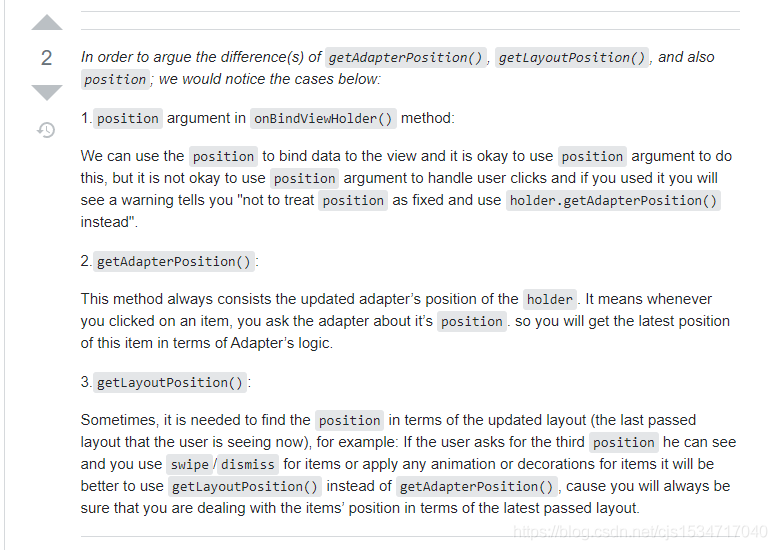
Research on recyclerview details - Discussion and repair of recyclerview click dislocation
Jira截取全图
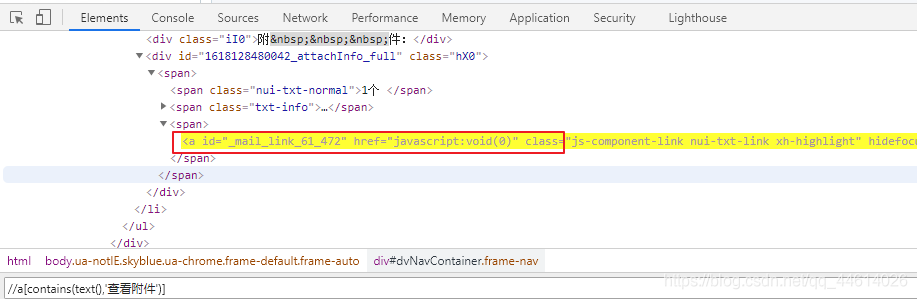
Chrome插件 之 Selenium IDE、XPath 安装
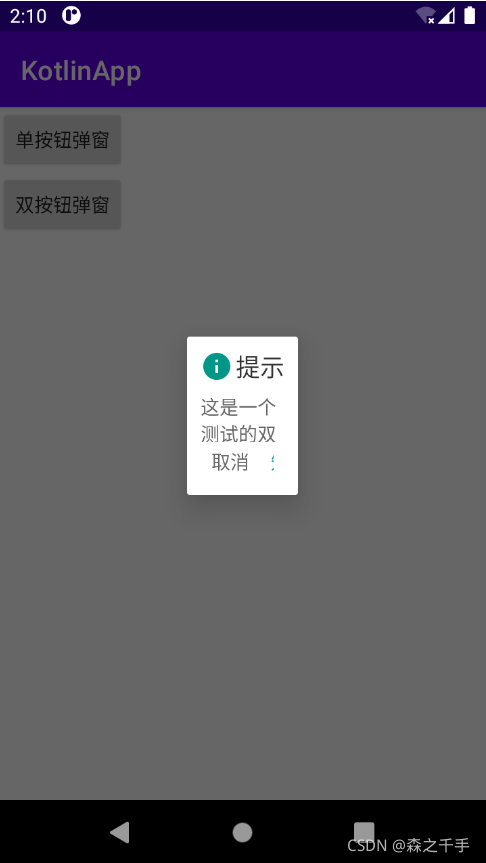
Some experience of using dialogfragment and anti stepping pit experience (getactivity and getdialog are empty, cancelable is invalid, etc.)
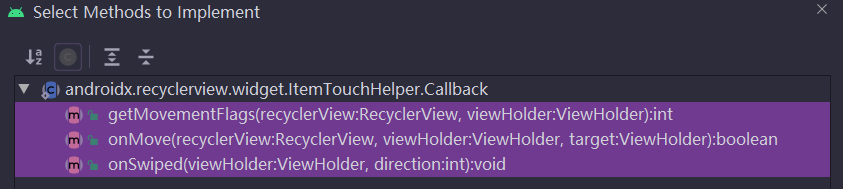
RecyclerView高级使用(一)-侧滑删除的简单实现
RobotFramework 之 用例标签机制
VMware15Pro在Deepin系统里面挂载真机电脑硬盘
快速安装mongodb
Kettle -- control parsing
openstack理论知识

随机推荐
容灾有疑问?点这里
帆软调用动态传参的方法,在标题中设置参数
Chapter I review of e-commerce spike products
RobotFramework 之 公共变量
Cdh6 based on CM management 3.2 cluster integration atlas 2 one
Detailed tutorial on the use of setinterval timing function of wechat applet
Oracle-数据泵使用
Prediction of tomorrow's trading limit of Low Frequency Quantization
How QT designer adds resource files
关于云容灾,你需要知道这些
VMware Workstation 无法连接到虚拟机。系统找不到指定的文件
Research on recyclerview details - Discussion and repair of recyclerview click dislocation
Homebrew是什么?以及使用
Algorithem_ReverseLinkedList
Essential difference between restful WebService and gSOAP webservice
微信小程序获取登录用户信息、openid和access_token
HyperMotion云迁移助力中国联通,青云完成某央企上云项目,加速该集团核心业务系统上云进程
jsp学习1
gzip和gunzip 解压参数详解
教育行业云迁移最佳实践:海云捷迅使用HyperMotion云迁移产品为北京某大学实施渐进式迁移,成功率100%