当前位置:网站首页>命令-sudo
命令-sudo
2022-04-23 19:19:00 【小怪獣55】
sudo 是一种权限管理机制,它允许系统管理员分配给普通用户一些合理的"权利",让他们执行一些只有超级用户或其他特许用户才能完成的任务,比如:运行一些像mount,halt,su之类的命令,或者编辑一些系统配置文件,像/etc/mtab,/etc /samba/smb.conf等。
1.su
切换用户
格式
       #格式


       1)su

       -[l]/--login username


       2)su username

       #不指定username 默认为root


       1和2的区别:1切换用户后,同时切换到新用户的工作环境中


       2切换用户后,不改变原用户的工作目录,及其他环境变量目录
- 1.
- 2.
- 3.
- 4.
- 5.

范例
       [[email protected] ~]

       # su openstack


[[email protected] root]

       $ pwd


/root


[[email protected] root]

       $ exit


       exit


[[email protected] ~]

       # su - openstack


Last login: Sat Apr

       23

       17:44:35 CST

       2022 on pts/0


[[email protected] ~]

       $ pwd


/home/openstack
- 1.
- 2.
- 3.
- 4.
- 5.
- 6.
- 7.
- 8.
- 9.
- 10.
2.sudo
       包:sudo


帮助:man

       5 sudoers


作用:授权指定用户,在指定主机上,运行某些命令;如果未授权用户尝试使用sudo,会提示联系管理员


     提供日志,记录用户使用sudo操作


     为系统管理员提供配置文件,管理用户的使用权限和使用的主机


     使用时间戳文件完成类似

       "检票"的系统,默认存活期为5min


       #通过visudo命令编辑配置文件,具有语法检查功能


用visudo命令编辑 /etc/sudoers


usage: visudo [-chqsV] [-f sudoers]


    visudo

       -c

       #语法检查


    visudo

       -f /etc/sudoers.d/test
- 1.
- 2.
- 3.
- 4.
- 5.
- 6.
- 7.
- 8.
- 9.
- 10.
- 11.
- 12.
2.1.文件
       配置文件:/etc/sudoers   /etc/sudoers.d/*


时间戳文件:/var/db/sudo


日志文件:/var/log/secure


配置文件支持:通配符glob


  ?


  *


  [wxc]

       #匹配其中一个字符


  [!wxc]


  \x

       #转义


  [[alpha]]


       #配置文件规则有两类:


       1.别名定义:不是必须的


       2.授权规则:必须
- 1.
- 2.
- 3.
- 4.
- 5.
- 6.
- 7.
- 8.
- 9.
- 10.
- 11.
- 12.
- 13.
- 14.
2.2.授权规则
       user    host

       = (runas)     command


用户    登入主机

       = (代表用户)    命令


       --

       --

       --

       --

       --

       --

       --

       --

       --

       --

       --

       --

       --

       --

       --

       --

       --

       --

       --

       -


root    ALL

       =  (ALL)       ALL


user:

       #运行命令者的身份


host:

       #通过哪些主机


(runas):

       #以哪个用户的身份


command:

       #运行哪些命令


       #范例:


wang

       192.168.37

       .7

       =(root)  /bin/mount /dev/sr0 /mnt
- 1.
- 2.
- 3.
- 4.
- 5.
- 6.
- 7.
- 8.
- 9.
- 10.
- 11.
- 12.
2.3.别名
       #user和runas:


    username


       #uid


    %group_name


    %

       #gid


    user_alias|runas_alias


       #host:


    ip或hostname


    network(/netmask)


    host_alias


       #command:


    command name


    directory


    sudoedit


    Cmnd_Alias


       --

       --

       --

       --

       --

       --

       --

       --

       --

       --

       --

       --

       --

       --

       --

       --

       --

       --

       --

       --

       --

       --

       --


       #别名四种类型


    User_Alias


    Runas_Alias


    Host_Alias


    Cmnd_Alias


       #别名格式


[A-Z]([A-Z][0-9]_)*


       #别名定义:


Alias_Type

       NAME1

       =item1,item2,item3

       :NAME2

       =item4,item5


范例1:


Student

       ALL

       =(ALL)       ALL


%wheel

       ALL

       =(ALL)       ALL


范例2:


Student

       ALL

       =(root)     /sbin/pidof,/sbin/ifconfig


%wheel

       ALL

       =(ALL)       NOPASSWD:ALL


范例3:


User_Alias

       NETADMIN

       = netuser1,netuser2


Cmnd_Alias NETCMD

       = /usr/sbin/ip


NETADMIN

       ALL

       =(root) NETCMD


范例4:


User_Alias

       SYSADER

       =wang,mage,%admins


User_Alias

       DISKADER

       =tom


Host_Alias

       SERS

       =www.magedu.com,172.16.0.0/24


Runas_Alias

       OP

       =root


Cmnd_Alias

       SYDCMD

       =/bin/chown,/bin/chmod


Cmnd_Alias

       DSKCMD

       =/sbin/parted,/sbin/fdisk


SYSADER

       SERS

       = SYDCMD,DSKCMD


DISKADER

       ALL

       =(OP) DSKCMD


User_Alias ADMINUSER

       = adminuser1,adminuser2


Cmnd_Alias ADMINCMD

       = /usr/sbin/useradd,/usr/sbin/usermod, /usr/bin/passwd [a-zA-Z]*, !/usr/bin/passwd root


ADMINUSER

       ALL

       =(root) NOPASSWD:ADMINCMD,PASSWD:/usr/sbin/userdel


范例5:


Defaults:wang

       runas_default

       =tom


wang

       ALL

       =(tom,jerry) ALL


范例6:


wang

       192.168.1.6,192.168.1

       .8

       =(root) /usr/sbin/,!/usr/sbin/useradd


范例7:


wang

       ALL

       =(ALL) /bin/cat /var/log/messages*
- 1.
- 2.
- 3.
- 4.
- 5.
- 6.
- 7.
- 8.
- 9.
- 10.
- 11.
- 12.
- 13.
- 14.
- 15.
- 16.
- 17.
- 18.
- 19.
- 20.
- 21.
- 22.
- 23.
- 24.
- 25.
- 26.
- 27.
- 28.
- 29.
- 30.
- 31.
- 32.
- 33.
- 34.
- 35.
- 36.
- 37.
- 38.
- 39.
- 40.
- 41.
- 42.
- 43.
- 44.
- 45.
- 46.
- 47.
- 48.
- 49.
- 50.
- 51.
- 52.
- 53.
- 54.
- 55.
- 56.
- 57.
- 58.
- 59.
- 60.
- 61.
- 62.
- 63.
- 64.
- 65.
- 66.
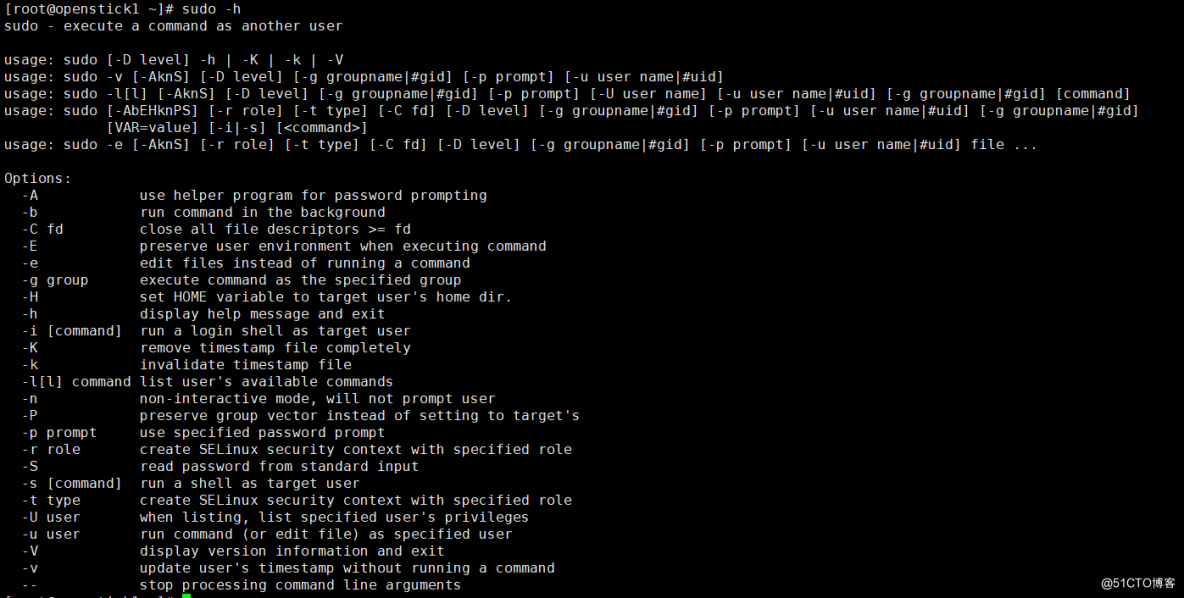
2.4.sudo命令
       sudo –i –u wang 切换身份


       sudo [-u user] COMMAND


       -V

       #示版本信息等配置信息


       -u user

       #认为root


       -l,ll

       #列出用户在主机上可用的和被禁止的命令


       -v

       #再延长密码有效期限5分钟,更新时间戳


       -k

       #清除时间戳(1970-01-01),下次需要重新输密码


       -K

       #-k类似,还要删除时间戳文件


       -b

       #后台执行指令


       -p

       #改变询问密码的提示符号


示例:-p

       "password on %h for user %p:"
- 1.
- 2.
- 3.
- 4.
- 5.
- 6.
- 7.
- 8.
- 9.
- 10.
- 11.
版权声明
本文为[小怪獣55]所创,转载请带上原文链接,感谢
https://blog.51cto.com/taowenwu/5248723
边栏推荐
- Parsing headless jsonarray arrays
- Reflection on the performance of some OpenGL operations in the past
- Using 8266 as serial port debugging tool
- 数据分析学习目录
- Tencent cloud GPU best practices - remote development training using jupyter pycharm
- Thoughts on the optimization of examination papers in the examination system
- SSDB基础2
- 网络协议之:sctp流控制传输协议
- binlog2sql 工具安装使用及问题汇总
- MySQL practical skills
猜你喜欢

RuntimeError: Providing a bool or integral fill value without setting the optional `dtype` or `out`
mysql_ Download and installation of Linux version
binlog2sql 工具安装使用及问题汇总
Pdf reference learning notes
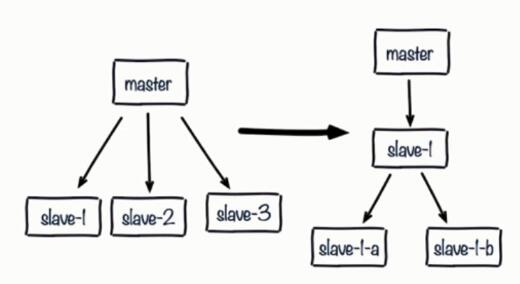
Redis optimization series (III) solve common problems after master-slave configuration

The difference between ordinary inner class and static inner class
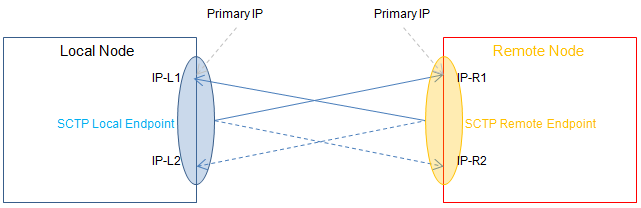
网络协议之:sctp流控制传输协议
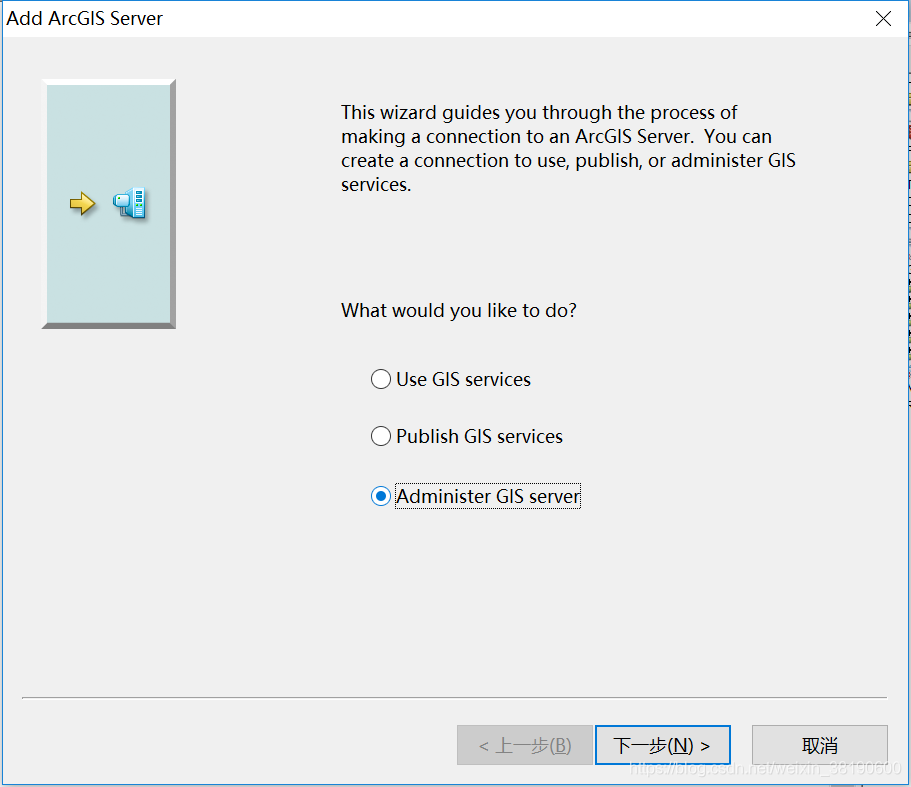
ArcMap connecting ArcGIS Server
Client interns of a large factory share their experience face to face
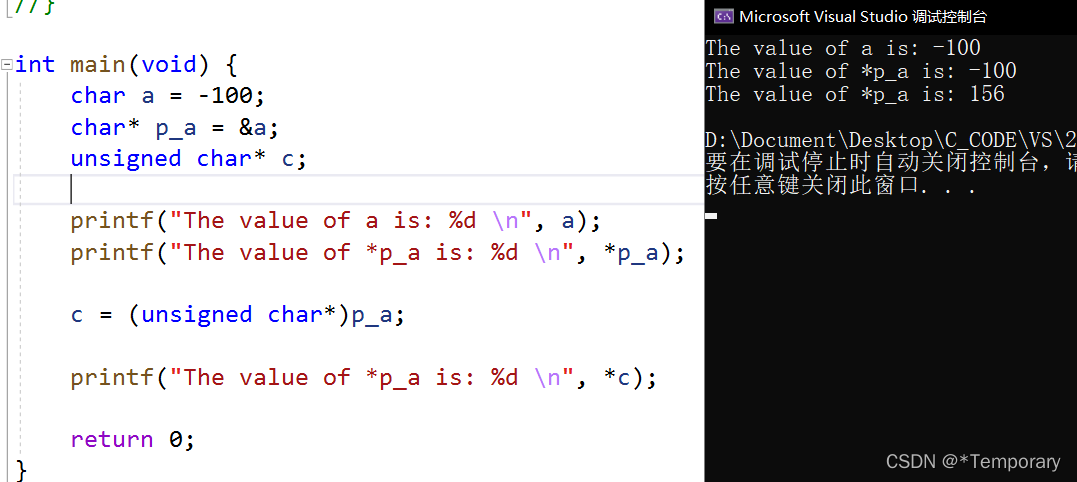
浅谈c语言指针的强制转换
随机推荐
Pit encountered using camera x_ When onpause, the camera is not released, resulting in a black screen when it comes back
Regular expressions for judging positive integers
Is it safe to open an account in Bohai futures.
SSDB基础3
All table queries and comment description queries of SQL Server
Sogou cell thesaurus analysis (only extract words and word frequency)
SSDB基础2
On the forced conversion of C language pointer
Codeforces Round #784 (Div. 4)
UML类图几种关系的总结
2021-2022-2 ACM集训队每周程序设计竞赛(8)题解
SSDB基础1
RuntimeError: Providing a bool or integral fill value without setting the optional `dtype` or `out`
ArcMap connecting ArcGIS Server
SSDB foundation 1
Some records used by VS2010
Thoughts on the optimization of examination papers in the examination system
Disable Ctrl + Alt + Del
MySQL practical skills
First experience of using fluent canvas