automatic color-grading

Overview

color-matcher

Description

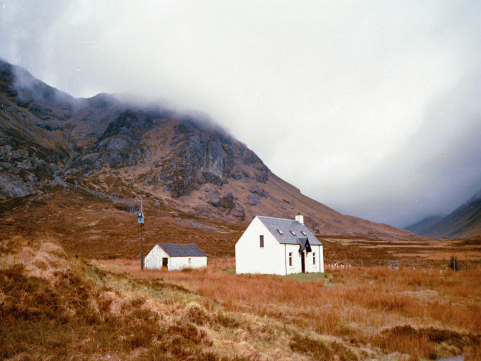
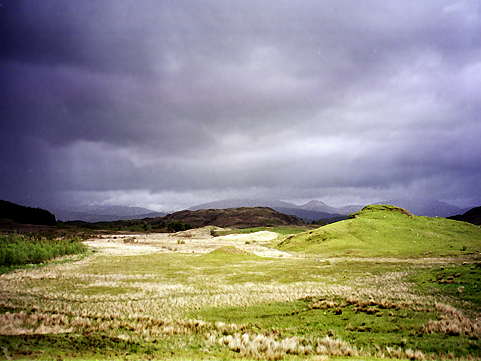
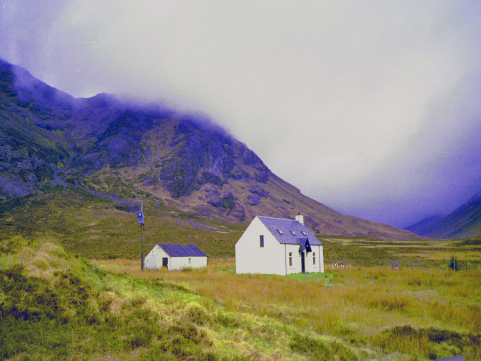
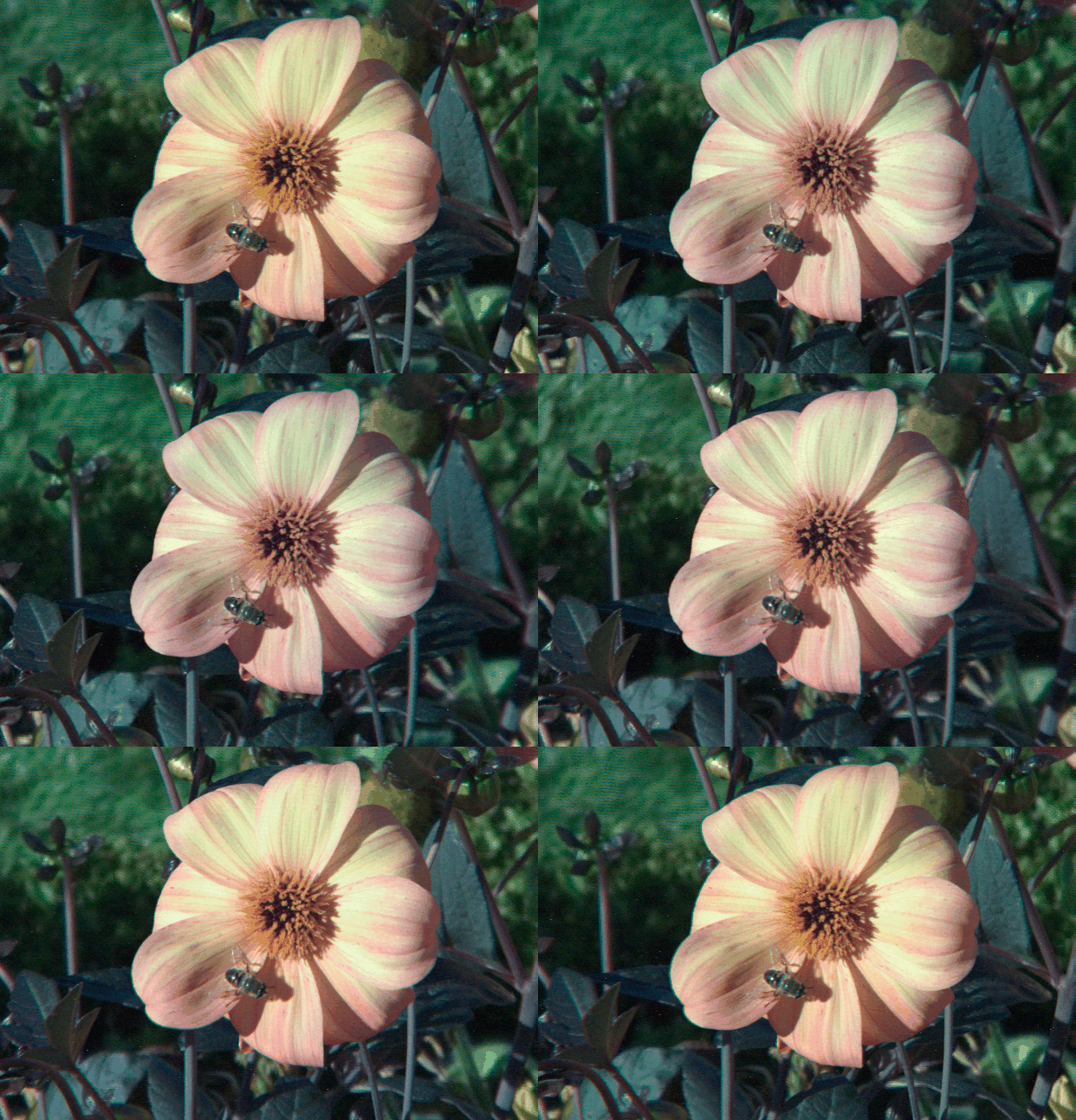
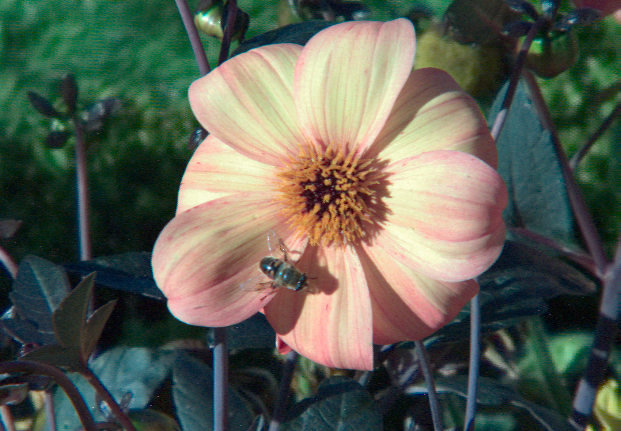
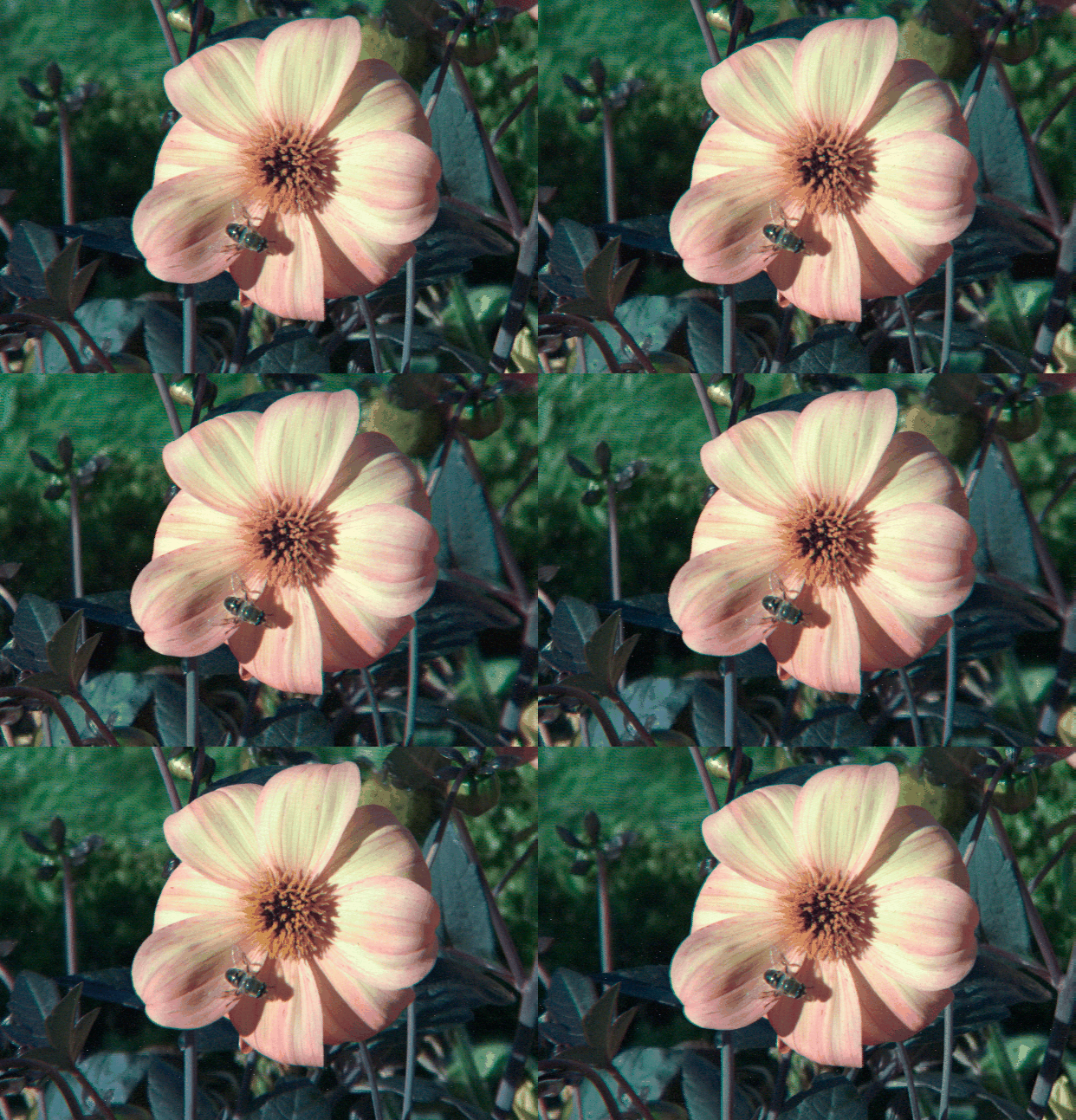
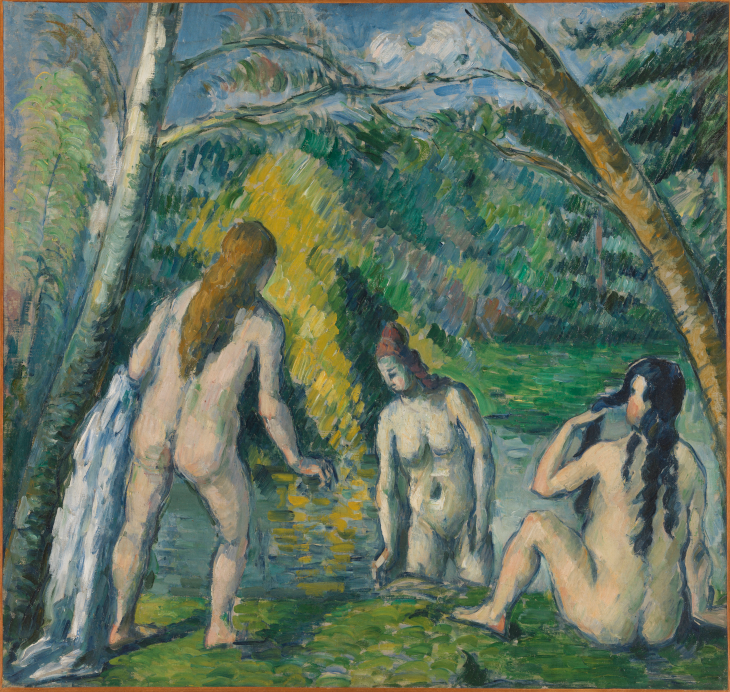
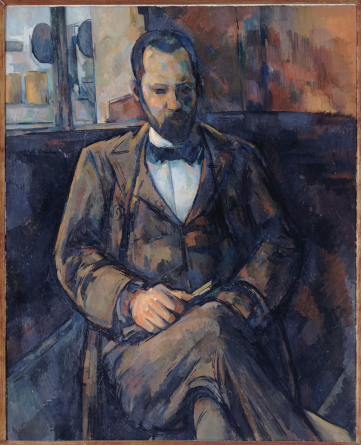
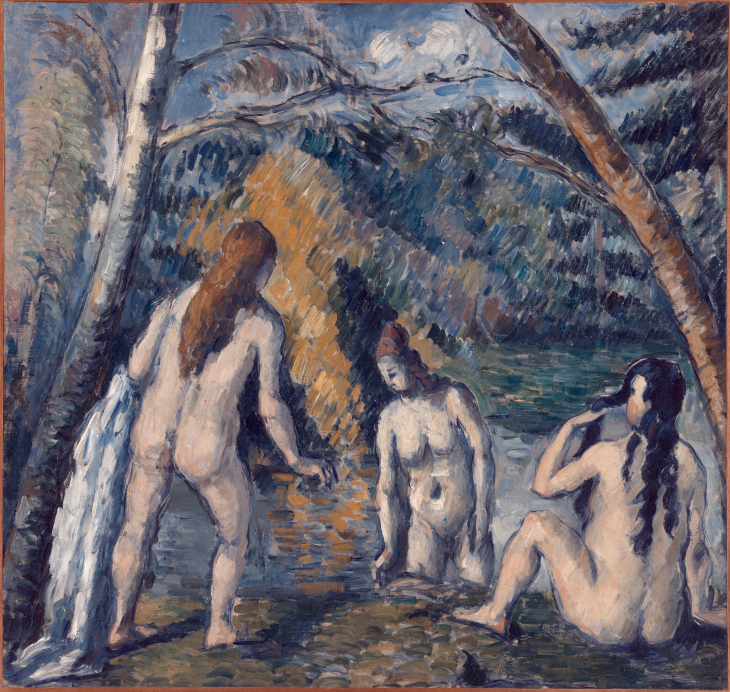
color-matcher enables color transfer across images which comes in handy for automatic color-grading of photographs, paintings and film sequences as well as light-field and stopmotion corrections. The methods behind the mappings are based on the approach from Reinhard et al., an analytical solution to a Multi-Variate Gaussian Distribution (MVGD) transfer, the Monge-Kantorovich solution as proposed by Pitie et al. and classical histogram matching.


release License GitHub Workflow Status coverage PyPi Dl2 PyPI Downloads

binder

Results

  Source Target Result
Photograph
Film sequence
Light-field correction
Paintings

Installation

  • via pip:
    1. install with pip3 install color-matcher
    2. type color-matcher -h to the command line once installation finished
  • from source:
    1. install Python from https://www.python.org/
    2. download the source using git clone https://github.com/hahnec/color-matcher.git
    3. go to the root directory cd color-matcher
    4. load dependencies $ pip3 install -r requirements.txt
    5. install with python3 setup.py install
    6. if installation ran smoothly, enter color-matcher -h to the command line

CLI Usage

From the root directory of your downloaded repo, you can run the tool on the provided test data by

color-matcher -s './tests/data/scotland_house.png' -r './tests/data/scotland_plain.png'

on a UNIX system where the result is found at ./tests/data/. A windows equivalent of the above command is

color-matcher --src=".\\tests\\data\\scotland_house.png" --ref=".\\tests\\data\\scotland_plain.png"

Alternatively, you can specify the method or select your images manually with

color-matcher --win --method='hm-mkl-hm'

Note that batch processing is possible by passing a source directory, e.g., via

color-matcher -s './tests/data/' -r './tests/data/scotland_plain.png'

More information on optional arguments, can be found using the help parameter

color-matcher -h

API Usage

from color_matcher import ColorMatcher
from color_matcher.io_handler import load_img_file, save_img_file, FILE_EXTS
from color_matcher.normalizer import Normalizer
import os

img_ref = load_img_file('./tests/data/scotland_plain.png')

src_path = '.'
filenames = [os.path.join(src_path, f) for f in os.listdir(src_path)
                     if f.lower().endswith(FILE_EXTS)]

for i, fname in enumerate(filenames):
    img_src = load_img_file(fname)
    obj = ColorMatcher(src=img_src, ref=img_ref, method='mkl')
    img_res = obj.main()
    img_res = Normalizer(img_res).uint8_norm()
    save_img_file(img_res, os.path.join(os.path.dirname(fname), str(i)+'.png'))

Citation

@misc{hahne2020plenopticam,
      title={PlenoptiCam v1.0: A light-field imaging framework},
      author={Christopher Hahne and Amar Aggoun},
      year={2020},
      eprint={2010.11687},
      archivePrefix={arXiv},
      primaryClass={eess.IV}
}

Author

Christopher Hahne

You might also like...
Spatial color quantization in Rust

rscolorq Rust port of Derrick Coetzee's scolorq, based on the 1998 paper "On spatial quantization of color images" by Jan Puzicha, Markus Held, Jens K

Rendering color and depth images for ShapeNet models.

Color & Depth Renderer for ShapeNet This library includes the tools for rendering multi-view color and depth images of ShapeNet models. Physically bas

3DMV jointly combines RGB color and geometric information to perform 3D semantic segmentation of RGB-D scans.

3DMV 3DMV jointly combines RGB color and geometric information to perform 3D semantic segmentation of RGB-D scans. This work is based on our ECCV'18 p

A very simple baseline to estimate 2D & 3D SMPL-compatible keypoints from a single color image.

Minimal Body A very simple baseline to estimate 2D & 3D SMPL-compatible keypoints from a single color image. The model file is only 51.2 MB and runs a

Implementation of GGB color space

GGB Color Space This package is implementation of GGB color space from Development of a Robust Algorithm for Detection of Nuclei and Classification of

A minimal solution to hand motion capture from a single color camera at over 100fps. Easy to use, plug to run.

Minimal Hand A minimal solution to hand motion capture from a single color camera at over 100fps. Easy to use, plug to run. This project provides the

An end-to-end image translation model with weight-map for color constancy

CCUnet An end-to-end image translation model with weight-map for color constancy 1. Download the dataset (take Colorchecker_recommended dataset as an

Blender Add-on that sets a Material's Base Color to one of Pantone's Colors of the Year

Blender PCOY (Pantone Color of the Year) MCMC (Mid-Century Modern Colors) HG71 (House & Garden Colors 1971) Blender Add-ons That Assign a Custom Color

Comments
  • Color-matcher batch processing

    Color-matcher batch processing

    I've just discovered color-matcher and find it potentially very useful for preprocessing histopathological datasets for deep learning. I can't, however, find a way to use it in batch mode - that is - is there any way to load more than one source image and/or more than one target image to process larger image datasets in batch?

    opened by SahPet 4
  • Doc suggests pip3 for install, Anaconda seems to work with pip only

    Doc suggests pip3 for install, Anaconda seems to work with pip only

    I'm using Anaconda (Conda 4.9.2) and used the documentation's suggested pip3 install procedure for color-matcher, but I couldn't run it from the command prompt. However, when I installed it via pip (just pip) it worked fine.

    I ain't entirely sure if this fella got Python 3.8 and Python 2.7 both in there, but somehow I can only get it to run by entering only color-matcher in the command line after installing through pip as opposed to pip3.

    Might need an extra line in the documentation saying do this if you're using Anaconda or Python 2.x or something, I ain't entirely sure of what's going on behind the scenes really.

    opened by torridgristle 1
  • Rendering videos

    Rendering videos

    hi thanks for this great piece of code.

    I am doing some tests on videos, is there a specific mode to ensure temporal consistency for video rendering?

    I have tried a few image by image processing, and the results are subject to flickering, especially when there are strong intense areas, even small (the blinking crosswalk light in the below examples)

    thanks

    https://user-images.githubusercontent.com/29961693/178616708-e5b7fd6d-b2aa-4dd1-abe8-2908267621b5.mp4

    https://user-images.githubusercontent.com/29961693/178616722-381ff433-ebaa-423d-801b-a518816068c3.mp4

    opened by Tetsujinfr 1
  • [ Feature Request ] CLUT Output

    [ Feature Request ] CLUT Output

    The ability to save a CLUT of the color transformation would be useful for applying the transformation to other scenes / videos / games, and for tweaking the transformation with other tools for artistic purposes with color-matcher's output as the starting point.

    Look I got the early morning lightheadedness and I wanna gush about this program, this has saved me such a hassle trying to white balance the most fucked up of photos with purple skin, absolutely marvelous. Software intended for auto white-balance just made em all green, but this matched it to a collage of similar faces in better lighting and damn if it isn't just the best outcome I could imagine for the material. I could overhaul an entire dataset and augment the shit out of it if I wanted. This is baller.

    feature-request 
    opened by torridgristle 6
Releases(v0.5.0)
Tensorflow-Project-Template - A best practice for tensorflow project template architecture.

Tensorflow Project Template A simple and well designed structure is essential for any Deep Learning project, so after a lot of practice and contributi

Mahmoud G. Salem 3.6k Dec 22, 2022
Camera ready code repo for the NeuRIPS 2021 paper: "Impression learning: Online representation learning with synaptic plasticity".

Impression-Learning-Camera-Ready Camera ready code repo for the NeuRIPS 2021 paper: "Impression learning: Online representation learning with synaptic

2 Feb 09, 2022
Efficient Sharpness-aware Minimization for Improved Training of Neural Networks

Efficient Sharpness-aware Minimization for Improved Training of Neural Networks Code for “Efficient Sharpness-aware Minimization for Improved Training

Angusdu 32 Oct 18, 2022
A robust camera and Lidar fusion based velocity estimator to undistort the pointcloud.

Lidar with Velocity A robust camera and Lidar fusion based velocity estimator to undistort the pointcloud. related paper: Lidar with Velocity : Motion

ISEE Research Group 164 Dec 30, 2022
An Unsupervised Graph-based Toolbox for Fraud Detection

An Unsupervised Graph-based Toolbox for Fraud Detection Introduction: UGFraud is an unsupervised graph-based fraud detection toolbox that integrates s

SafeGraph 99 Dec 11, 2022
Moving Object Segmentation in 3D LiDAR Data: A Learning-based Approach Exploiting Sequential Data

LiDAR-MOS: Moving Object Segmentation in 3D LiDAR Data This repo contains the code for our paper: Moving Object Segmentation in 3D LiDAR Data: A Learn

Photogrammetry & Robotics Bonn 394 Dec 29, 2022
DFM: A Performance Baseline for Deep Feature Matching

DFM: A Performance Baseline for Deep Feature Matching Python (Pytorch) and Matlab (MatConvNet) implementations of our paper DFM: A Performance Baselin

143 Jan 02, 2023
Research code for the paper "How Good is Your Tokenizer? On the Monolingual Performance of Multilingual Language Models"

Introduction This repository contains research code for the ACL 2021 paper "How Good is Your Tokenizer? On the Monolingual Performance of Multilingual

AdapterHub 20 Aug 04, 2022
Taming Transformers for High-Resolution Image Synthesis

Taming Transformers for High-Resolution Image Synthesis CVPR 2021 (Oral) Taming Transformers for High-Resolution Image Synthesis Patrick Esser*, Robin

CompVis Heidelberg 3.5k Jan 03, 2023
Auto grind btdb2 exp for tower

Bloons TD Battles 2 EXP Grinder Auto grind btdb2 exp for towers Setup I suggest checking out every screenshot to see what they are supposed to be, so

Vincent 6 Jul 29, 2022
Selective Wavelet Attention Learning for Single Image Deraining

SWAL Code for Paper "Selective Wavelet Attention Learning for Single Image Deraining" Prerequisites Python 3 PyTorch Models We provide the models trai

Bobo 9 Jun 17, 2022
A python-image-classification web application project, written in Python and served through the Flask Microframework

A python-image-classification web application project, written in Python and served through the Flask Microframework. This Project implements the VGG16 covolutional neural network, through Keras and

Gerald Maduabuchi 19 Dec 12, 2022
Local trajectory planner based on a multilayer graph framework for autonomous race vehicles.

Graph-Based Local Trajectory Planner The graph-based local trajectory planner is python-based and comes with open interfaces as well as debug, visuali

TUM - Institute of Automotive Technology 160 Jan 04, 2023
Enhancing Aspect-Based Sentiment Analysis with Supervised Contrastive Learning.

Enhancing Aspect-Based Sentiment Analysis with Supervised Contrastive Learning. Enhancing Aspect-Based Sentiment Analysis with Supervised Contrastive

<a href=[email protected](SZ)"> 7 Dec 16, 2021
Implementation of SETR model, Original paper: Rethinking Semantic Segmentation from a Sequence-to-Sequence Perspective with Transformers.

SETR - Pytorch Since the original paper (Rethinking Semantic Segmentation from a Sequence-to-Sequence Perspective with Transformers.) has no official

zhaohu xing 112 Dec 16, 2022
Method for facial emotion recognition compitition of Xunfei and Datawhale .

人脸情绪识别挑战赛-第3名-W03KFgNOc-源代码、模型以及说明文档 队名:W03KFgNOc 排名:3 正确率: 0.75564 队员:yyMoming,xkwang,RichardoMu。 比赛链接:人脸情绪识别挑战赛 文章地址:link emotion 该项目分别训练八个模型并生成csv文

6 Oct 17, 2022
Python periodic table module

elemenpy Hello! elements.py is a small Python periodic table module that is used for calling certain information about an element. Installation Instal

Eric Cheng 2 Dec 27, 2021
Twins: Revisiting the Design of Spatial Attention in Vision Transformers

Twins: Revisiting the Design of Spatial Attention in Vision Transformers Very recently, a variety of vision transformer architectures for dense predic

482 Dec 18, 2022
Chinese Advertisement Board Identification(Pytorch)

Chinese-Advertisement-Board-Identification. We use YoloV5 to extract the ROI of the location of the chinese word. Next, we sort the bounding box and recognize every chinese words which we extracted.

Li-Wei Hsiao 12 Jul 21, 2022
The fastest way to visualize GradCAM with your Keras models.

VizGradCAM VizGradCam is the fastest way to visualize GradCAM in Keras models. GradCAM helps with providing visual explainability of trained models an

58 Nov 19, 2022