当前位置:网站首页>linux MySQL数据定时dump
linux MySQL数据定时dump
2022-04-23 14:00:00 【白云碎里一蓑舟】
一、备份数据库脚本文件
#!/bin/sh
# 数据库账号信息
DB_USER="root"
DB_PWD="123456"
DB_HOST="192.168.110.195"
DB_PORT="3305"

# MYSQL所在目录
MYSQL_DIR="/usr/local/mysql"
# 备份文件存放目录
BAK_DIR="/data/backups"
# 时间格式化,如 20200902
DATE=`date +%Y%m%d`
# 备份脚本保存的天数
DEL_DAY=10

# 要备份的数据库,空格分隔
DATABASES=("sales_release")

# 创建日期目录
mkdir $BAK_DIR/$DATE

echo "-------------------$(date +%F_%T) start ---------------"  >>${BAK_DIR}/aggrega
te_backup.log
for database in "${DATABASES[@]}"
do
    # 执行备份命令
    $MYSQL_DIR/bin/mysqldump --opt -u$DB_USER -p$DB_PWD -h$DB_HOST -P$DB_PORT ${database} > $BAK_DIR/$DATE/${database}.sql
done

echo "--- backup file created: $BAK_DIR/aggregate_backup_$DATE.tar.gz"  >>${BAK_DIR}/aggregate_backup.log

# 将备份好的sql脚本压缩到aggregate_backup_yyyyMMdd.tar.gz
tar -czf $BAK_DIR/aggregate_backup_$DATE.tar.gz $BAK_DIR/$DATE

# 压缩后,删除压缩前的备份文件和目录
rm -f $BAK_DIR/$DATE/*
rmdir $BAK_DIR/$DATE

# 至此备份操作已完成,下面的脚本命令用于清理之前备份的旧文件,以释放磁盘空间

# 遍历备份目录下的压缩文件
LIST=$(ls ${
     BAK_DIR}/aggregate_backup_*)
# 获取10天前的时间,用于作比较,早于该时间的文件将删除
SECONDS=$(date -d "$(date +%F) -${DEL_DAY} days" +%s) for index in ${LIST} do # 对文件名进行格式化,取命名末尾的时间,格式如 20200902 timeString=$(echo ${
      index} | egrep -o "?[0-9][0-9][0-9][0-9][0-9][0-9][0-9][0-9]") if [ -n "$timeString" ]
    then
        indexDate=${timeString//./-}
        indexSecond=$( date -d ${
     indexDate} +%s )
        # 与当天的时间做对比,把早于10天的备份文件删除
        if [ $(( $SECONDS- $indexSecond )) -gt 0 ]
        then
            rm -f $index
            echo "---- deleted old backup file : $index " >>${BAK_DIR}/aggregate_backup.log
        fi
    fi
done

echo "-------------------$(date +%F_%T) end ---------------"  >>${BAK_DIR}/aggregate_backup.log
注意:如果是Windows文件直接传到Linux上需要转换格式
sed -i 's/\r$//' aggregateBak.sh
二、给脚本赋执行权限
chmod 777 aggregateBak.sh
三、 利用Linux系统的crontab定时任务,去实现固定时间自动执行脚本
crontab -e #编辑
#输入以下代码
00 03 * * * /data/mysql_aggregate/aggregateBak.sh#在 03:00 a.m 运行
:wq #保存退出
service crond restart #重启服务,如果是ubuntu系统,则是cron
备份是个好习惯,一个不会让你赔钱的习惯
版权声明
本文为[白云碎里一蓑舟]所创,转载请带上原文链接,感谢
https://blog.csdn.net/m0_49513507/article/details/123580181
边栏推荐
- Building MySQL environment under Ubuntu & getting to know SQL
- AtCoder Beginner Contest 248C Dice Sum (生成函数)
- Express ② (routing)
- Kettle--控件解析
- Express middleware ③ (custom Middleware)
- Force deduction brush question 101 Symmetric binary tree
- [code analysis (6)] communication efficient learning of deep networks from decentralized data
- Basic SQL query and learning
- 初探 Lambda Powertools TypeScript
- freeCodeCamp----arithmetic_ Arranger exercise
猜你喜欢

低频量化之明日涨停预测

Express ② (routing)
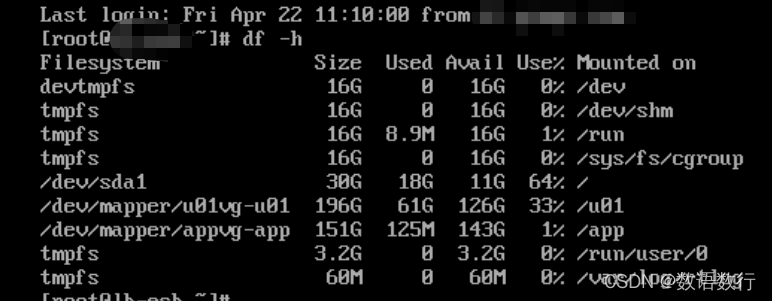
Crontab timing task output generates a large number of mail and runs out of file system inode problem processing
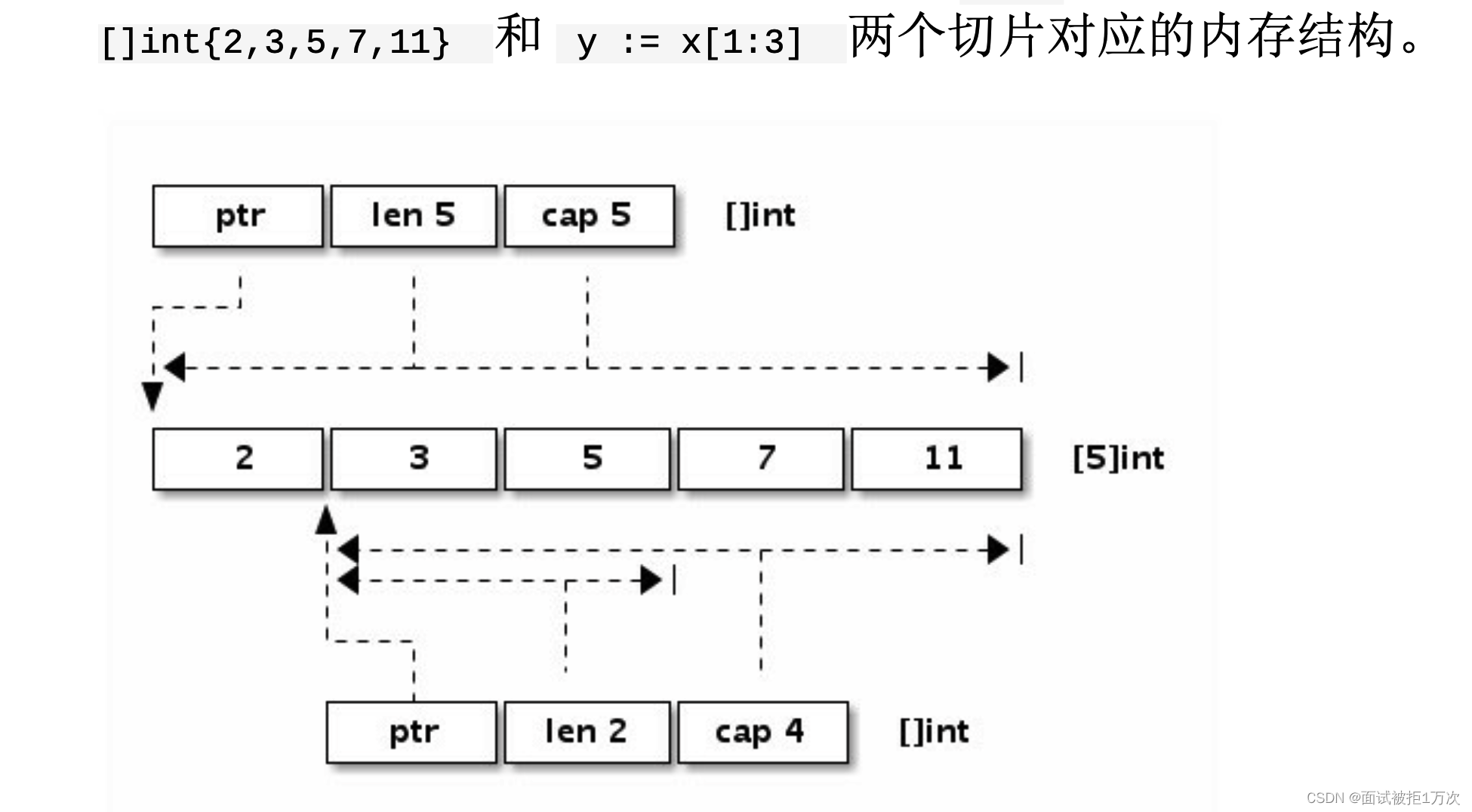
go 语言 数组,字符串,切片
Wechat applet

Question bank and answer analysis of the 2022 simulated examination of the latest eight members of Jiangxi construction (quality control)

Decentralized Collaborative Learning Framework for Next POI Recommendation

Express middleware ③ (custom Middleware)
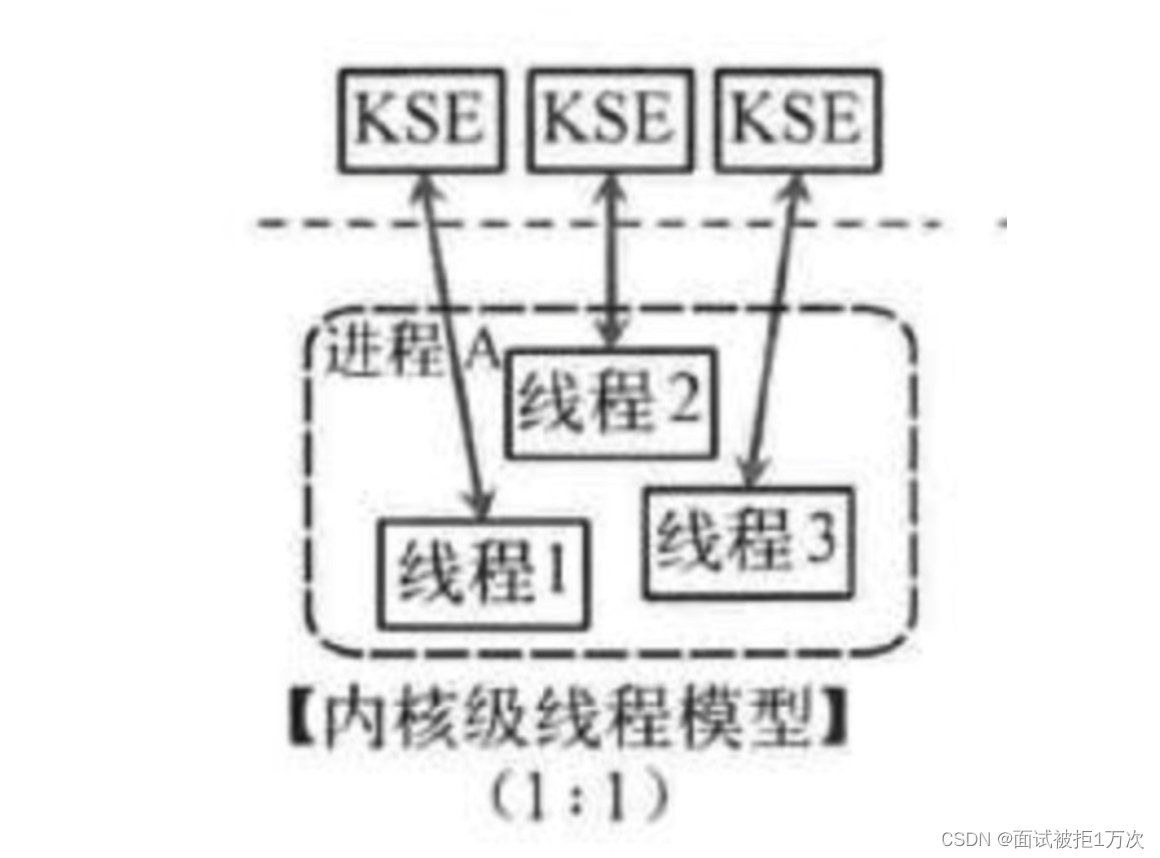
groutine
初探 Lambda Powertools TypeScript
随机推荐
变长参数__VA_ARGS__ 和 写日志的宏定义
Atcoder beginer contest 248c dice sum (generating function)
基础知识学习记录
Leetcode brush question 897 incremental sequential search tree
初探 Lambda Powertools TypeScript
JS force deduction brush question 103 Zigzag sequence traversal of binary tree
try --finally
FDFS start
Basic SQL query and learning
Redis docker 安装
Leetcode | 38 appearance array
Strange bug of cnpm
基于Ocelot的gRpc网关
Quartus Prime硬件实验开发(DE2-115板)实验二功能可调综合计时器设计
Business case | how to promote the activity of sports and health app users? It is enough to do these points well
编程旅行之函数
About note 1
Analysis and understanding of atomicintegerarray source code
SPC简介
SQL learning | complex query