当前位置:网站首页>14 py games source code share the second bullet
14 py games source code share the second bullet
2022-04-23 18:13:00 【Zhengyin studio】
4 Fight the sunset version of the aircraft battle
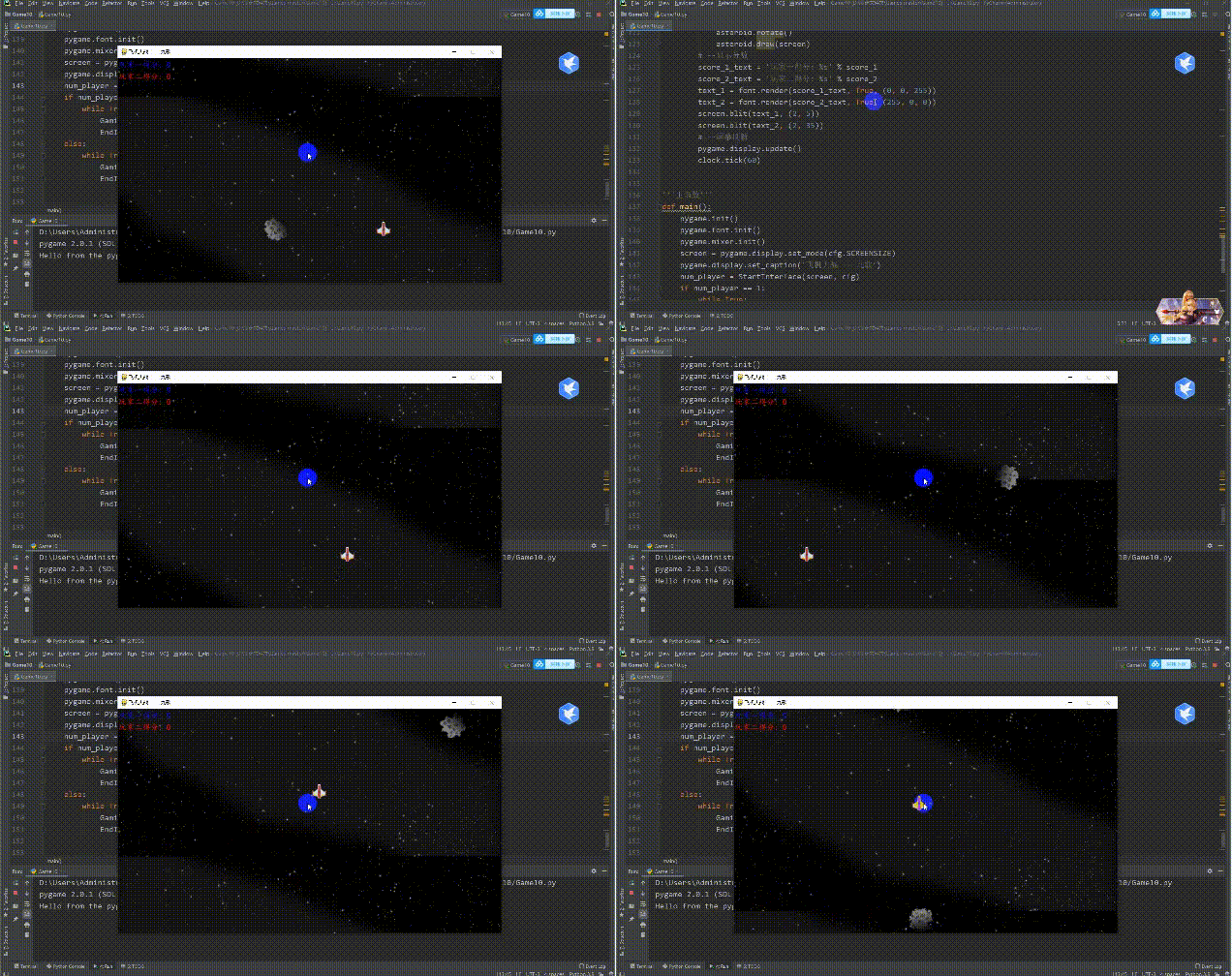
import sys
import cfg
import pygame
from modules import *


''' Game interface '''
def GamingInterface(num_player, screen):
    #  initialization
    pygame.mixer.music.load(cfg.SOUNDPATHS['Cool Space Music'])
    pygame.mixer.music.set_volume(0.4)
    pygame.mixer.music.play(-1)
    explosion_sound = pygame.mixer.Sound(cfg.SOUNDPATHS['boom'])
    fire_sound = pygame.mixer.Sound(cfg.SOUNDPATHS['shot'])
    font = pygame.font.Font(cfg.FONTPATH, 20)
    #  Game background
    bg_imgs = [cfg.IMAGEPATHS['bg_big'], cfg.IMAGEPATHS['seamless_space'], cfg.IMAGEPATHS['space3']]
    bg_move_dis = 0
    bg_1 = pygame.image.load(bg_imgs[0]).convert()
    bg_2 = pygame.image.load(bg_imgs[1]).convert()
    bg_3 = pygame.image.load(bg_imgs[2]).convert()
    #  The player ,  Bullets and asteroid elves
    player_group = pygame.sprite.Group()
    bullet_group = pygame.sprite.Group()
    asteroid_group = pygame.sprite.Group()
    #  The time interval between asteroids
    asteroid_ticks = 90
    for i in range(num_player):
        player_group.add(Ship(i+1, cfg))
    clock = pygame.time.Clock()
    #  fraction
    score_1, score_2 = 0, 0
    #  The main cycle of the game
    while True:
        for event in pygame.event.get():
            if event.type == pygame.QUIT:
                pygame.quit()
                sys.exit()
        # -- Player one : ↑↓←→ control , j Shooting ;  Player two : wsad control ,  Space shooting
        pressed_keys = pygame.key.get_pressed()
        for idx, player in enumerate(player_group):
            direction = None
            if idx == 0:
                if pressed_keys[pygame.K_UP]:
                    direction = 'up'
                elif pressed_keys[pygame.K_DOWN]:
                    direction = 'down'
                elif pressed_keys[pygame.K_LEFT]:
                    direction = 'left'
                elif pressed_keys[pygame.K_RIGHT]:
                    direction = 'right'
                if direction:
                    player.move(direction)
                if pressed_keys[pygame.K_j]:
                    if player.cooling_time == 0:
                        fire_sound.play()
                        bullet_group.add(player.shot())
                        player.cooling_time = 20
            elif idx == 1:
                if pressed_keys[pygame.K_w]:
                    direction = 'up'
                elif pressed_keys[pygame.K_s]:
                    direction = 'down'
                elif pressed_keys[pygame.K_a]:
                    direction = 'left'
                elif pressed_keys[pygame.K_d]:
                    direction = 'right'
                if direction:
                    player.move(direction)
                if pressed_keys[pygame.K_SPACE]:
                    if player.cooling_time == 0:
                        fire_sound.play()
                        bullet_group.add(player.shot())
                        player.cooling_time = 20
            if player.cooling_time > 0:
                player.cooling_time -= 1
        if (score_1 + score_2) < 500:
            background = bg_1
        elif (score_1 + score_2) < 1500:
            background = bg_2
        else:
            background = bg_3
        # -- Move the background image downward to achieve the effect of the spacecraft moving upward
        screen.blit(background, (0, -background.get_rect().height + bg_move_dis))
        screen.blit(background, (0, bg_move_dis))
        bg_move_dis = (bg_move_dis + 2) % background.get_rect().height
        # -- Make asteroids
        if asteroid_ticks == 0:
            asteroid_ticks = 90
            asteroid_group.add(Asteroid(cfg))
        else:
            asteroid_ticks -= 1
        # -- Painting spaceships
        for player in player_group:
            if pygame.sprite.spritecollide(player, asteroid_group, True, None):
                player.explode_step = 1
                explosion_sound.play()
            elif player.explode_step > 0:
                if player.explode_step > 3:
                    player_group.remove(player)
                    if len(player_group) == 0:
                        return
                else:
                    player.explode(screen)
            else:
                player.draw(screen)
        # -- Draw bullets
        for bullet in bullet_group:
            bullet.move()
            if pygame.sprite.spritecollide(bullet, asteroid_group, True, None):
                bullet_group.remove(bullet)
                if bullet.player_idx == 1:
                    score_1 += 1
                else:
                    score_2 += 1
            else:
                bullet.draw(screen)
        # -- Draw asteroids
        for asteroid in asteroid_group:
            asteroid.move()
            asteroid.rotate()
            asteroid.draw(screen)
        # -- Show scores
        score_1_text = ' Player one score : %s' % score_1
        score_2_text = ' Player 2 scores : %s' % score_2
        text_1 = font.render(score_1_text, True, (0, 0, 255))
        text_2 = font.render(score_2_text, True, (255, 0, 0))
        screen.blit(text_1, (2, 5))
        screen.blit(text_2, (2, 35))
        # -- Screen refresh
        pygame.display.update()
        clock.tick(60)


''' The main function '''
def main():
    pygame.init()
    pygame.font.init()
    pygame.mixer.init()
    scre
5 Whac-A-Mole :
Source code sharing :
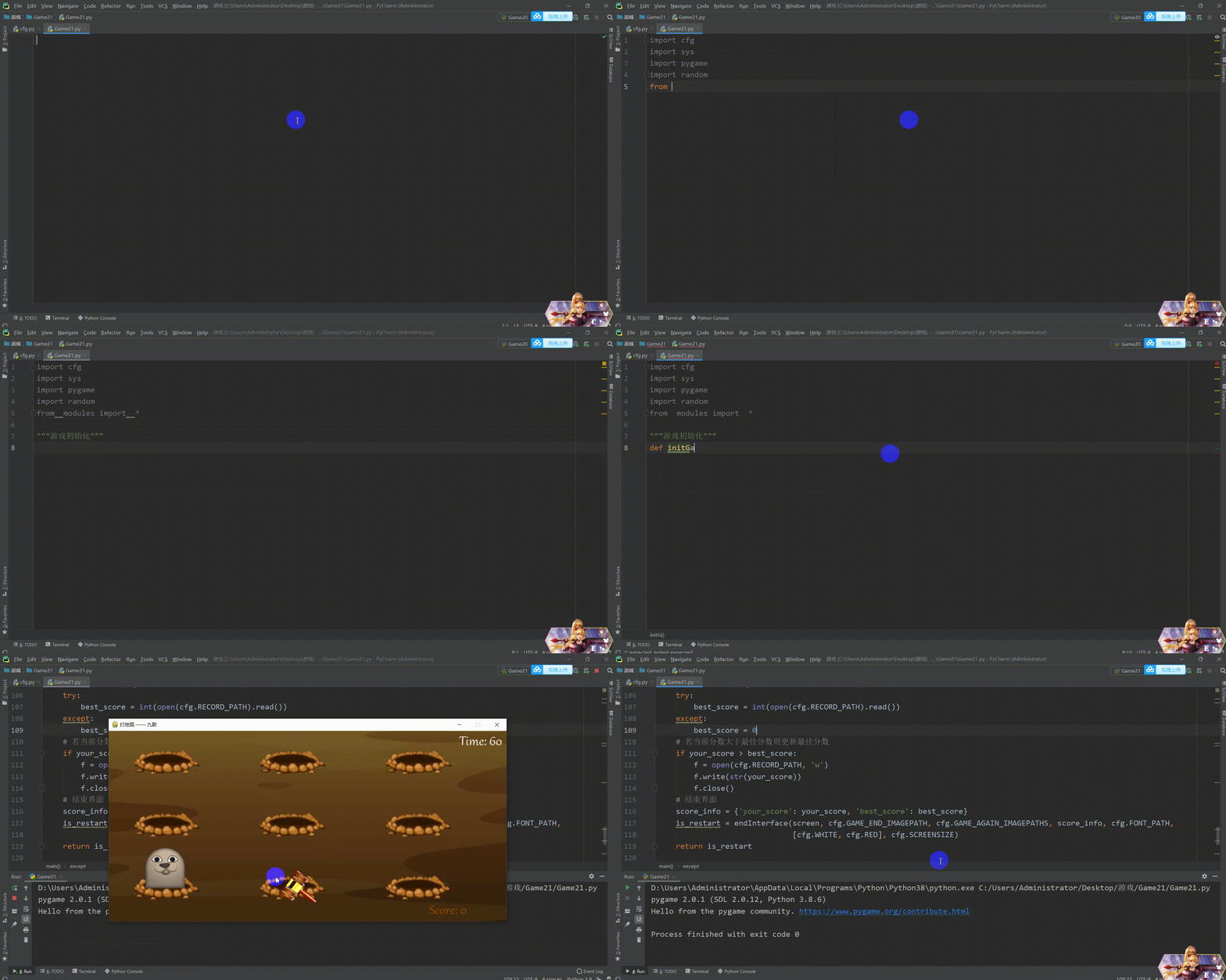
import cfg
import sys
import pygame
import random
from modules import *


''' Game initialization '''
def initGame():
    pygame.init()
    pygame.mixer.init()
    screen = pygame.display.set_mode(cfg.SCREENSIZE)
    pygame.display.set_caption(' Whac-A-Mole  ——  Nine songs ')
    return screen


''' The main function '''
def main():
    #  initialization
    screen = initGame()
    #  Load background music and other sound effects
    pygame.mixer.music.load(cfg.BGM_PATH)
    pygame.mixer.music.play(-1)
    audios = {
        'count_down': pygame.mixer.Sound(cfg.COUNT_DOWN_SOUND_PATH),
        'hammering': pygame.mixer.Sound(cfg.HAMMERING_SOUND_PATH)
    }
    #  Load Fonts
    font = pygame.font.Font(cfg.FONT_PATH, 40)
    #  Load background image
    bg_img = pygame.image.load(cfg.GAME_BG_IMAGEPATH)
    #  Start interface
    startInterface(screen, cfg.GAME_BEGIN_IMAGEPATHS)
    #  The timing of gopher changing position
    hole_pos = random.choice(cfg.HOLE_POSITIONS)
    change_hole_event = pygame.USEREVENT
    pygame.time.set_timer(change_hole_event, 800)
    #  Gophers
    mole = Mole(cfg.MOLE_IMAGEPATHS, hole_pos)
    #  The hammer
    hammer = Hammer(cfg.HAMMER_IMAGEPATHS, (500, 250))
    #  The clock
    clock = pygame.time.Clock()
    #  fraction
    your_score = 0
    flag = False
    #  Initial time
    init_time = pygame.time.get_ticks()
    #  The main cycle of the game
    while True:
        # -- The game time is 60s
        time_remain = round((61000 - (pygame.time.get_ticks() - init_time)) / 1000.)
        # -- Reduced game time ,  Gophers change position and speed faster
        if time_remain == 40 and not flag:
            hole_pos = random.choice(cfg.HOLE_POSITIONS)
            mole.reset()
            mole.setPosition(hole_pos)
            pygame.time.set_timer(change_hole_event, 650)
            flag = True
        elif time_remain == 20 and flag:
            hole_pos = random.choice(cfg.HOLE_POSITIONS)
            mole.reset()
            mole.setPosition(hole_pos)
            pygame.time.set_timer(change_hole_event, 500)
            flag = False
        # -- Countdown sound
        if time_remain == 10:
            audios['count_down'].play()
        # -- Game over
        if time_remain < 0: break
        count_down_text = font.render('Time: '+str(time_remain), True, cfg.WHITE)
        # -- Key detection
        for event in pygame.event.get():
            if event.type == pygame.QUIT:
                pygame.quit()
                sys.exit()
            elif event.type == pygame.MOUSEMOTION:
                hammer.setPosition(pygame.mouse.get_pos())
            elif event.type == pygame.MOUSEBUTTONDOWN:
                if event.button == 1:
                    hammer.setHammering()
            elif event.type == change_hole_event:
                hole_pos = random.choice(cfg.HOLE_POSITIONS)
                mole.reset()
                mole.setPosition(hole_pos)
        # -- collision detection
        if hammer.is_hammering and not mole.is_hammer:
            is_hammer = pygame.sprite.collide_mask(hammer, mole)
            if is_hammer:
                audios['hammering'].play()
                mole.setBeHammered()
                your_score += 10
        # -- fraction
        your_score_text = font.render('Score: '+str(your_score), True, cfg.BROWN)
        # -- Bind the necessary game elements to the screen ( Order of attention )
        screen.blit(bg_img, (0, 0))
        screen.blit(count_down_text, (875, 8))
        screen.blit(your_score_text, (800, 430))
        mole.draw(screen)
        hammer.draw(screen)
        # -- to update
        pygame.display.flip()
        clock.tick(60)
    #  Read the best score (try Block to avoid the first game without .rec file )
    try:
        best_score = int(open(cfg.RECORD_PATH).read())
    except:
        best_score = 0
    #  If the current score is greater than the best score, the best score will be updated
    if your_score > best_score:
        f = open(cfg.RECORD_PATH, 'w')
        f.write(str(your_score))
        f.close()
    #  End the screen
    score_info = {'your_score': your_score, 'best_score': best_score}
    is_restart = endInterface(screen, cfg.GAME_END_IMAGEPATH, cfg.GAME_AGAIN_IMAGEPATHS, score_info, cfg.FONT_PATH, [cfg.WHITE, cfg.RED], cfg.SCREENSIZE)
    return is_restart


'''run'''
if __name__ == '__main__':
    while True:
        is_restart = main()
        if not is_restart:
            break
6 Little dinosaur
How to play Up and down control take-off and avoid
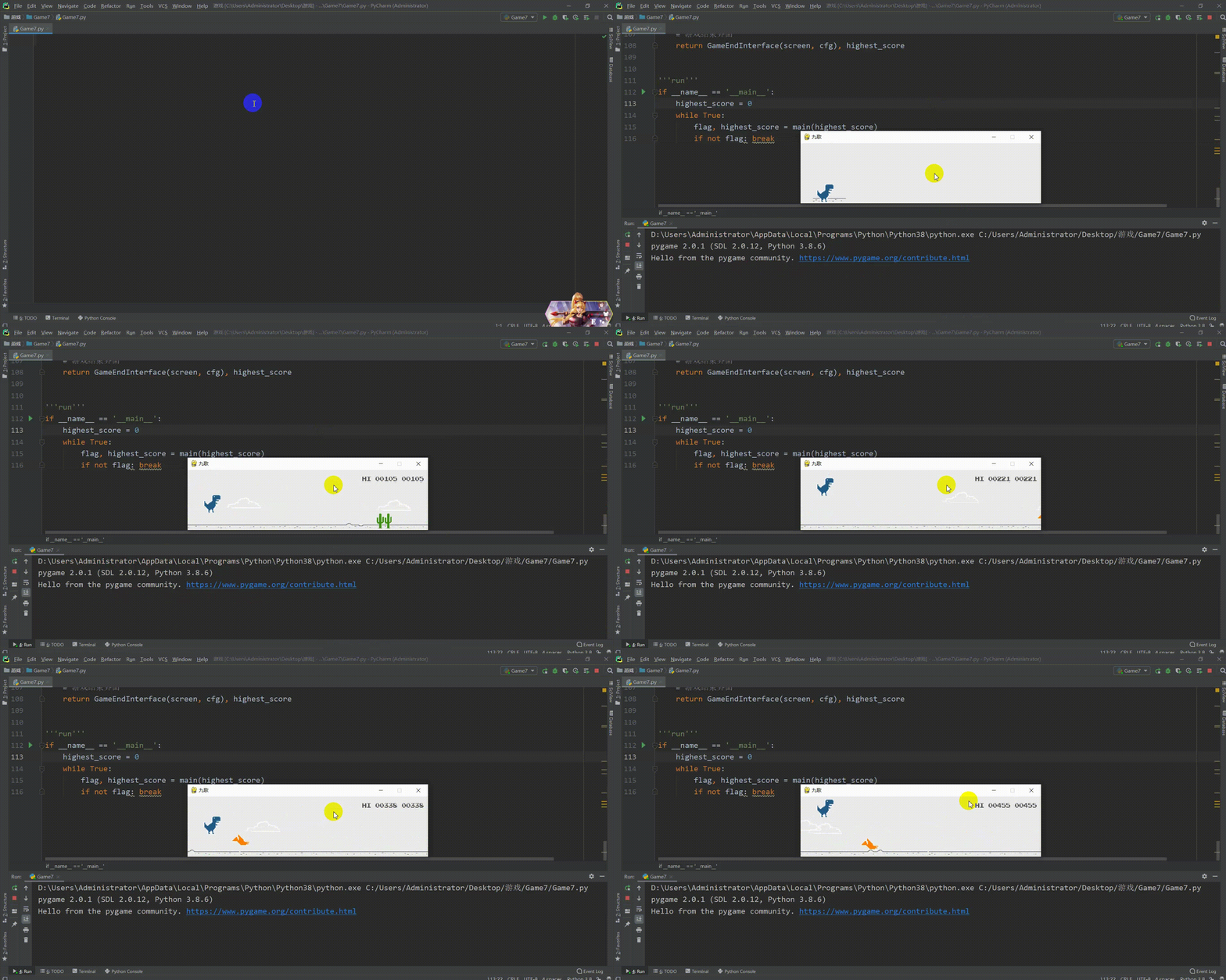
The source code is as follows :
import cfg
import sys
import random
import pygame
from modules import *


'''main'''
def main(highest_score):
    #  Game initialization
    pygame.init()
    screen = pygame.display.set_mode(cfg.SCREENSIZE)
    pygame.display.set_caption(' Nine songs ')
    #  Import all sound files
    sounds = {}
    for key, value in cfg.AUDIO_PATHS.items():
        sounds[key] = pygame.mixer.Sound(value)
    #  Game start screen
    GameStartInterface(screen, sounds, cfg)
    #  Define some necessary elements and variables in the game
    score = 0
    score_board = Scoreboard(cfg.IMAGE_PATHS['numbers'], position=(534, 15), bg_color=cfg.BACKGROUND_COLOR)
    highest_score = highest_score
    highest_score_board = Scoreboard(cfg.IMAGE_PATHS['numbers'], position=(435, 15), bg_color=cfg.BACKGROUND_COLOR, is_highest=True)
    dino = Dinosaur(cfg.IMAGE_PATHS['dino'])
    ground = Ground(cfg.IMAGE_PATHS['ground'], position=(0, cfg.SCREENSIZE[1]))
    cloud_sprites_group = pygame.sprite.Group()
    cactus_sprites_group = pygame.sprite.Group()
    ptera_sprites_group = pygame.sprite.Group()
    add_obstacle_timer = 0
    score_timer = 0
    #  The main cycle of the game
    clock = pygame.time.Clock()
    while True:
        for event in pygame.event.get():
            if event.type == pygame.QUIT:
                pygame.quit()
                sys.exit()
            elif event.type == pygame.KEYDOWN:
                if event.key == pygame.K_SPACE or event.key == pygame.K_UP:
                    dino.jump(sounds)
                elif event.key == pygame.K_DOWN:
                    dino.duck()
            elif event.type == pygame.KEYUP and event.key == pygame.K_DOWN:
                dino.unduck()
        screen.fill(cfg.BACKGROUND_COLOR)
        # -- Add cloud randomly
        if len(cloud_sprites_group) < 5 and random.randrange(0, 300) == 10:
            cloud_sprites_group.add(Cloud(cfg.IMAGE_PATHS['cloud'], position=(cfg.SCREENSIZE[0], random.randrange(30, 75))))
        # -- Add cactus randomly / Flying dragon
        add_obstacle_timer += 1
        if add_obstacle_timer > random.randrange(50, 150):
            add_obstacle_timer = 0
            random_value = random.randrange(0, 10)
            if random_value >= 5 and random_value <= 7:
                cactus_sprites_group.add(Cactus(cfg.IMAGE_PATHS['cacti']))
            else:
                position_ys = [cfg.SCREENSIZE[1]*0.82, cfg.SCREENSIZE[1]*0.75, cfg.SCREENSIZE[1]*0.60, cfg.SCREENSIZE[1]*0.20]
                ptera_sprites_group.add(Ptera(cfg.IMAGE_PATHS['ptera'], position=(600, random.choice(position_ys))))
        # -- Update game elements
        dino.update()
        ground.update()
        cloud_sprites_group.update()
        cactus_sprites_group.update()
        ptera_sprites_group.update()
        score_timer += 1
        if score_timer > (cfg.FPS//12):
            score_timer = 0
            score += 1
            score = min(score, 99999)
            if score > highest_score:
                highest_score = score
            if score % 100 == 0:
                sounds['point'].play()
            if score % 1000 == 0:
                ground.speed -= 1
                for item in cloud_sprites_group:
                    item.speed -= 1
                for item in cactus_sprites_group:
                    item.speed -= 1
                for item in ptera_sprites_group:
                    item.speed -= 1
        # -- collision detection
        for item in cactus_sprites_group:
            if pygame.sprite.collide_mask(dino, item):
                dino.die(sounds)
        for item in ptera_sprites_group:
            if pygame.sprite.collide_mask(dino, item):
                dino.die(sounds)
        # -- Draw game elements to the screen
        dino.draw(screen)
        ground.draw(screen)
        cloud_sprites_group.draw(screen)
        cactus_sprites_group.draw(screen)
        ptera_sprites_group.draw(screen)
        score_board.set(score)
        highest_score_board.set(highest_score)
        score_board.draw(screen)
        highest_score_board.draw(screen)
        # -- Update screen
        pygame.display.update()
        clock.tick(cfg.FPS)
        # -- Is the game over
        if dino.is_dead:
            break
    #  Game ending screen
    return GameEndInterface(screen, cfg), highest_score


'''run'''
if __name__ == '__main__':
    highest_score = 0
    while True:
        flag, highest_score = main(highest_score)
        if not flag: break
7 Xiaoxiaole
How to play Three connected can eliminate

The source code is as follows :
import os
import sys
import cfg
import pygame
from modules import *


''' The main program of the game '''
def main():
    pygame.init()
    screen = pygame.display.set_mode(cfg.SCREENSIZE)
    pygame.display.set_caption('Gemgem ——  Nine songs ')
    #  Load background music
    pygame.mixer.init()
    pygame.mixer.music.load(os.path.join(cfg.ROOTDIR, "resources/audios/bg.mp3"))
    pygame.mixer.music.set_volume(0.6)
    pygame.mixer.music.play(-1)
    #  Loading sound effects
    sounds = {}
    sounds['mismatch'] = pygame.mixer.Sound(os.path.join(cfg.ROOTDIR, 'resources/audios/badswap.wav'))
    sounds['match'] = []
    for i in range(6):
        sounds['match'].append(pygame.mixer.Sound(os.path.join(cfg.ROOTDIR, 'resources/audios/match%s.wav' % i)))
    #  Load Fonts
    font = pygame.font.Font(os.path.join(cfg.ROOTDIR, 'resources/font/font.TTF'), 25)
    #  Image loading
    gem_imgs = []
    for i in range(1, 8):
        gem_imgs.append(os.path.join(cfg.ROOTDIR, 'resources/images/gem%s.png' % i))
    #  Main circulation
    game = gemGame(screen, sounds, font, gem_imgs, cfg)
    while True:
        score = game.start()
        flag = False
        #  After a round of the game, players choose to play again or exit
        while True:
            for event in pygame.event.get():
                if event.type == pygame.QUIT or (event.type == pygame.KEYUP and event.key == pygame.K_ESCAPE):
                    pygame.quit()
                    sys.exit()
                elif event.type == pygame.KEYUP and event.key == pygame.K_r:
                    flag = True
            if flag:
                break
            screen.fill((135, 206, 235))
            text0 = 'Final score: %s' % score
            text1 = 'Press <R> to restart the game.'
            text2 = 'Press <Esc> to quit the game.'
            y = 150
            for idx, text in enumerate([text0, text1, text2]):
                text_render = font.render(text, 1, (85, 65, 0))
                rect = text_render.get_rect()
                if idx == 0:
                    rect.left, rect.top = (212, y)
                elif idx == 1:
                    rect.left, rect.top = (122.5, y)
                else:
                    rect.left, rect.top = (126.5, y)
                y += 100
                screen.blit(text_render, rect)
            pygame.display.update()
        game.reset()


'''run'''
if __name__ == '__main__':
    main()
The rest will be released tomorrow Keep an eye on it Thank you for your support
The final interpretation right of this article belongs to Zhengyin studio
版权声明
本文为[Zhengyin studio]所创,转载请带上原文链接,感谢
https://yzsam.com/2022/04/202204231812545638.html
边栏推荐
- JD-FreeFuck 京東薅羊毛控制面板 後臺命令執行漏洞
- Yolov4 pruning [with code]
- How to read literature
- Crawl the product data of cicada mother data platform
- C language loop structure program
- RC smart pointer in rust
- Stanford machine learning course summary
- Rust: shared variable in thread pool
- idea中安装YapiUpload 插件将api接口上传到yapi文档上
- 登录和发布文章功能测试
猜你喜欢
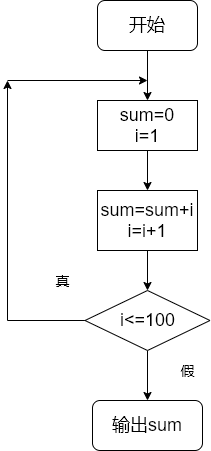
C language loop structure program

C# 的数据流加密与解密

From introduction to mastery of MATLAB (2)
![Yolov4 pruning [with code]](/img/09/ea4376d52edb7e419ace2cb1e0356b.gif)
Yolov4 pruning [with code]
JD-FreeFuck 京东薅羊毛控制面板 后台命令执行漏洞
![解决报错max virtual memory areas vm.max_map_count [65530] is too low, increase to at least [262144]](/img/5f/a80951777a0473fcaa685cd6a8e5dd.png)
解决报错max virtual memory areas vm.max_map_count [65530] is too low, increase to at least [262144]
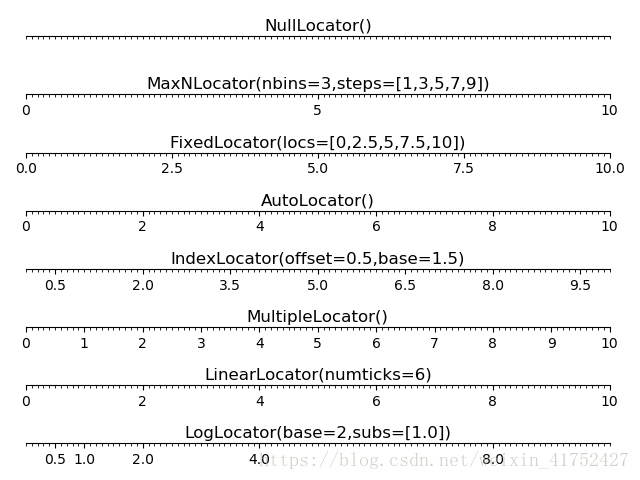
positioner
Data stream encryption and decryption of C
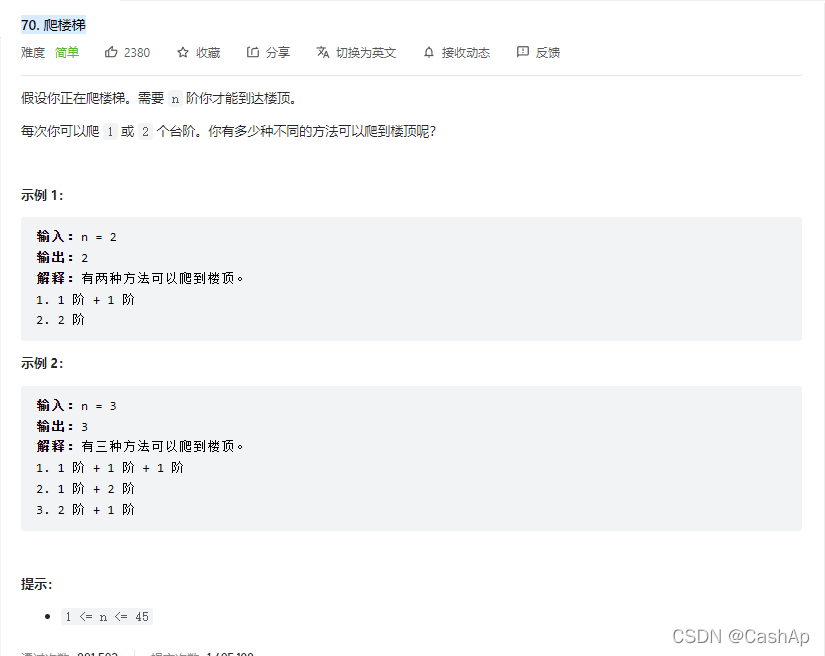
【ACM】70. climb stairs

Docker 安装 Redis
随机推荐
Calculation of fishing net road density
Implementation of image recognition code based on VGg convolutional neural network
Qtablewidget usage explanation
MATLAB小技巧(6)七种滤波方法比较
解决报错max virtual memory areas vm.max_map_count [65530] is too low, increase to at least [262144]
【ACM】70. climb stairs
Rust: how to implement a thread pool?
C# 网络相关操作
Selenium + webdriver + chrome realize Baidu to search for pictures
re正则表达式
读取excel,int 数字时间转时间
How to install jsonpath package
Resolves the interface method that allows annotation requests to be written in postman
Test post and login function
【ACM】376. Swing sequence
C [file operation] read TXT text by line
解决允许在postman中写入注释请求接口方法
Classification of cifar100 data set based on convolutional neural network
Crawl the product data of Xiaomi Youpin app
Robocode tutorial 5 - enemy class