当前位置:网站首页>Installing labellmg tutorial in Windows
Installing labellmg tutorial in Windows
2022-04-23 16:43:00 【A hundred nights】
labelImg install
windows 10 Installation on , need python3+Qt5 Combine .
Here is the reference
install Anaconda3.5.1.0 windows
link :https://pan.baidu.com/s/1Gdaaj8El759nA7np5L6LfQ
Extraction code :vdka
I downloaded it 64 Bit python3.6 edition . Then double-click install , General point selection “for all person”. My installation directory is D:\Anaconda3510, After successful installation, it is recommended to set the environment variable path Add in anaconda Environment configuration “D:\Anaconda3510”.
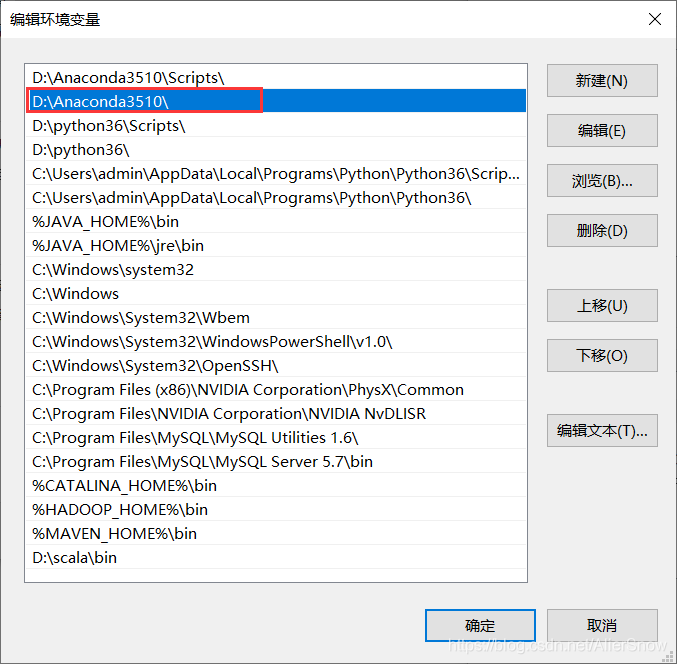
install lXMl、PyQt
Open the command line cmd window , Input conda list , Will list all pre installed python Expansion pack, , Check to see if there is lxml and pyqt. Plug in installation command conda install Package name , and pip Almost the same . Command line input conda install lxml install lxml, Command line input conda install pyqt=5, Wait a while to finish PyQt5 Installation .
notes : Can also pass python Environmental pip Installation ,pip install lxml and pip install pyqt5.
lxml                      4.1.1            py36hef2cd61_1
pyqt                      5.6.0            py36hb5ed885_5
download labelImg1.3.4 windows edition
link :https://pan.baidu.com/s/1bOXhxbr8Ps2cA7FoLNA3Sw
Extraction code :qxdu
labelImg Source code download address
link :https://pan.baidu.com/s/1omGtGK572LnRIhxdXAg4Hg
Extraction code :mq36
I download it to D:\BaiduNetdiskDownload\loading in . Unzip to get a file named labelImg-master Folder , Copy the inside resources.py File to libs in ( You can check whether there is , There are skippable ).
open cmd Command window and enter labelImg-master Folder D:\BaiduNetdiskDownload\loading\labelImg-master, Go to and enter the following statements in turn to open the software .
pyrcc5 -o resources.py resources.qrc
python labelImg.py   # After execution, the software running window will be opened
Usage method
1.labelImg-master Open in folder data/predefined_classes.txt, Add the categories you need , For example, change to person、car、motorcycle Three categories , And then rerun .
2. Modify the default XML File save location , Using shortcut keys “Ctrl+R”, Change to custom location , I was in labelImg-master Created under folder xml-results Folder , The path here must not contain Chinese , Otherwise, you can't save .
3.“Open Dir” Open the picture folder , Select the first picture to start labeling , Use “Create RectBox” perhaps “Ctrl+N” Start frame , Click the end frame , Double click to select the category . Click... After completing a picture “Save” preservation , here XML The file has been saved locally . Click on “Next Image” Go to the next picture .
4. You can go back and modify at any time during the annotation process , The saved file will overwrite the previous .
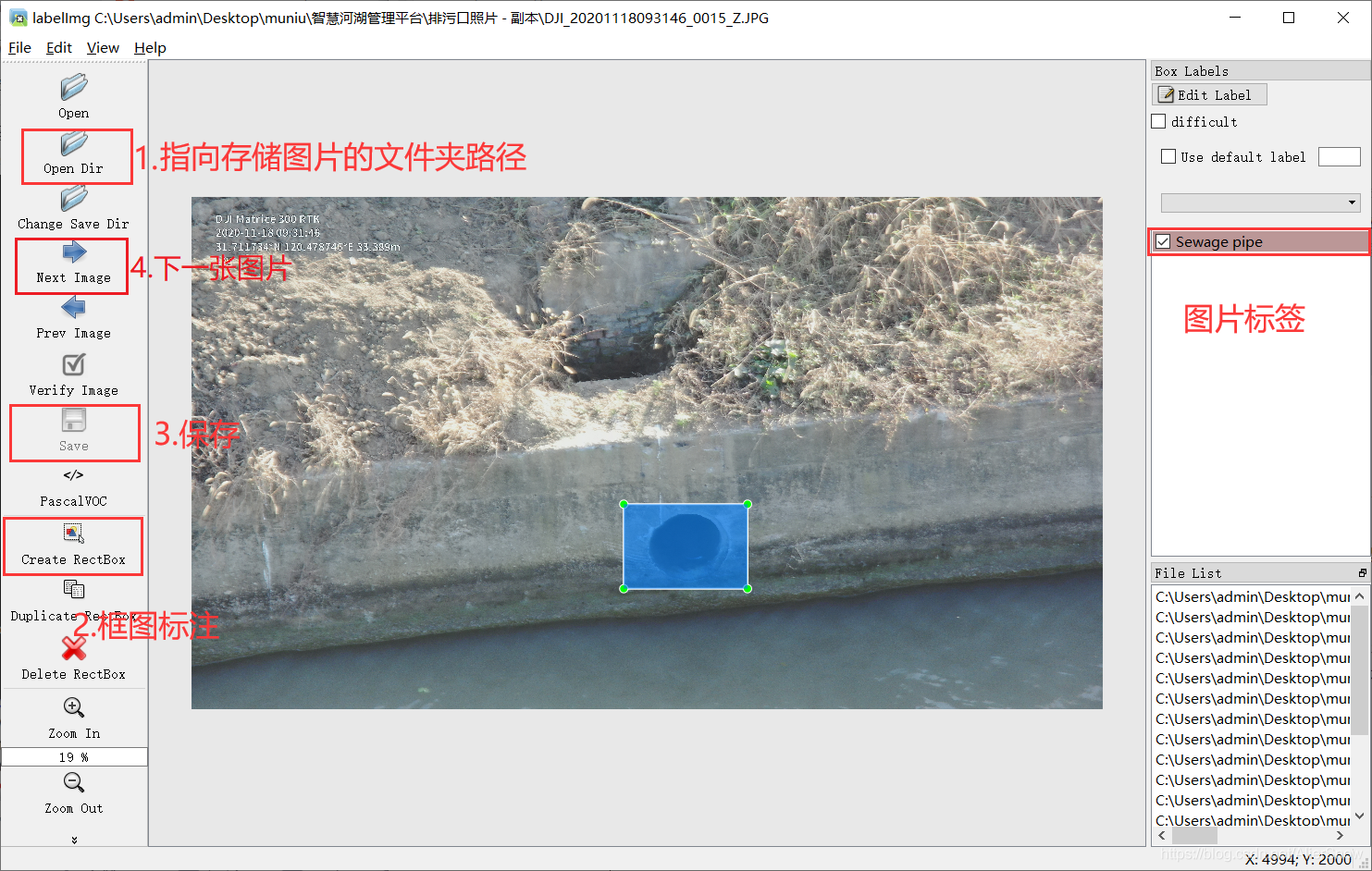
Open the result saving path , It saves the modified xml file , This file saves the source image path 、 Picture pixel size 、 Mark the category serial number 、 And two pairs of vertex coordinate information at the top left and bottom right of the dimension box .
<annotation>
	<folder>images</folder>
	<filename>DJI_20201118093307_0018_Z.JPG</filename>
	<path>C:\Users\admin\Desktop\images\DJI_20201118093307_0018_Z.JPG</path>
	<source>
		<database>Unknown</database>
	</source>
	<size>
		<width>5184</width>
		<height>2916</height>
		<depth>3</depth>
	</size>
	<segmented>0</segmented>
	<object>
		<name>Sewage pipe</name>
		<pose>Unspecified</pose>
		<truncated>0</truncated>
		<difficult>0</difficult>
		<bndbox>
			<xmin>1990</xmin>
			<ymin>1507</ymin>
			<xmax>3179</xmax>
			<ymax>2365</ymax>
		</bndbox>
	</object>
</annotation>
版权声明
本文为[A hundred nights]所创,转载请带上原文链接,感谢
https://yzsam.com/2022/04/202204231401521182.html
边栏推荐
- 【PIMF】OpenHarmony啃论文俱乐部—在ACM Survey闲逛是什么体验
- Project framework of robot framework
- 昆腾全双工数字无线收发芯片KT1605/KT1606/KT1607/KT1608适用对讲机方案
- Regular filtering of Intranet addresses and segments
- 扫码登录的原理你真的了解吗?
- 博士申请 | 厦门大学信息学院郭诗辉老师团队招收全奖博士/博后/实习生
- PyTorch:train模式与eval模式的那些坑
- [pyGame games] how did angry birds, a mobile game that became popular all over the world 10 years ago, dominate the list? Classic return
- MySQL master-slave synchronization pit avoidance version tutorial
- Report FCRA test question set and answers (11 wrong questions)
猜你喜欢
众昂矿业:萤石浮选工艺
Take according to the actual situation, classify and summarize once every three levels, and see the figure to know the demand
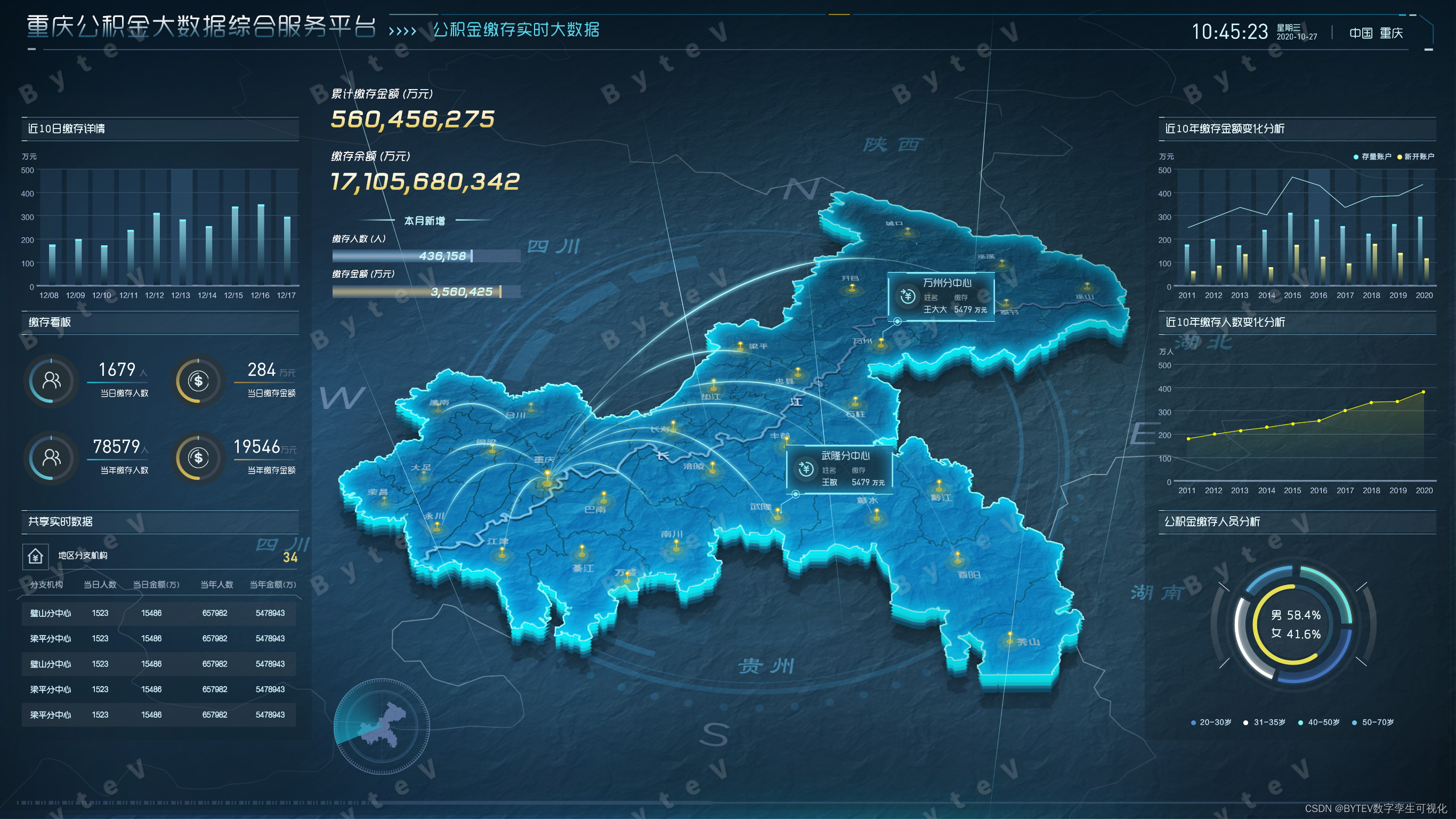
Bytevcharts visual chart library, I have everything you want
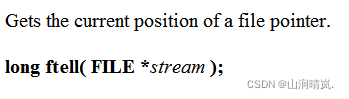
Detailed explanation of file operation (2)
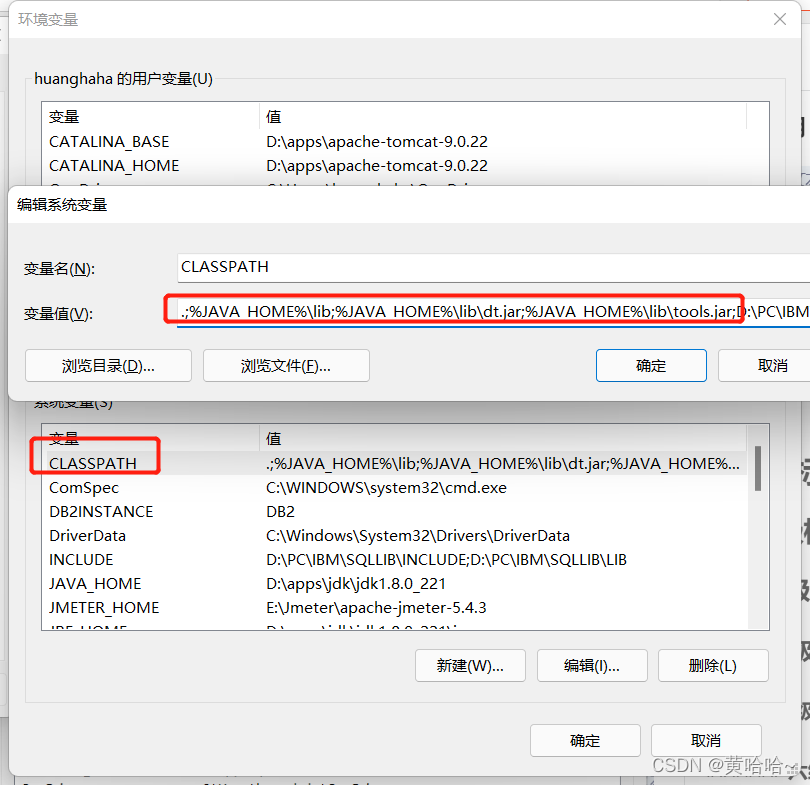
JMeter installation tutorial and solutions to the problems I encountered
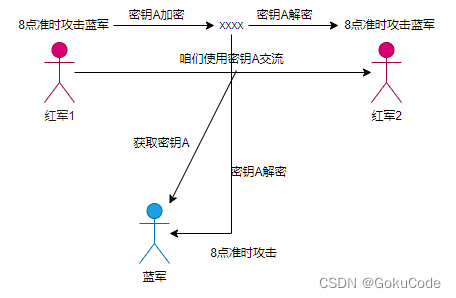
信息摘要、数字签名、数字证书、对称加密与非对称加密详解

无线鹅颈麦主播麦手持麦无线麦克风方案应当如何选择
How much do you know about the process of the interview
PyMySQL
Pytorch: the pit between train mode and eval mode
随机推荐
详解牛客----手套
5-minute NLP: text to text transfer transformer (T5) unified text to text task model
欣旺达:HEV和BEV超快充拳头产品大规模出货
扫码登录的原理你真的了解吗?
DDT + Excel for interface test
计算饼状图百分比
织梦DEDECMS安全设置指南
漫画:什么是IaaS、PaaS、SaaS?
Gartner publie une étude sur les nouvelles technologies: un aperçu du métacosme
Execution plan calculation for different time types
Take according to the actual situation, classify and summarize once every three levels, and see the figure to know the demand
如何建立 TikTok用户信任并拉动粉丝增长
How magical is the unsafe class used by all major frameworks?
JSP learning 1
File upload and download of robot framework
UWA Pipeline 功能详解|可视化配置自动测试
Redis "8" implements distributed current limiting and delay queues
Esxi encapsulated network card driver
Calculate pie chart percentage
Easyexcel reads the geographical location data in the excel table and sorts them according to Chinese pinyin